
Little Green Light is a cloud-based donor management system for fundraisers.
Subscribe to get our latest product updates, best practices and tips to grow your nonprofit.
With GivingTuesday 2026 around the corner, Little Green Light has created an updated GivingTuesday donation form template that you can enable in your LGL account. This year’s updated form template will help you quickly build a branded GivingTuesday donation form.
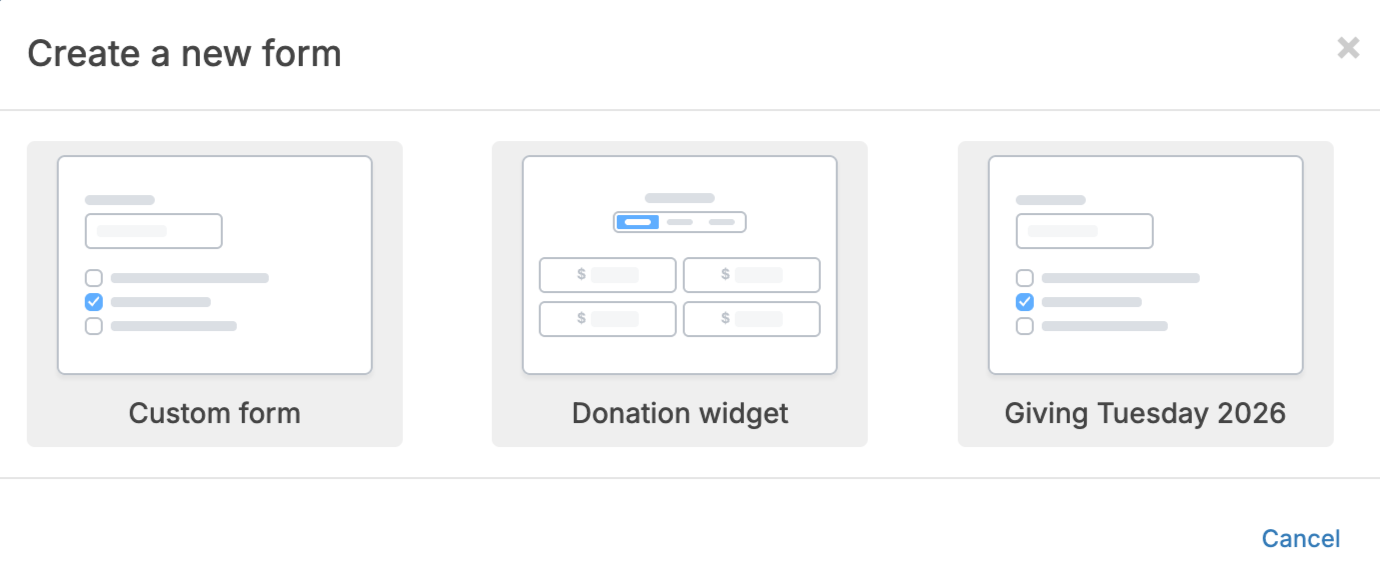
All Little Green Light accounts include our online forms feature, LGL Forms. When you log into your Little Green Light account, just navigate to the Forms tab, click the Go to Forms button, and then click Add a new form. The new GivingTuesday form template option will be available as long as you have enabled your forms to accept payments.
To ensure that you can easily accept and then track the donations received for your GivingTuesday efforts, we’ve added a new dialog box where you can select general, confirmation, and integration settings for the form, with default selections already made.
Within this new dialog box, you have the ability to:
Read our complete step-by step instructions on how to create your GivingTuesday form in the knowledge base, or watch this short how-to video:

Ready to try LGL? Get your first 30 days free. No credit card required.