
Little Green Light is a cloud-based donor management system for fundraisers.
Subscribe to get our latest product updates, best practices and tips to grow your nonprofit.
This June 2026 Release Notes edition shares the latest feature updates and fixes LGL developers have recently made to improve and enhance functionality within Little Green Light.
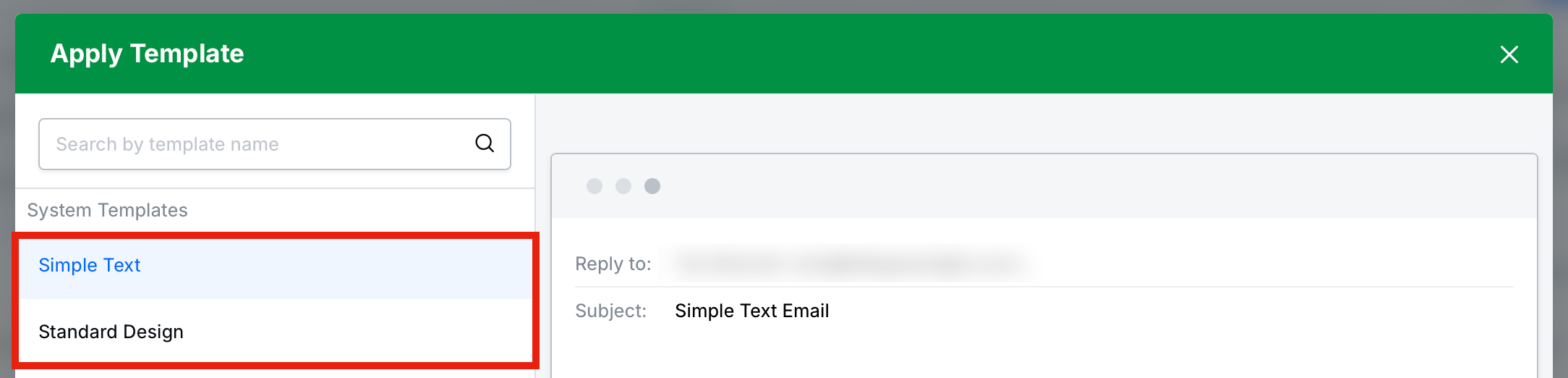
We have added two system templates in the new email builder, plaintext (Simple Text) and standard HTML (Standard Design). When you click “Apply template” on the Content step of the email builder, the “Simple Text” and “Standard Design” templates are available, offering the option to create a basic-looking email using sliders for top/bottom padding and element max width. Note: When one of the system templates is applied, you can edit and save a copy of it but you cannot save over the system template.
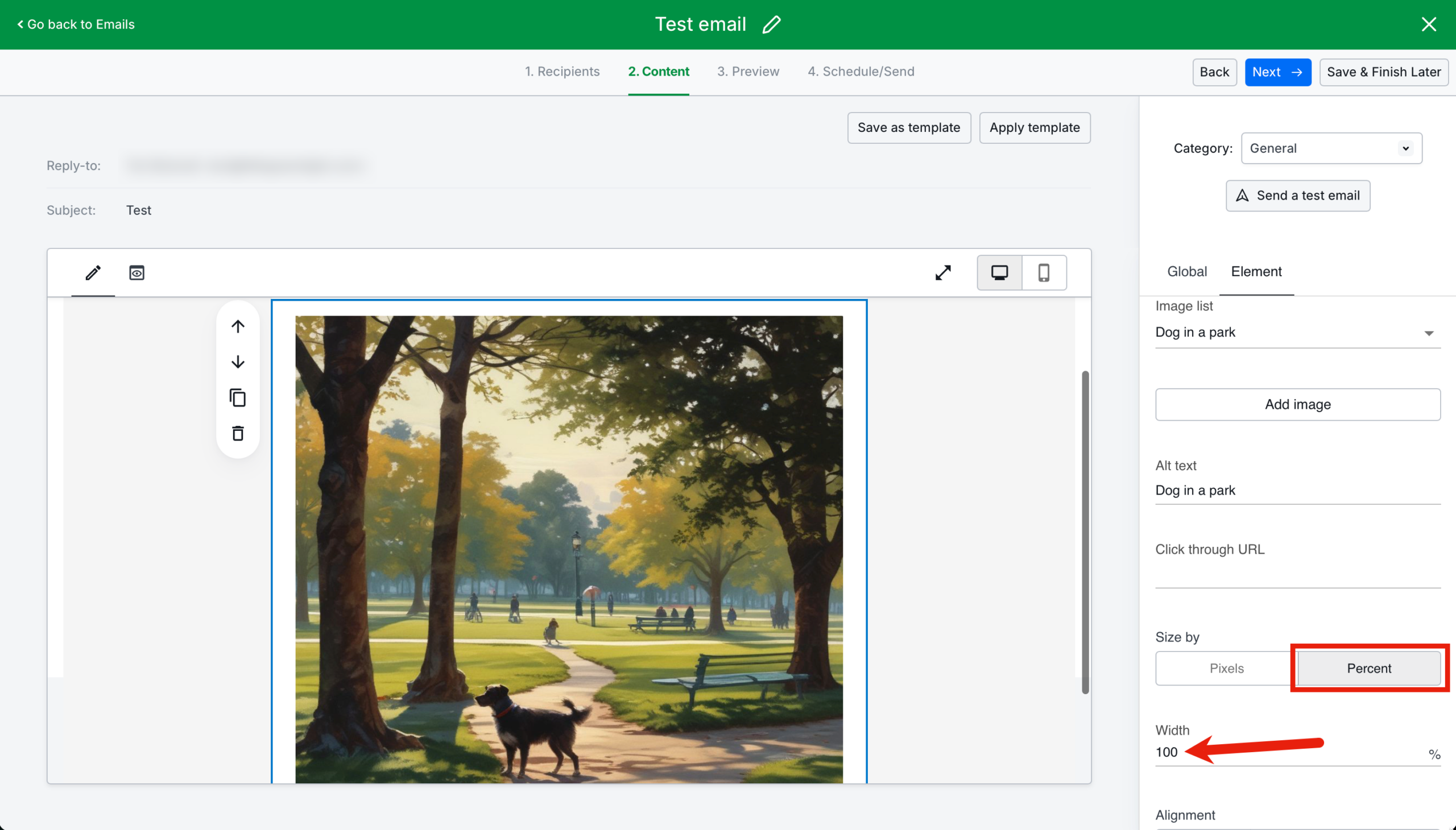
In the new email builder, we have added the ability to specify image size as a percentage so that images display better on a variety of screen sizes.
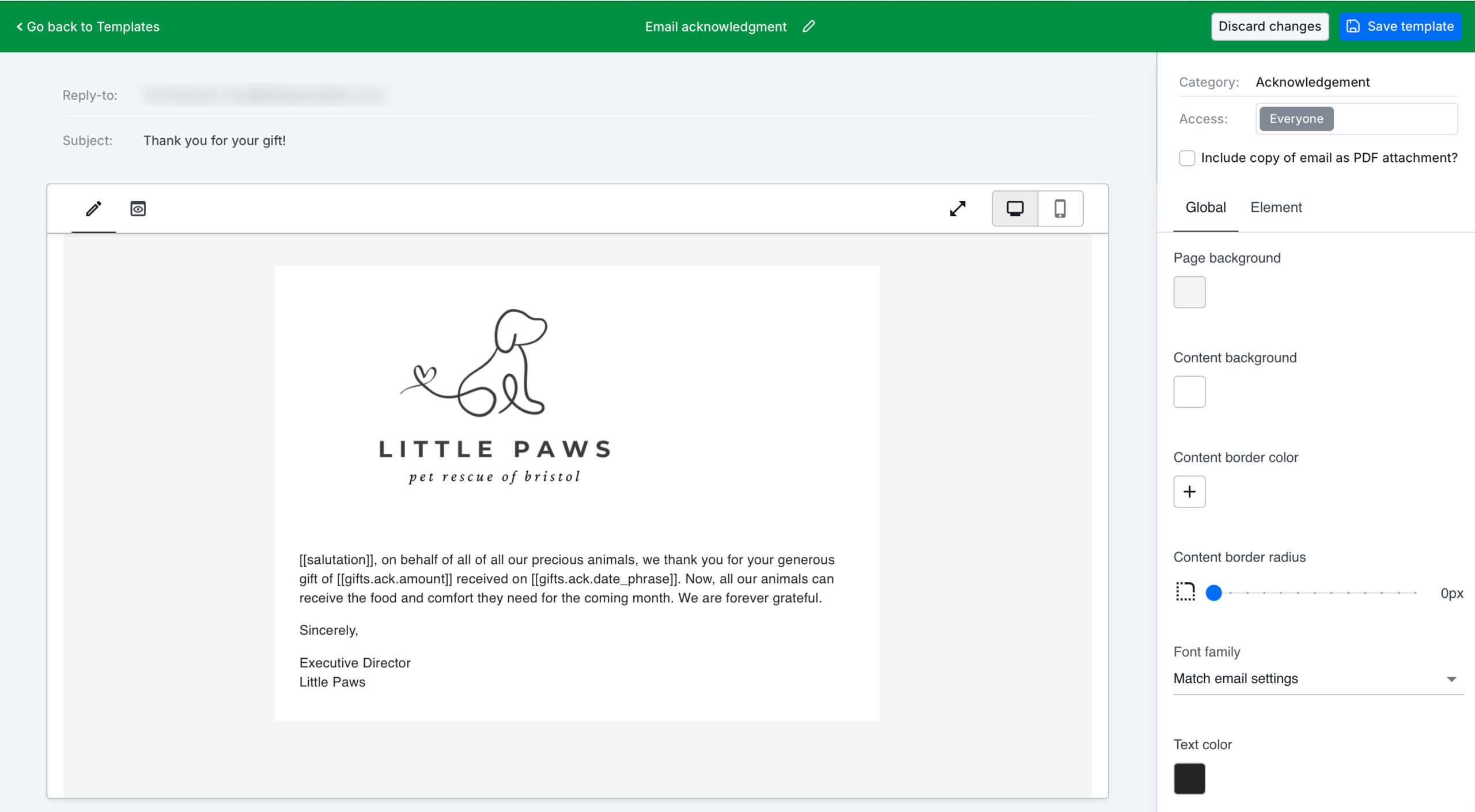
We have added the new email builder functionality, look, and feel to LGL acknowledgment emails.
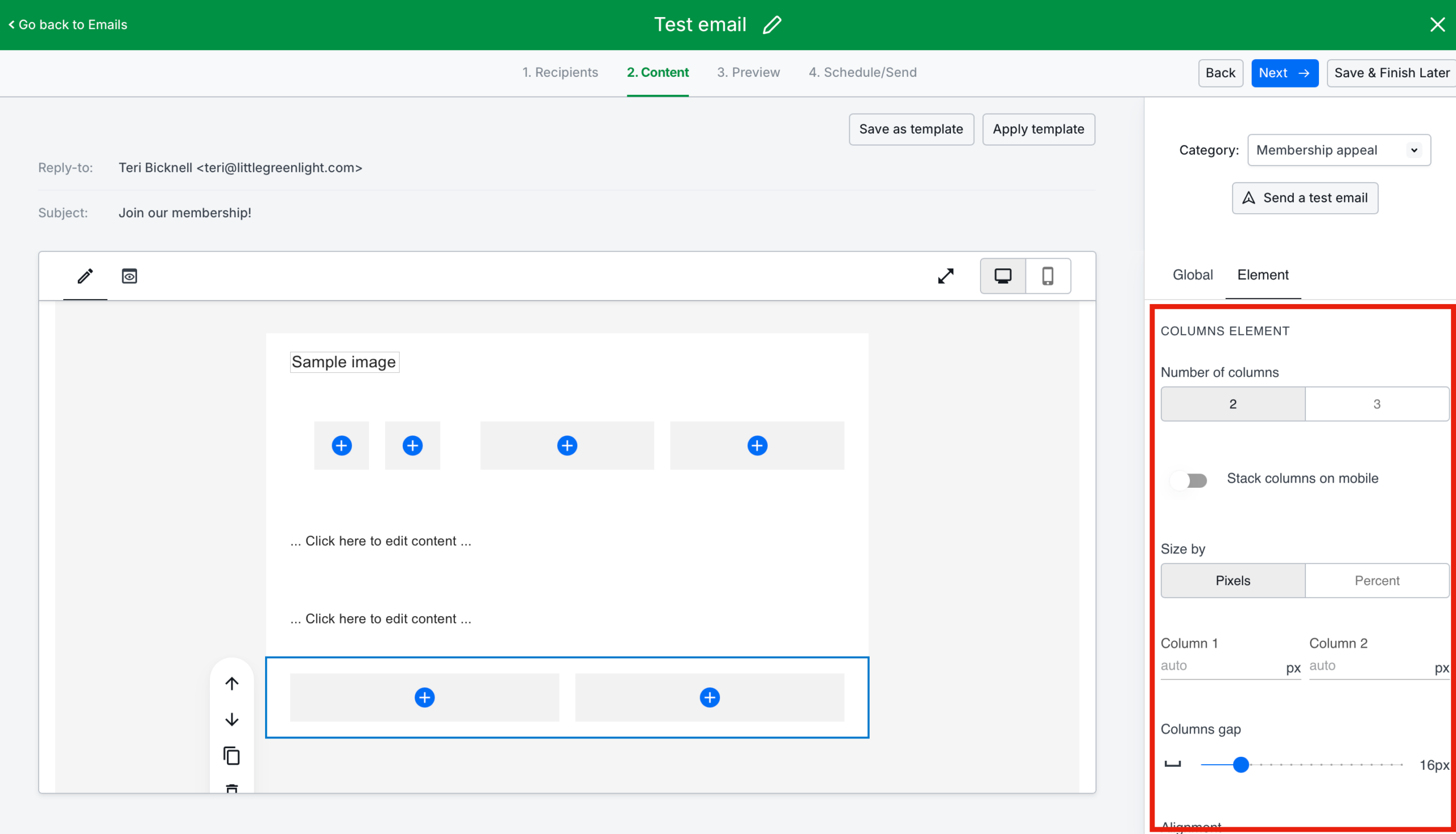
We have added the ability to set column widths as either pixels or percentages in the new email builder.
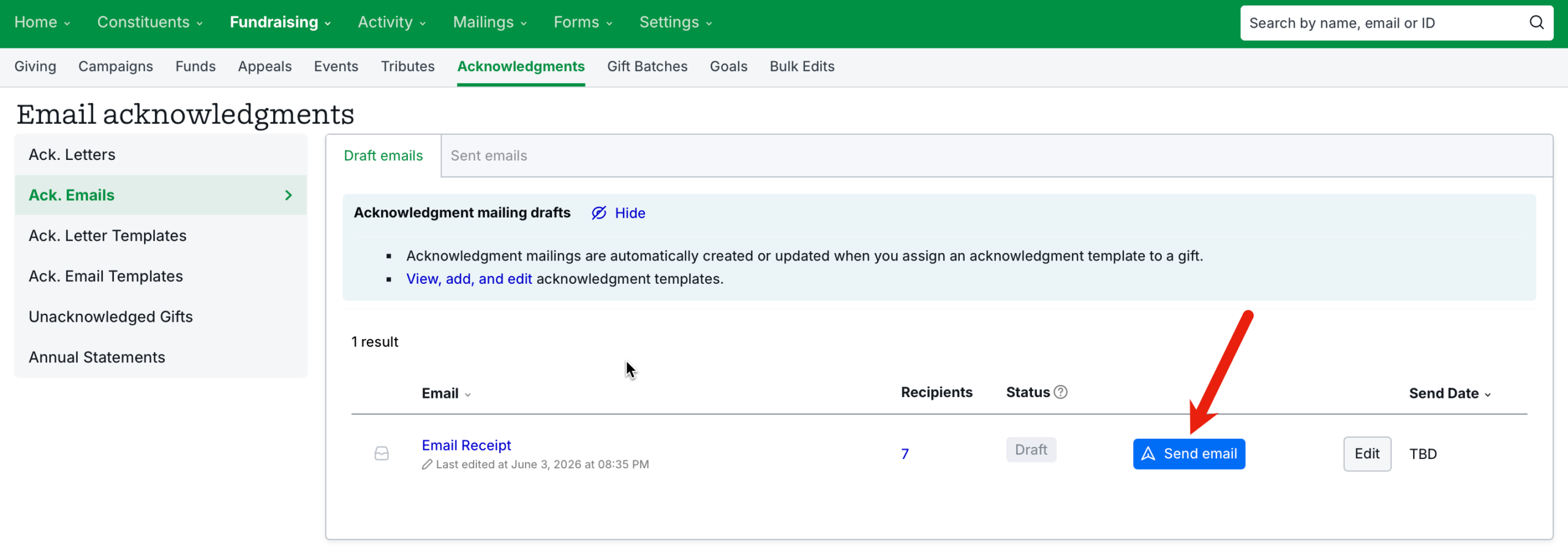
In the new email builder, you can now send an email acknowledgment with the click of a button. (This was possible in the previous version of LGL email acknowledgments and has now been carried over.) The send functionality is available from the Email acknowledgments > Draft emails page and from step 4 of the email builder.
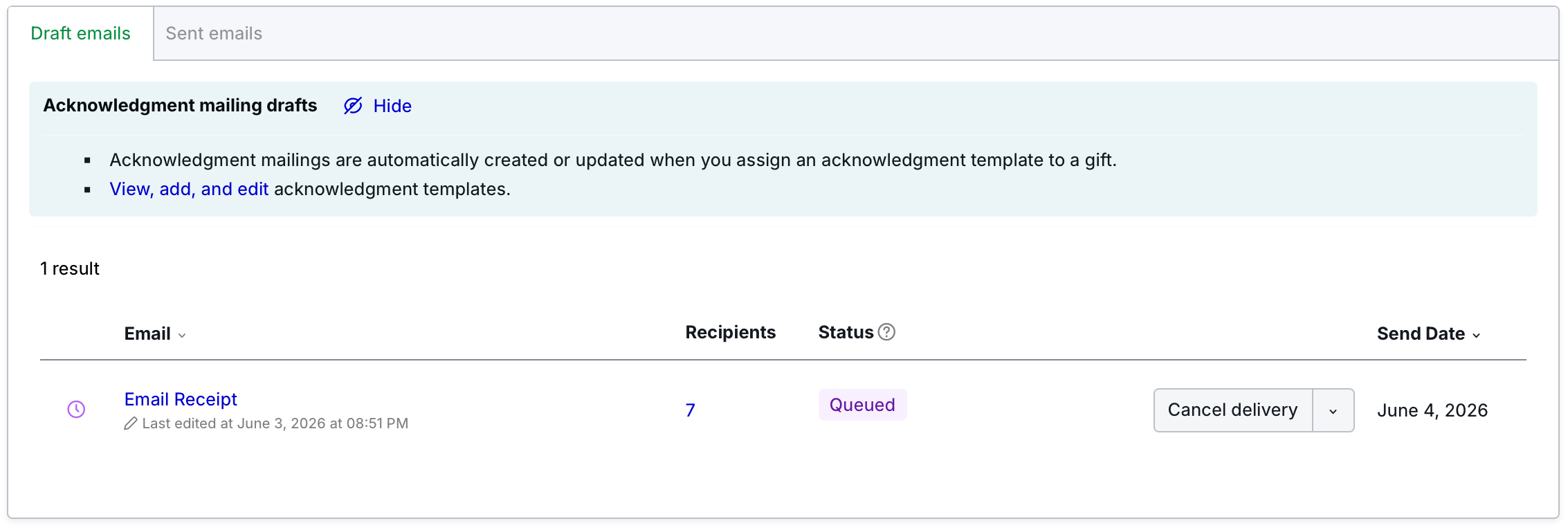
In the new email builder, we updated the “Acknowledgment emails” page to show draft, queued, and sent emails, and updated the overview page to be more consistent with the regular Email pages.
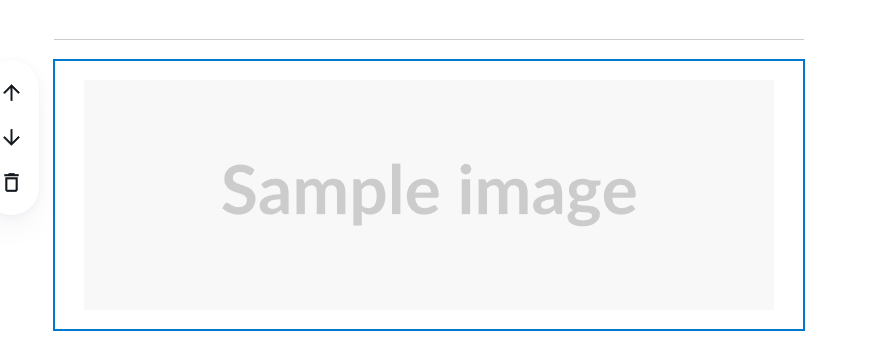
In the new email builder, we have added a default sample image to display when an image block is added, so it is easier for the user to understand where the image will be placed when they insert their own image.
In the new email builder, when an email was assigned the status of “Undelivered”, it wasn’t clear what then occurred after the user clicked the “Re-send email” button. We have updated that behavior so when that button is clicked, the button text changes to “Email sent” and it cannot be re-clicked (it no longer displays the warning triangle or error tooltip). The button text will change back to “Re-send email” if the user leaves the page and returns, in case the email needs to be re-sent another time.

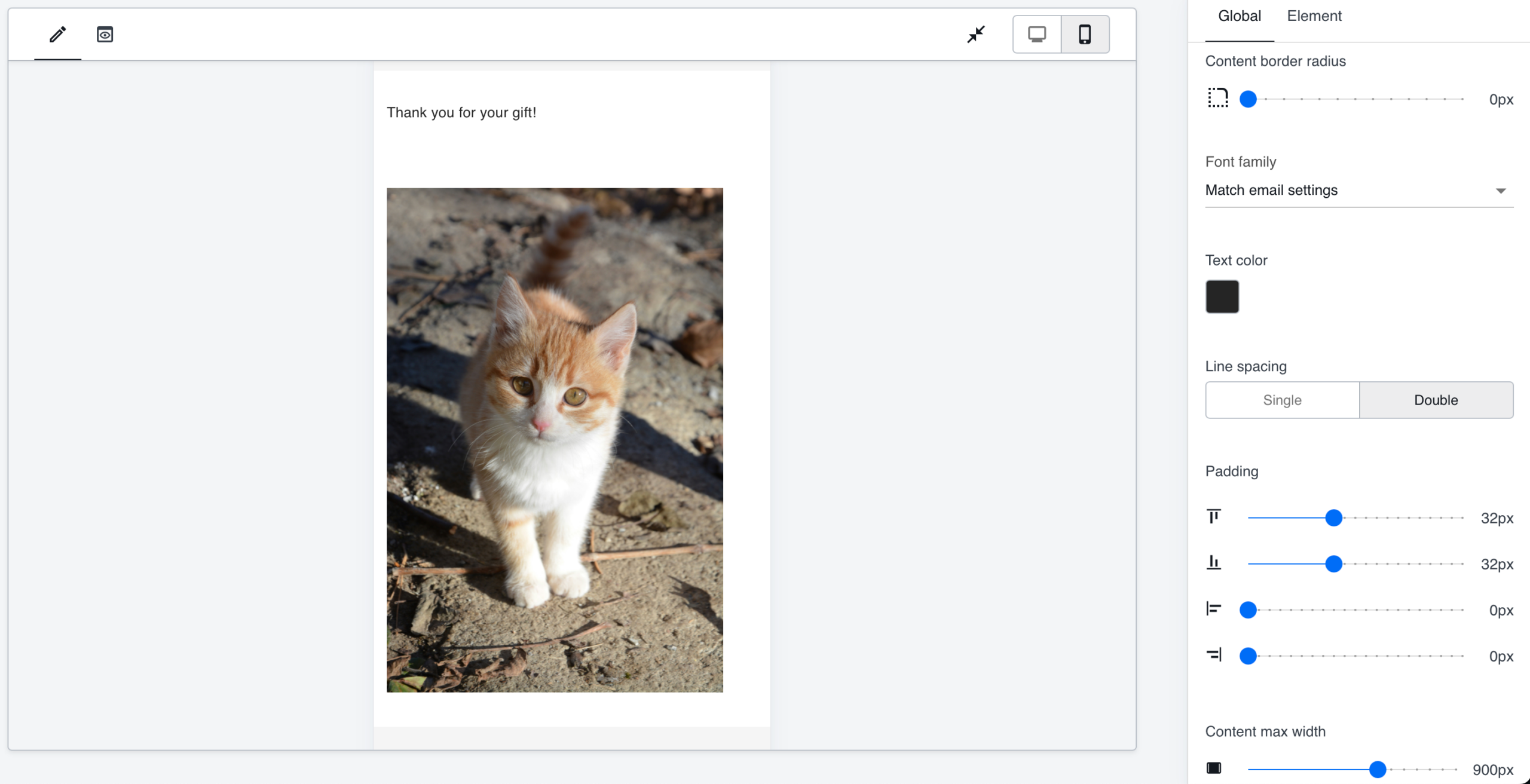
In the new email builder, we have added padding options under the “Global” tab so users can adjust the padding options to better display in both mobile and desktop.
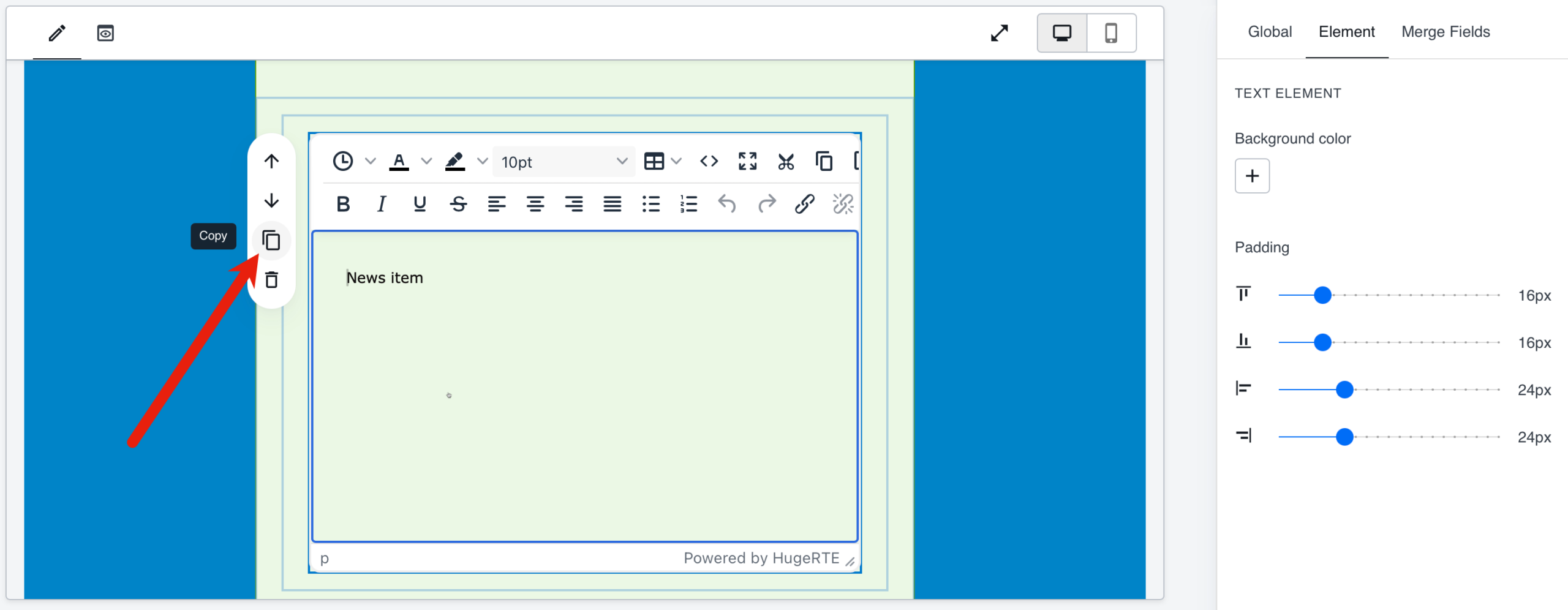
In the new email builder, we have added functionality to duplicate content blocks. There are two ways to do this:
1. When you click on a block, the menu alongside now shows a “Copy” icon. This will clone the block immediately (creating a copy below it).
2. When you right-click on a block you will see a context menu with “Delete” and “Copy” options. Clicking “Delete” will remove that block. Clicking “Copy” will copy the block to the clipboard. You can then use CTRL/CMD+V to paste the block somewhere else in the email (it will paste below the currently selected block OR at the top of the email, if no block is selected) or inside a different email. If you copy a container or column element with other blocks in it, the entire collection will be copied.
In the new email builder, it is now possible to make the text editor window larger by clicking the “Fullscreen” icon.

In the new email builder, some users found that if they copied text from MS Word into the text editor, the spacing appeared different in the preview than in the actual email. We have made an update to better handle this issue.
In the new email builder, if a user added a content block to create hidden preview text and then set the top and bottom padding to 0, they could no longer see the content block to edit it. We have added a minimum default size to prevent this from happening.
In the new email builder, some users found it difficult to edit the email template title field due to the size of the editing box. We have enlarged the email template title editing box to correct this issue.
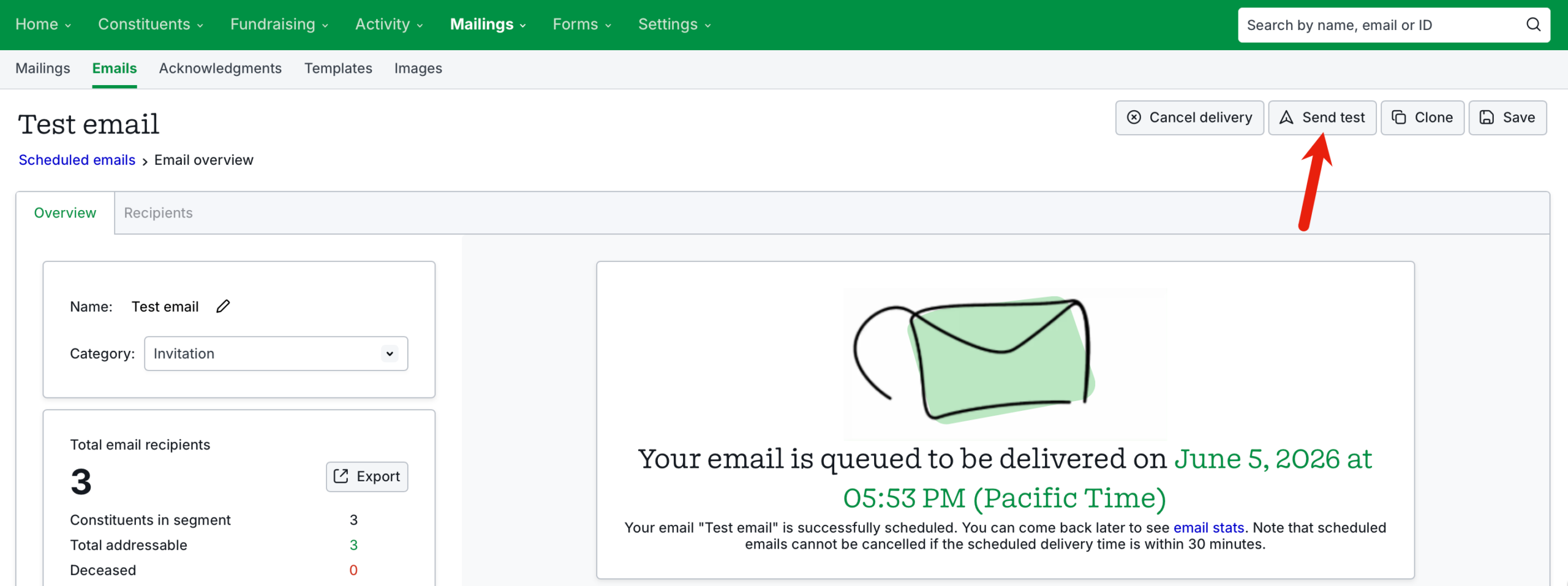
In the new email builder, we have added functionality to send a test email from the “Scheduled email” overview page.
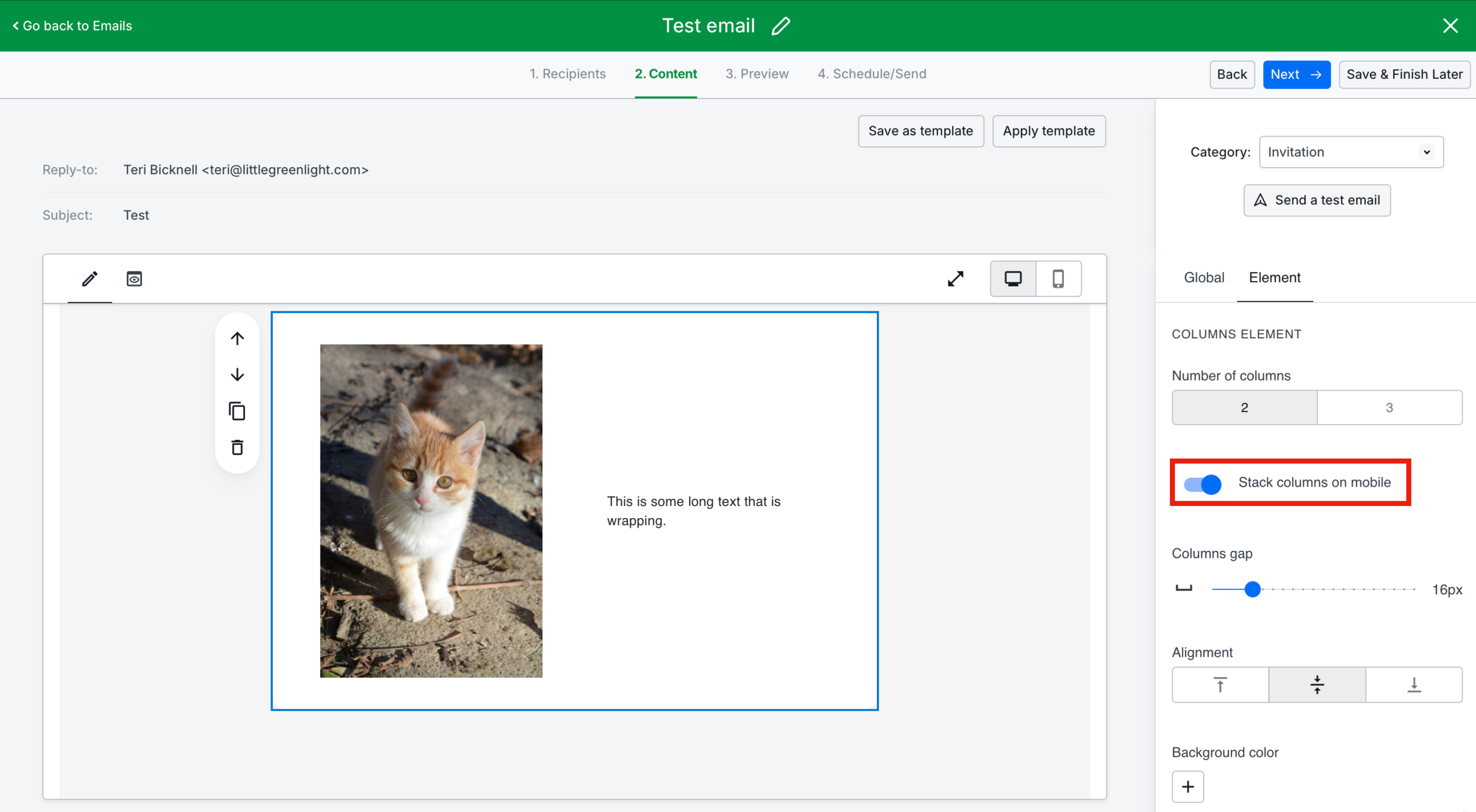
In the new email builder, we have added a toggle in the Columns element sidebar for stacking columns on mobile. When this option is toggled, the columns will stack vertically in the mobile preview (within the email builder), in the mobile preview on the “Preview” step, and on a phone in a test email. Note: Stackable columns do not have adjustable widths.
 Ability to edit multiple options in an email after it is sent
In the new email builder, we made updates to allow these individual changes to an email after it has been sent:
In the new email builder, only the first 10 manually removed constituents on the Recipients page for a sent email were being displayed. This has now been fixed.
In the new email builder, we have added restrictions to the category selector for Acknowledgement templates so users do not mistakenly change the category.

In the new email builder, if an email name was long, it would creep outside the name display box when editing the email. We have fixed this.
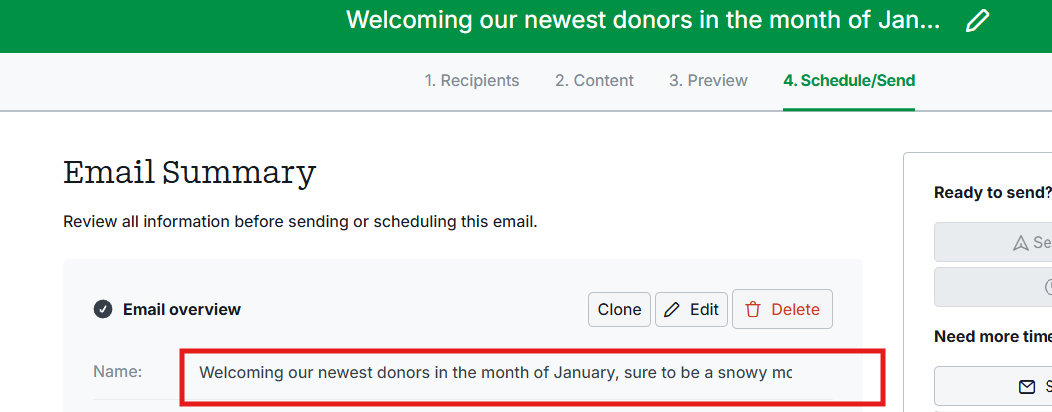
Some users were confused when attempting to send an email from a team member who was marked as an approved sender but had never logged in. We have updated the user interface to clarify that LGL team members who have never logged in cannot be senders of emails.

Users asked to simplify the deactivation of other account users. Deactivating a user will now also remove the user from the related LGL Forms account.
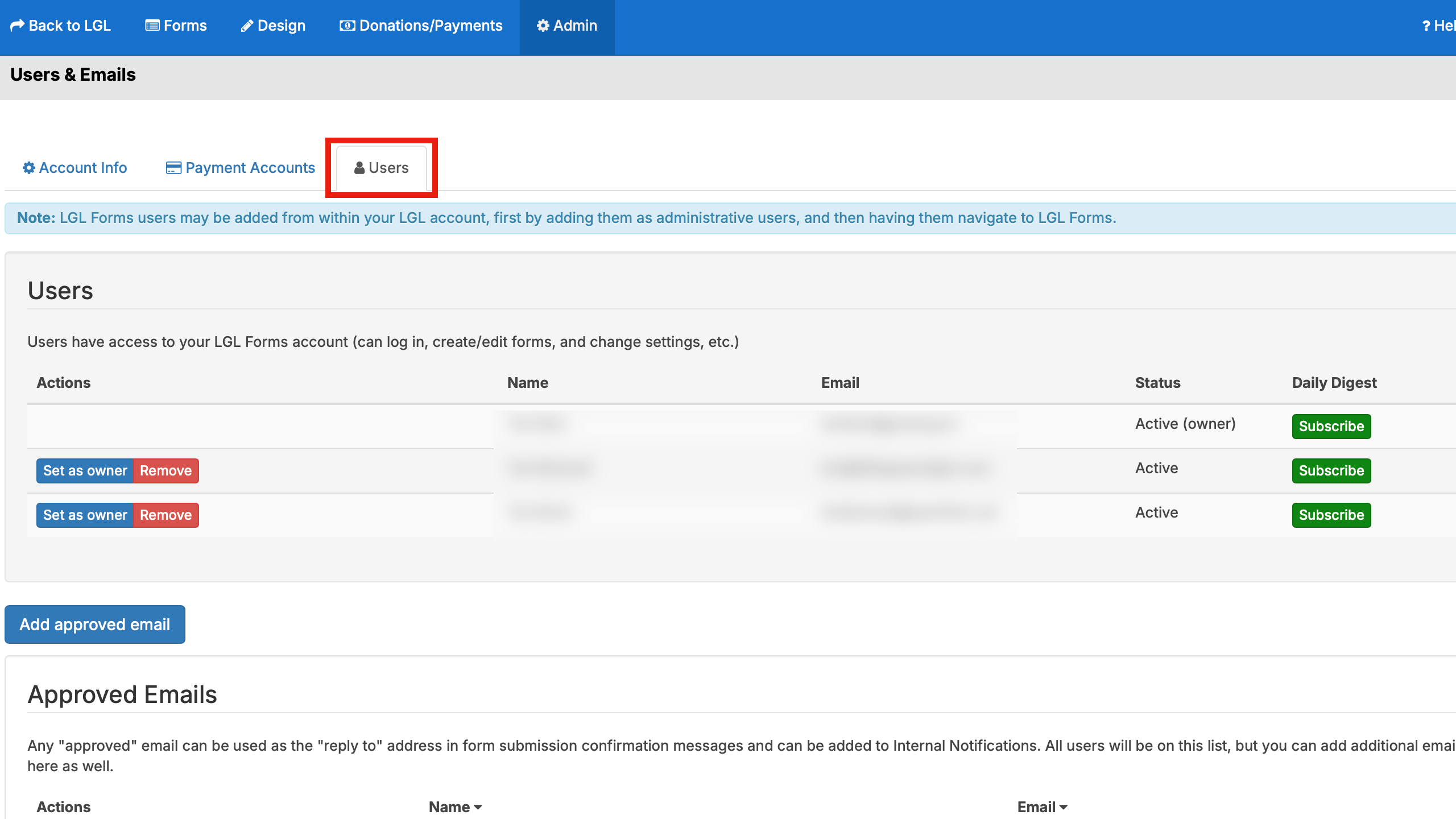
If a team member has been inactivated, they will no longer receive scheduled report notifications.
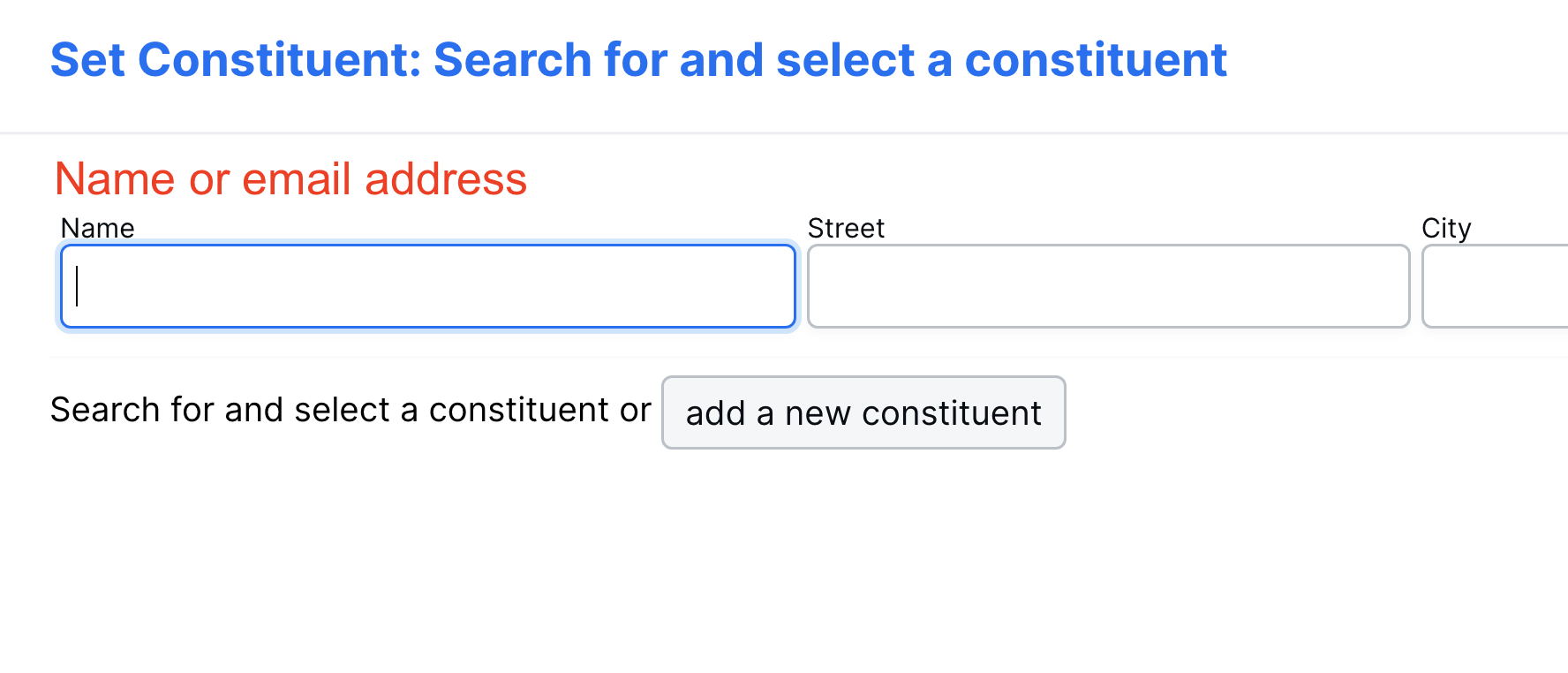
When adding constituents, users could search by name or email address, but only “Name” was listed in the field label. The user interface has now been updated to reflect the accurate information.
When an LGL Forms account was using ProPay for their online donations, some donors from outside the United States were unable to donate due to the ZIP code verification on the form. We have updated the types of verification allowed to enable these donors to submit donations. Note: ProPay is a legacy payment processing option and is only available to customers who are already signed up with ProPay.
We have added a requirement for all new forms that are created to require a name and email by default.
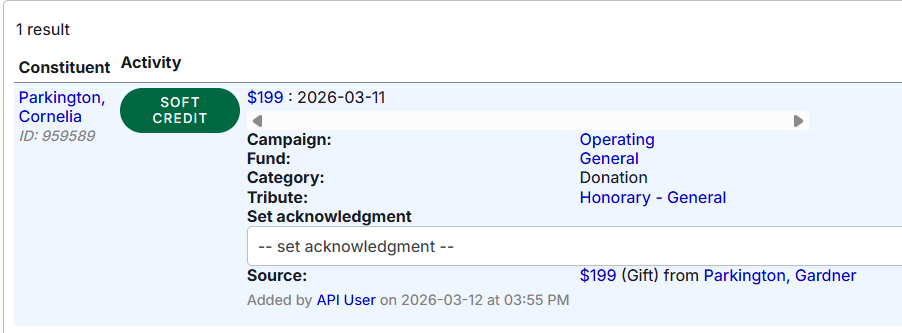
There was an issue preventing automated soft crediting if the gift was added via the API. We have fixed this issue so that creating a gift via the API will now trigger auto-soft crediting, if the relationship type has this option selected.
We have added the ability to add Constituent Lists to API search criteria to make it possible to pull a list of constituents.
We have added the “Qty” field for in-kind gifts to the API.
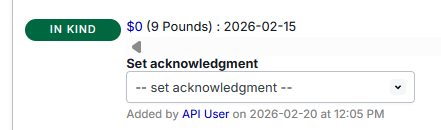
A small subset of users have requested the ability to create Events, Appeals, Funds, and Campaigns via the API without creating related gifts, primarily for importing data from other systems. We have added this functionality and it is restricted to the basic fields that are present as default fields and does not support custom fields or categories or the creation of segments.
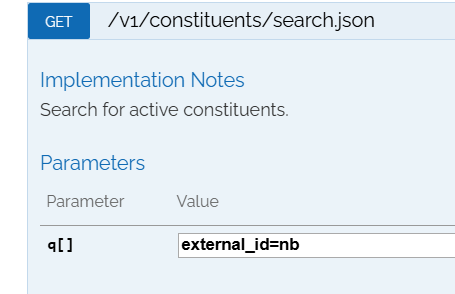
We have added the ability to search via the API for constituents with an external constituent ID assigned in their record.
We have added the ability to search for volunteer times via External ID in the API.
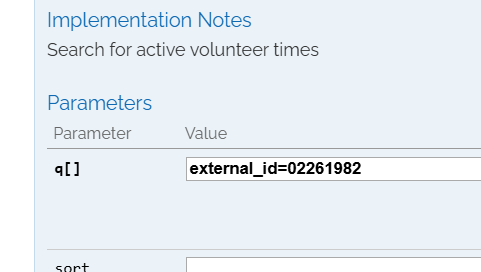
Previously, the API documentation incorrectly stated that the external ID was an integer. This has now been corrected.
Some users experienced a bug in the way the API was updating membership data, and noted that the updates did not seem to trigger a membership status change. This has now been fixed.
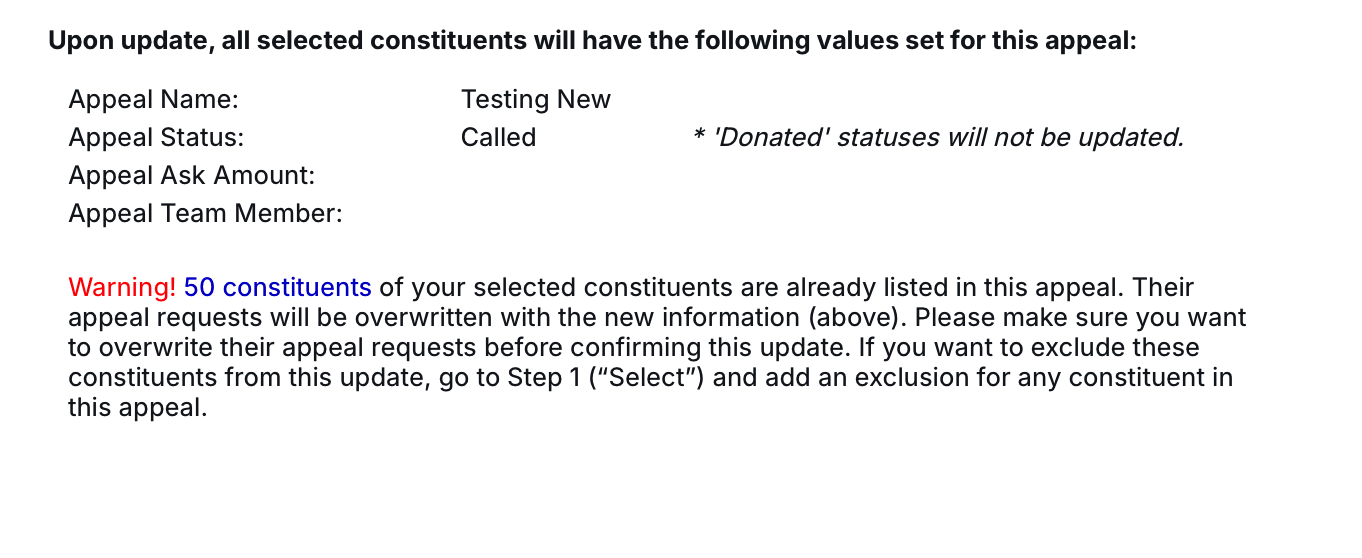
When bulk editing appeals, the display did not accurately represent the number of constituents that would be updated. This has been fixed.
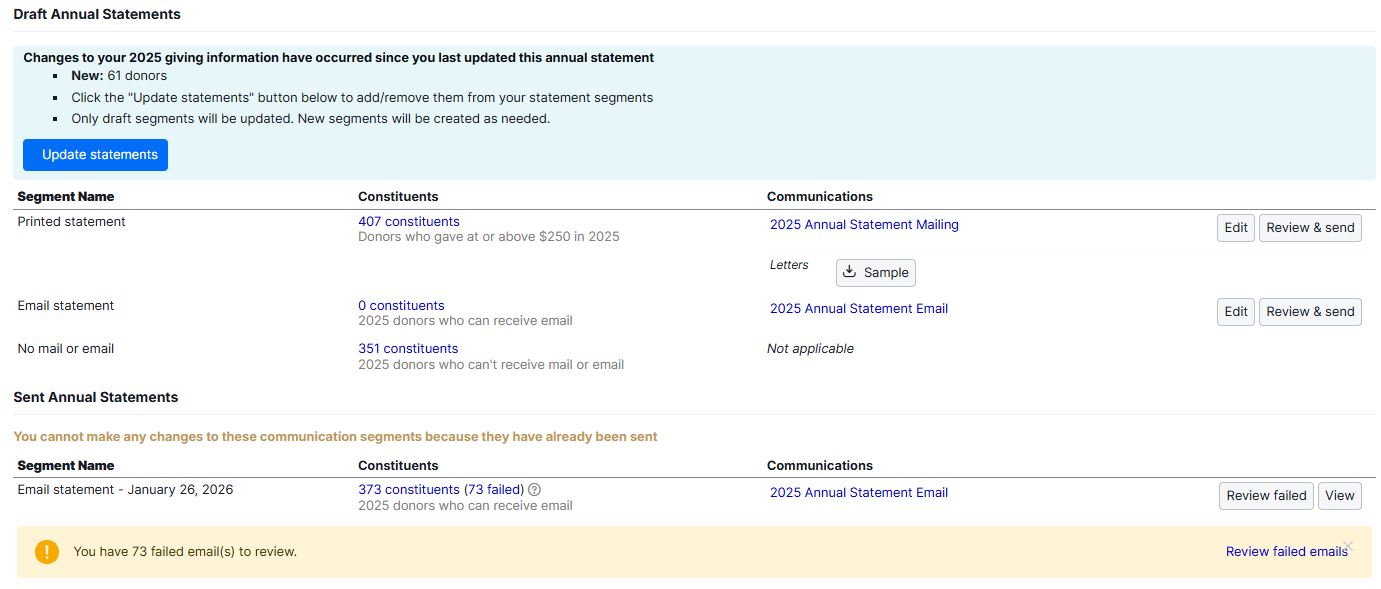
On annual statements, if a threshold was set for the mailing segment, the user could not move donors with failed emails to the mailing segment if the threshold was not met. This has been fixed. In addition, we have added a verification to not allow users to move donors without a valid mailing address to the mailing segments.
When a gift record was created without an appeal and the gift was later edited to add the appeal, the acknowledgment template appeared to be attached but did not save when the gift record was saved. This has now been fixed. 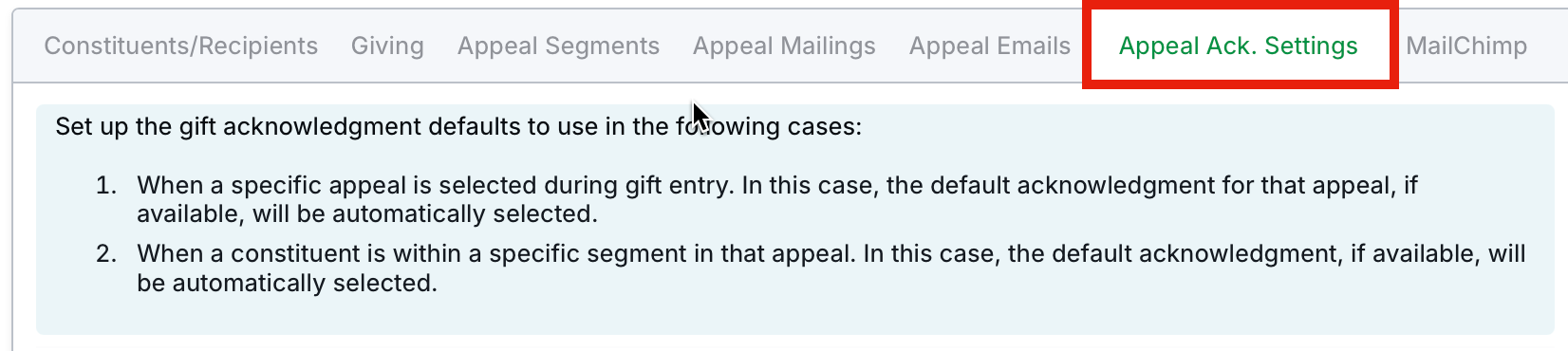
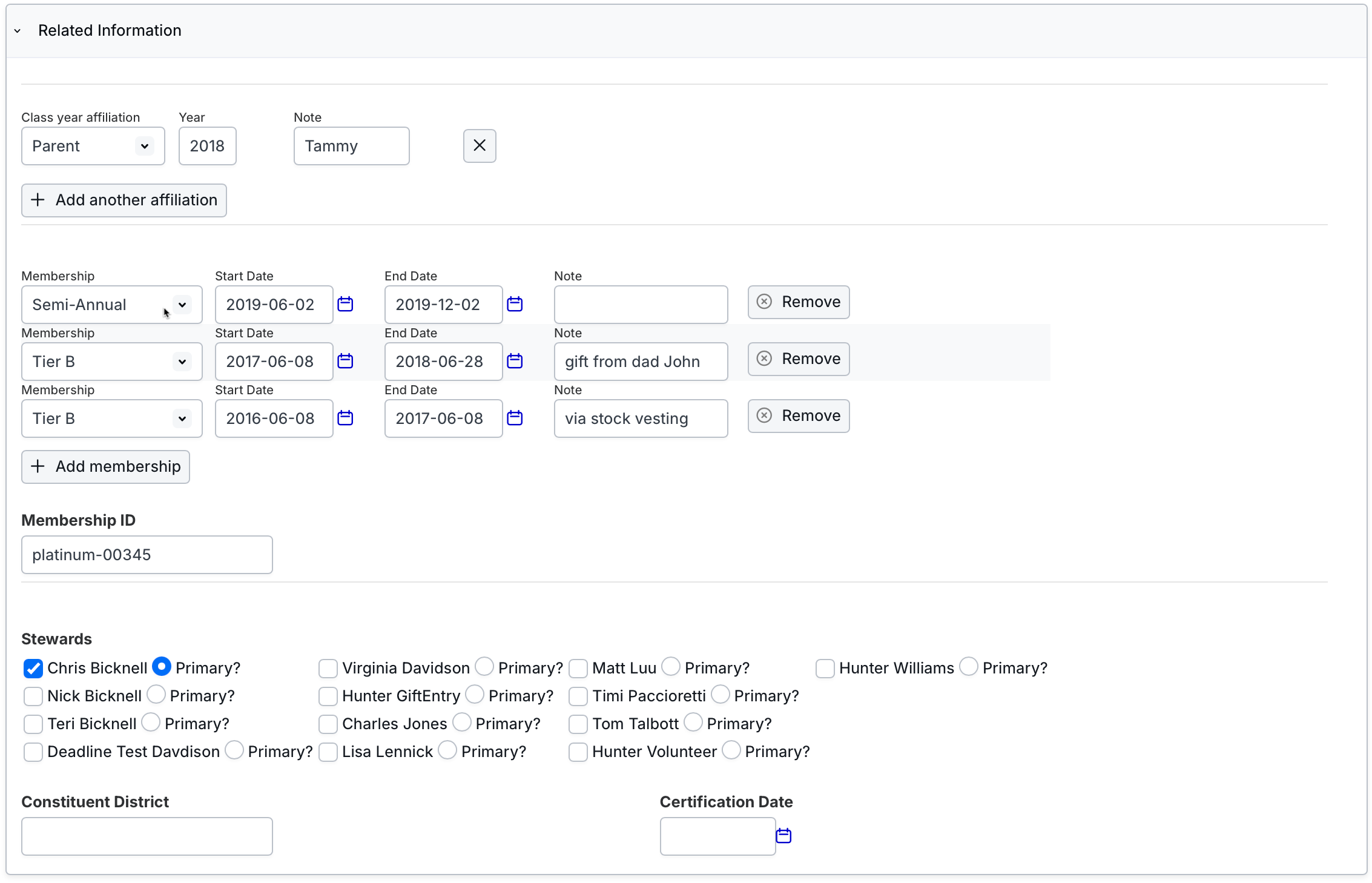
An issue in displaying the Primary Steward selected was causing users to be uncertain whether the designation was saved. This has now been fixed.
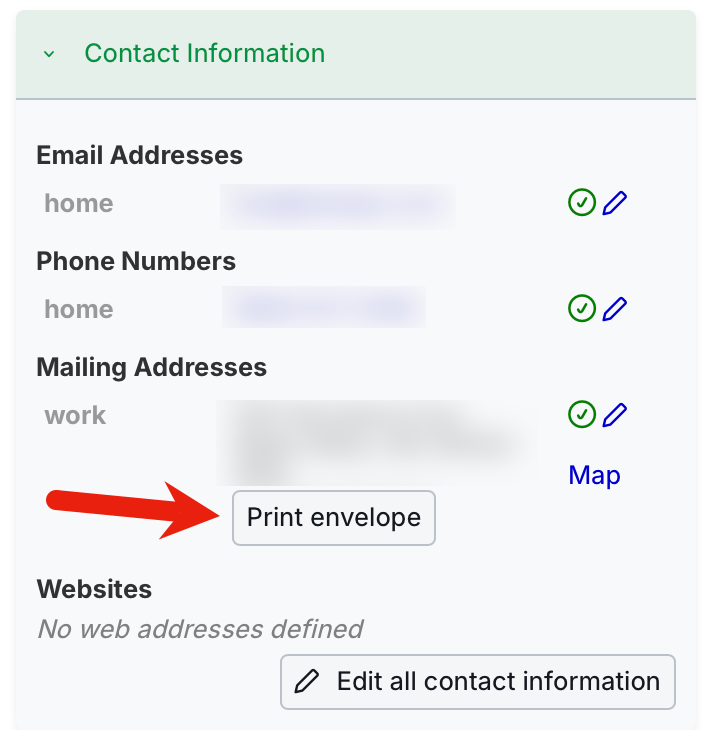
When printing an envelope from the constituent details page, the envelope was not pulling in the address defined by the envelope template. A related issue was that the “alt_addressee” field was not available as a merge field in templates. These issues have now been fixed.
In very rare scenarios, if users were trying to create a malformed relationship between two constituents, the interface would appear to allow this but not save the relationship. We have updated the interface so it shows that the relationship is not valid.
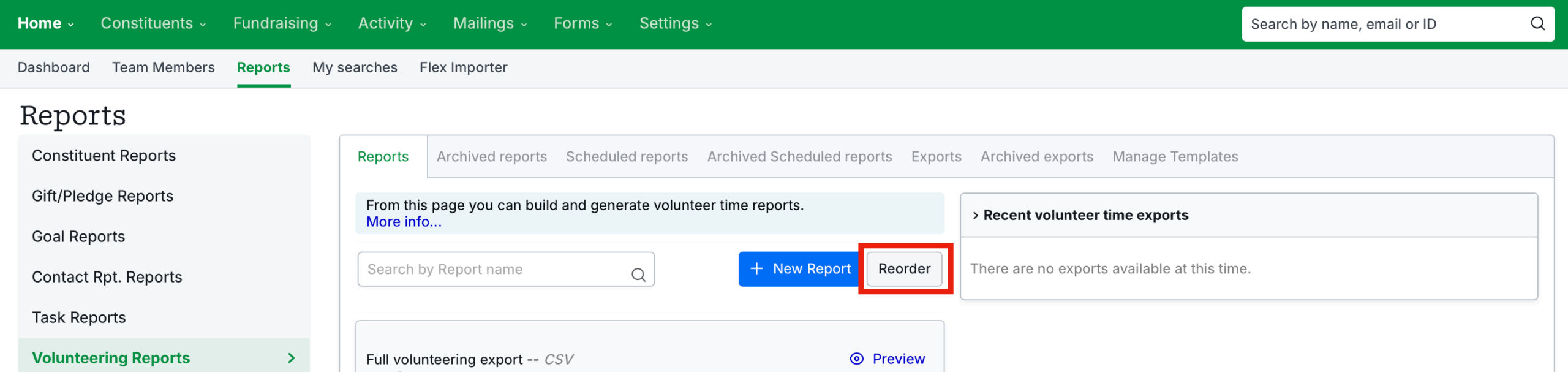
 Reordering of volunteering reports not functioning correctly
There was an issue with reordering volunteer reports that caused them to not sort correctly. This has been fixed.
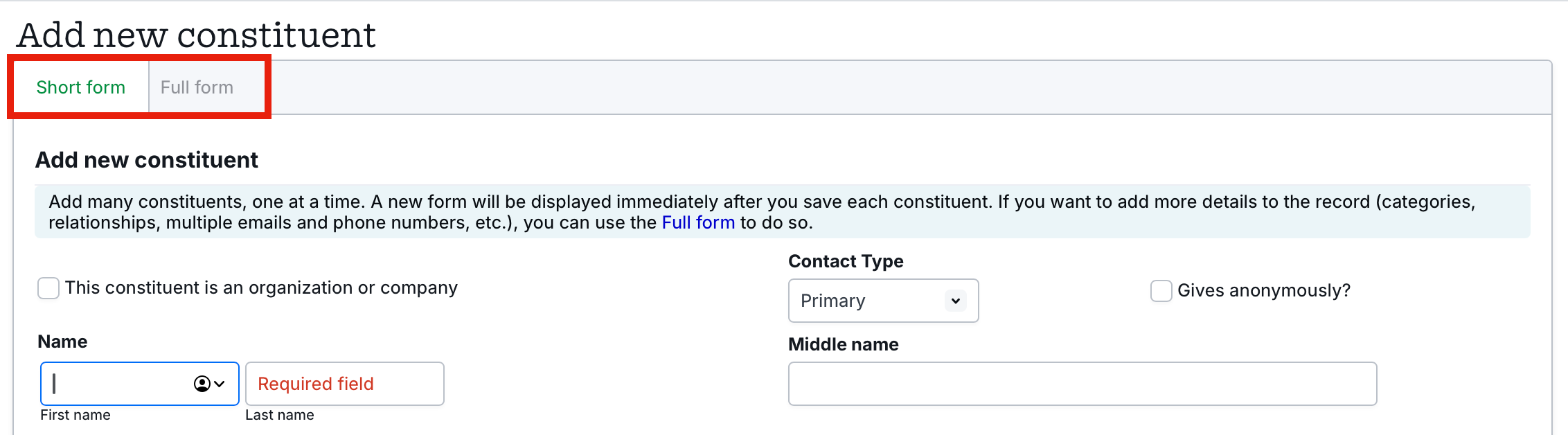
Some users reported that when creating a constituent using the short form, if they attempted to switch to the full form before the data entry was complete, the “Save” buttons would become inoperable. This has now been fixed.
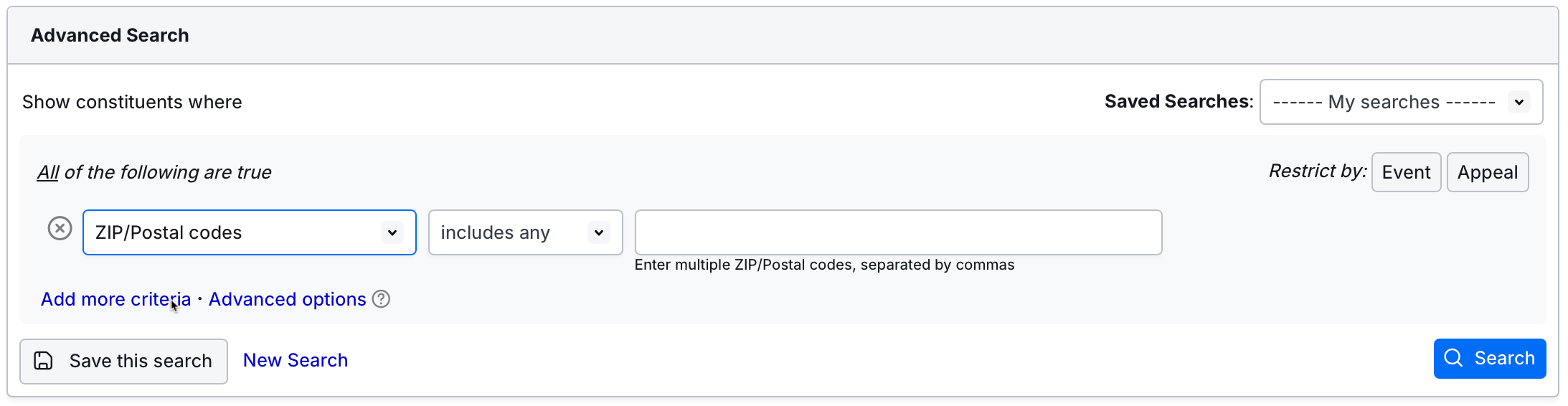
Canadian users reported that they were unable to perform a constituent search using only the ZIP/Postal Codes field but could search if the province was included in the City, State, ZIP/Postal code search. This issue has now been fixed.
Users that had entered only the month and day of a birthday into a constituent record found that they could not delete the data if needed. This has now been fixed.
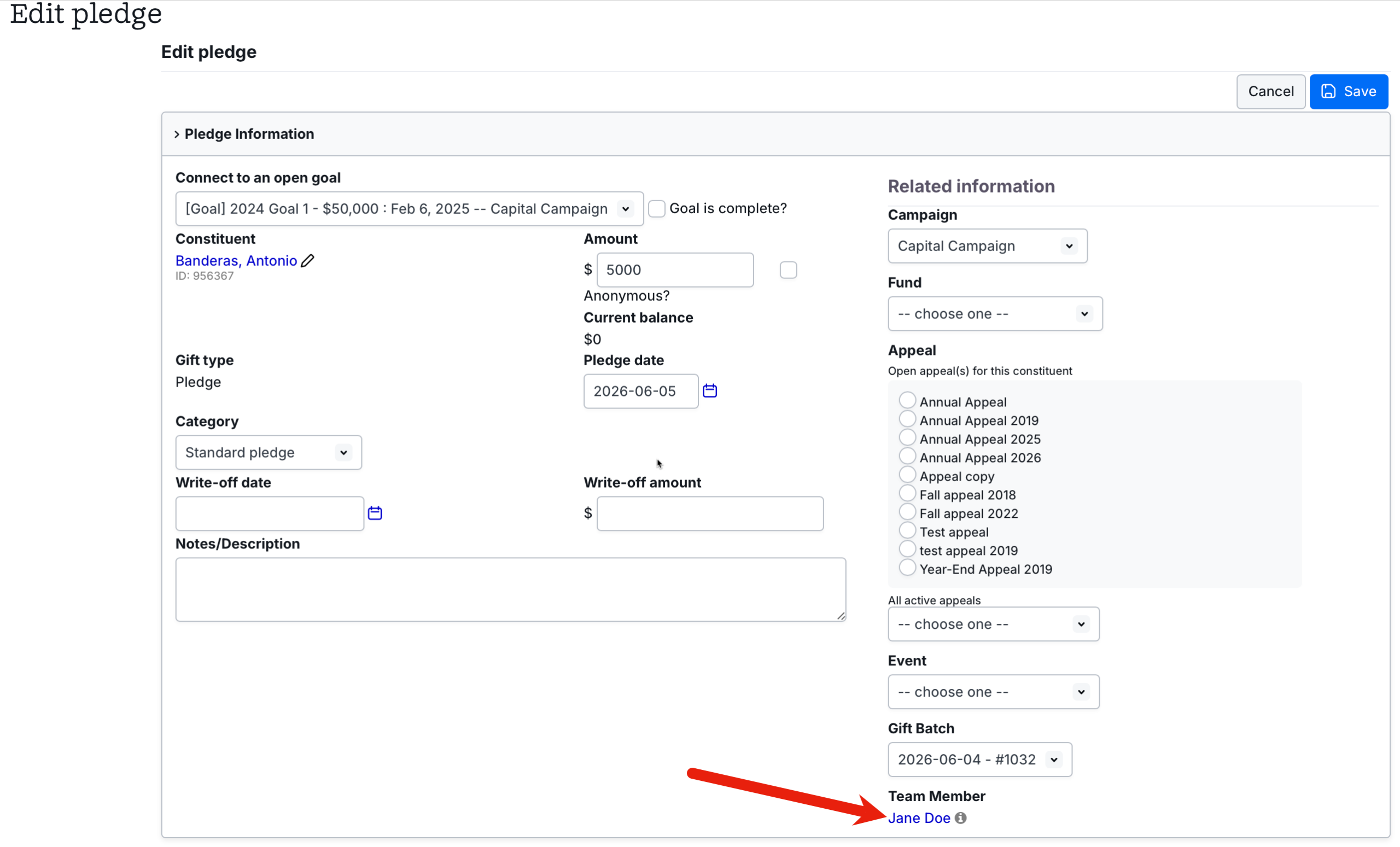
The user interface in a pledge appeared to allow the assignment of a team member to a pledge that is linked to a goal, but this was not possible. We have updated the interface so if a gift has a parent/source gift, the Team Member field is not editable.
Deleted tasks assigned to other team members were previously displaying as if they were still active. We have corrected this issue so a deleted task will not display even if it was assigned to another user.
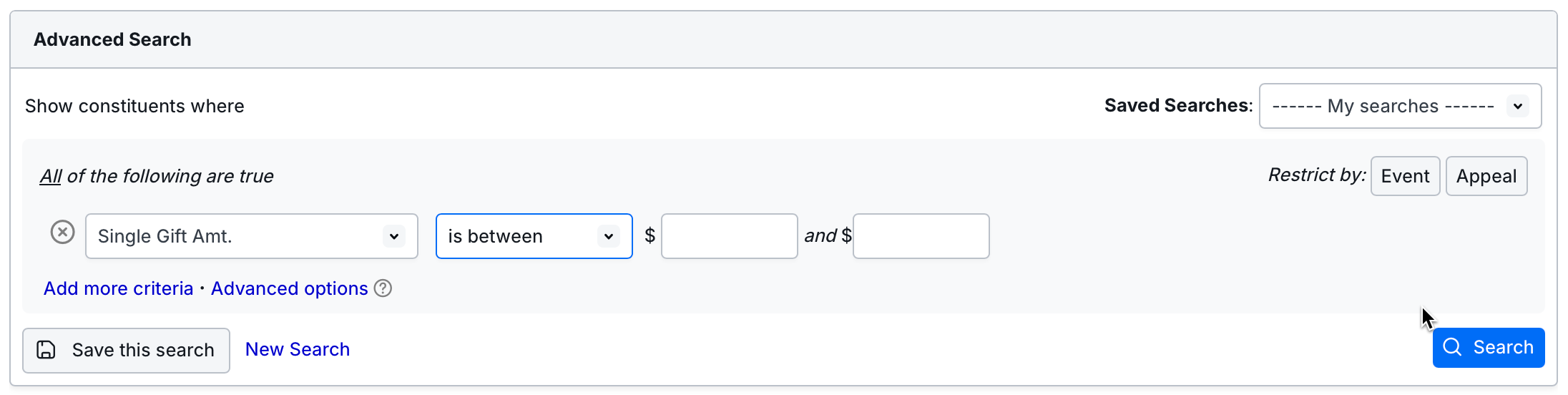
In Reports, if a user only entered one value for the “is between” fields, the report would not run. We have added code so the criteria is changed to “greater than” if the first value was entered, or “less than” if the second value was entered.
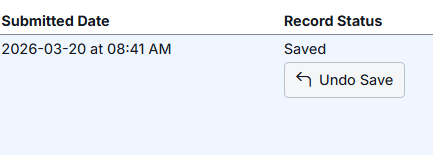
Some users were having issues with the record timestamp appearing to change the time zone. This was a display issue and it has been corrected.
Recurring event dates for a constituent were previously displaying in the report preview but not in the report. This has now been fixed.

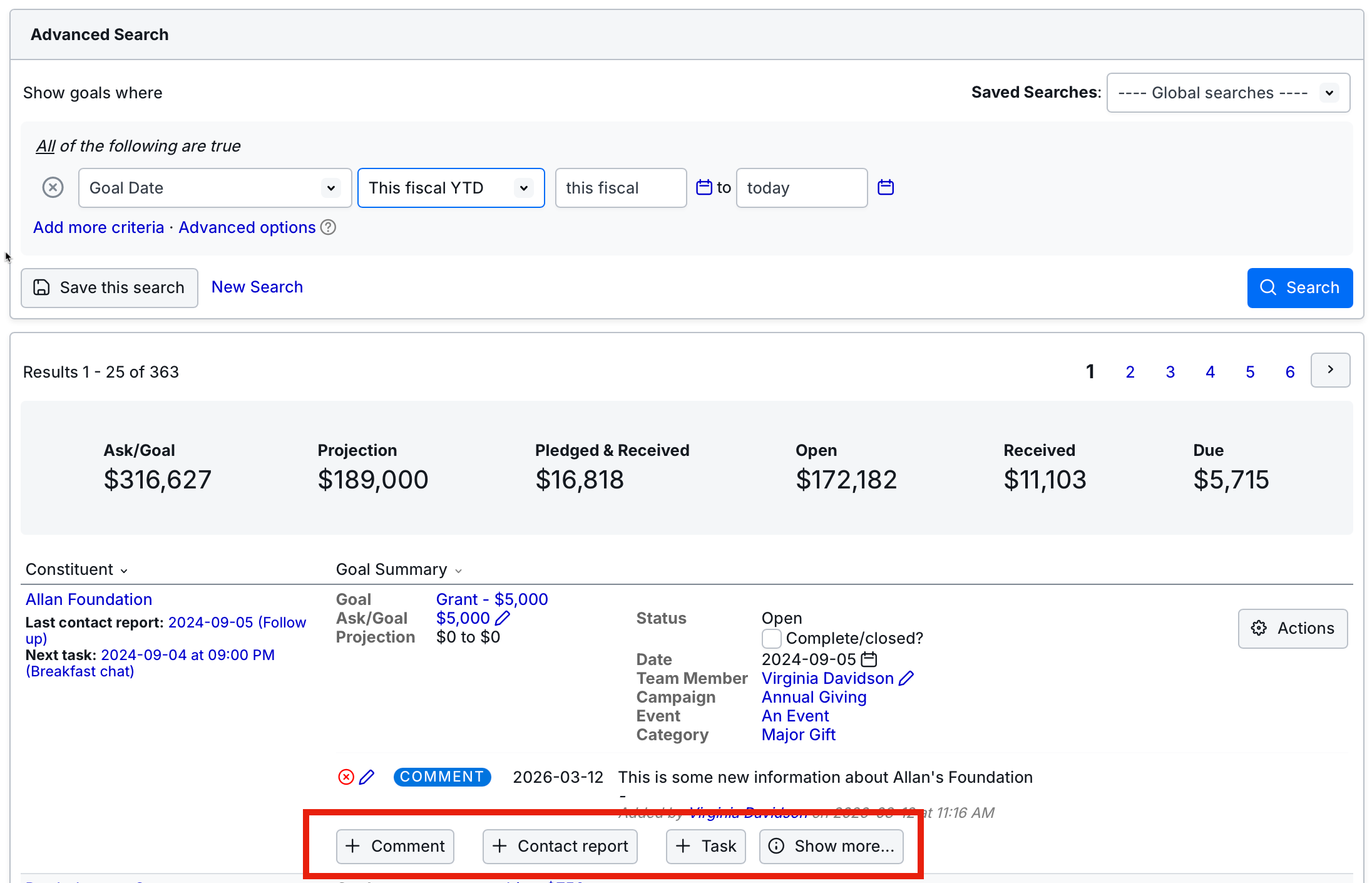
Previously, users were not shown an error message when attempting to add a task, comment, or contact report from the search results that was missing required information in order to be created. This issue has now been fixed.
Constituent List counts were not updating on the List Summary page when the list was refreshed from the Summary page. This has now been fixed.

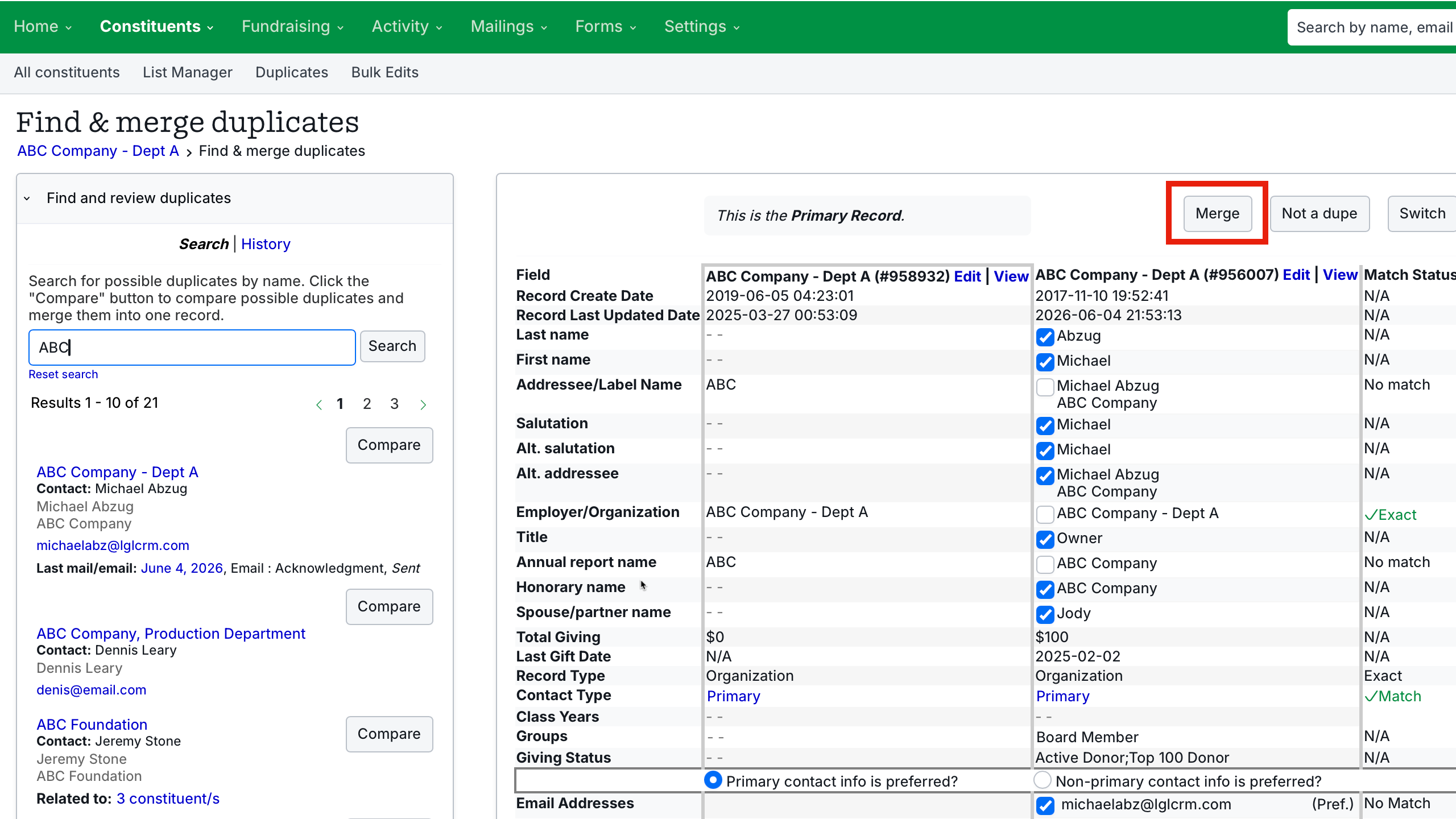
Appeal counts were not matching the constituent count if constituents added to the appeal were merged. This has been fixed.
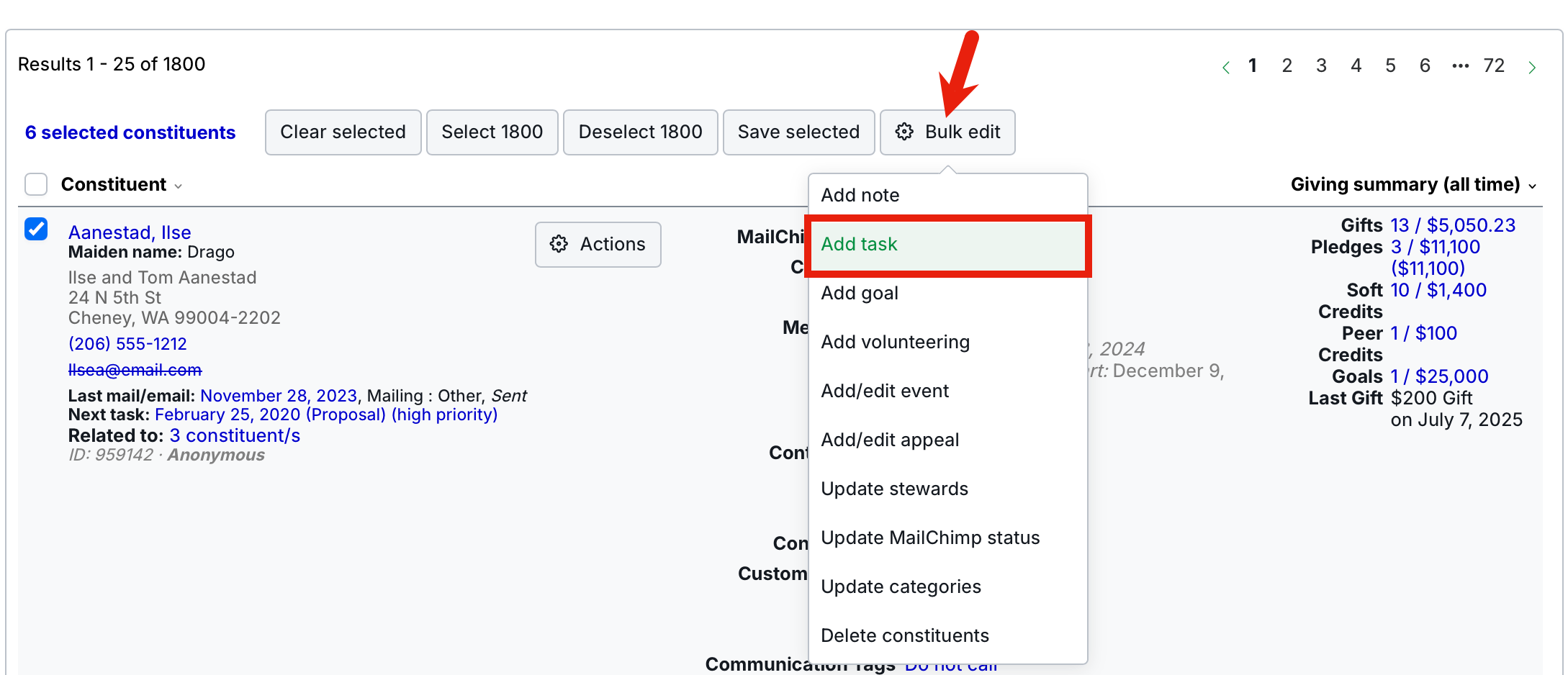
The auto-assign function for team members previously did not work for bulk updates, though it was listed as an option. We have updated this for the inline task form by changing “Auto assign” to “– choose one –” wherever the inline form is used (e.g., attaching tasks to other records, etc.). We also added “Primary contact” to Bulk Add Task under
“– choose one –“, which assigns the task to the primary contact for the constituent.
Previously, when a user attempted to delete a volunteer commitment that had volunteer time record(s) attached, the volunteer time would still show the commitment as the source. This has now been fixed.
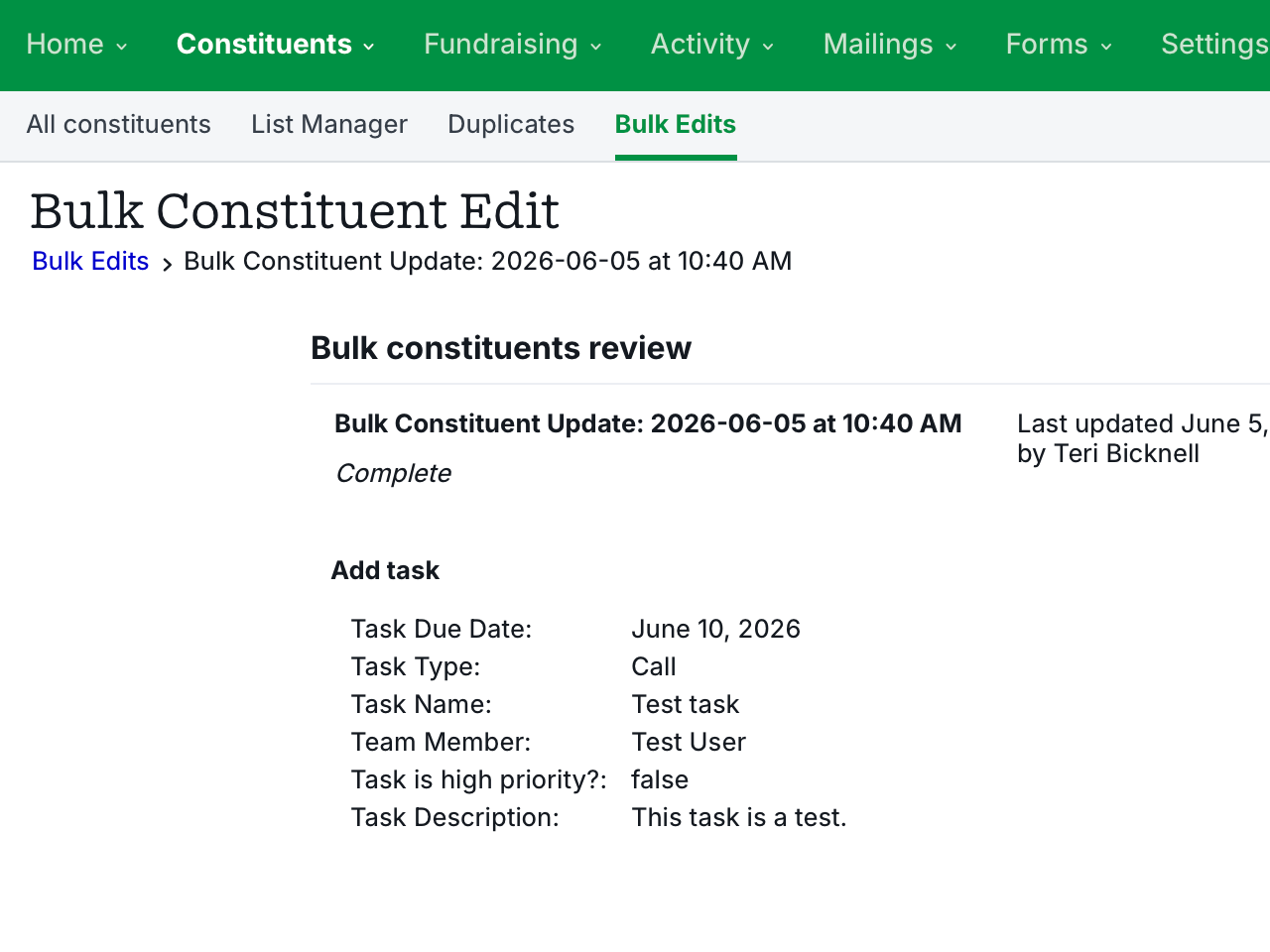
We have updated the text under the “Undo bulk edit” button to reference the correct record type that was updated.
Quotation marks that were present in installment notes were causing any character following the appearance of the first quotation mark to be ignored. This has now been fixed.

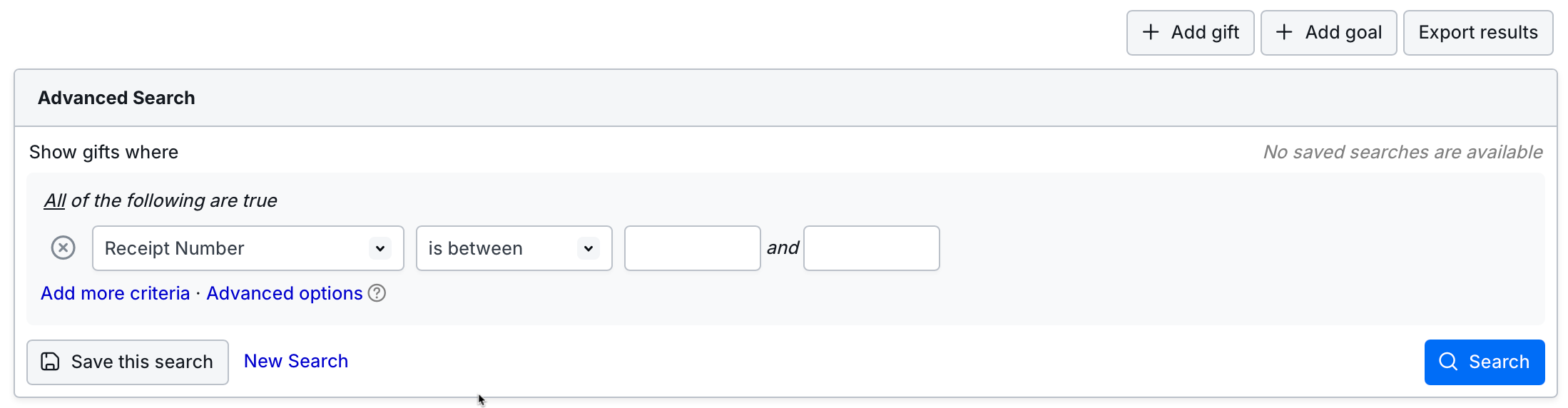
In Fundraising – Giving, previously the “Receipt number” search criteria appeared to offer the “is between” selection, but only one entry field was available. The “Receipt number” search criteria is now using proper controls.
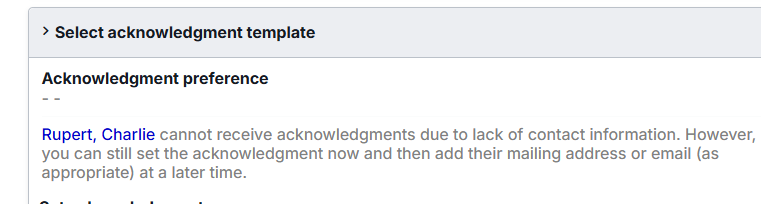
When creating a new gift, the “[Constituent] can receive acknowledgments via postal mail or email” text did not reflect the “Do not mail” tag in that constituent’s record, if it was present. This has now been fixed.
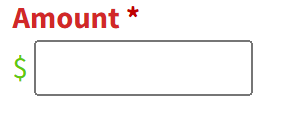
In Forms, recent accessibility updates were causing some label text to appear black instead of the color set in the theme. This has now been fixed.
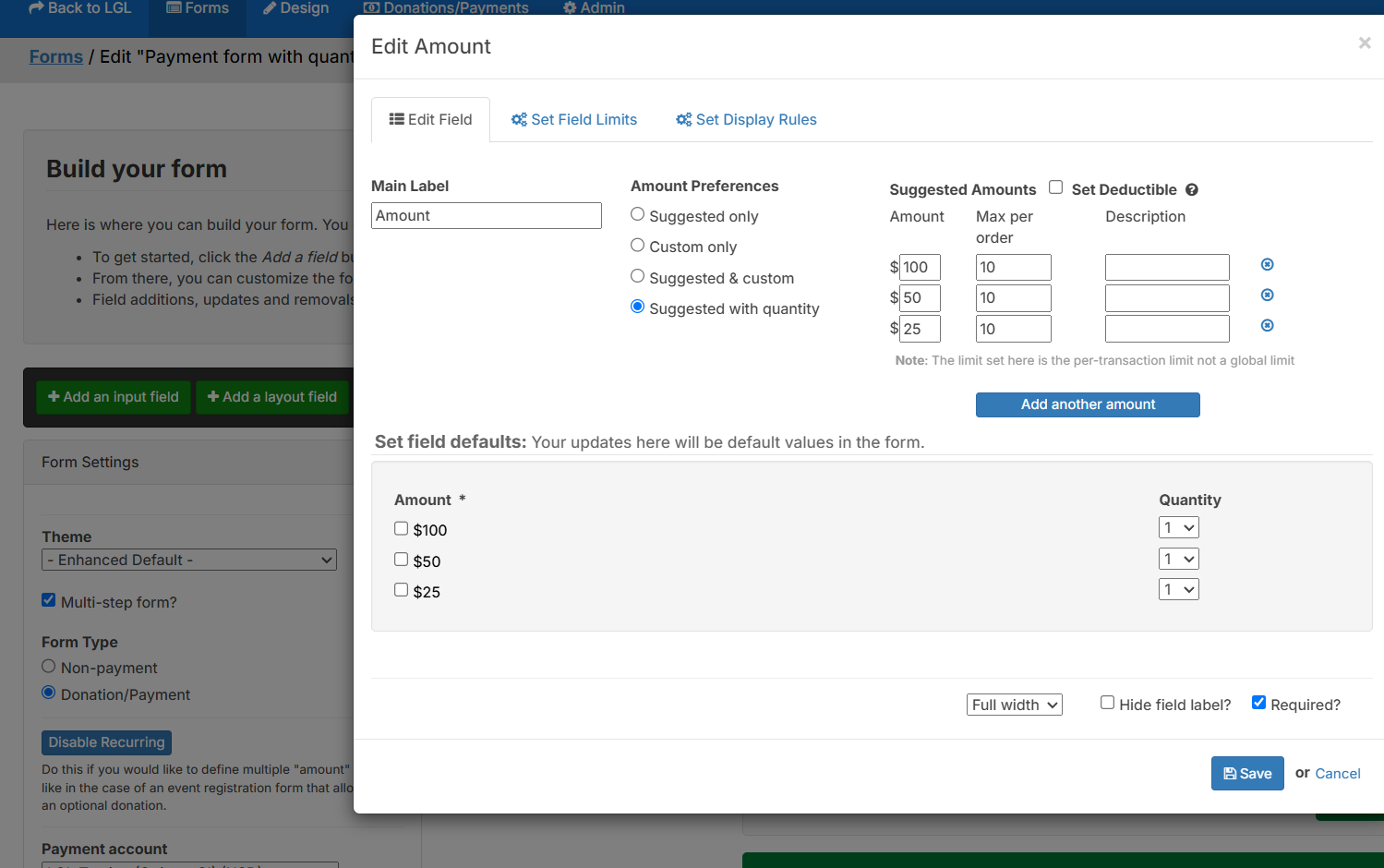
In Forms, some users experienced the recurring schedule selection appearing when the Amount field was set to “Suggested with quantity”. This should not have been allowed and has now been fixed.
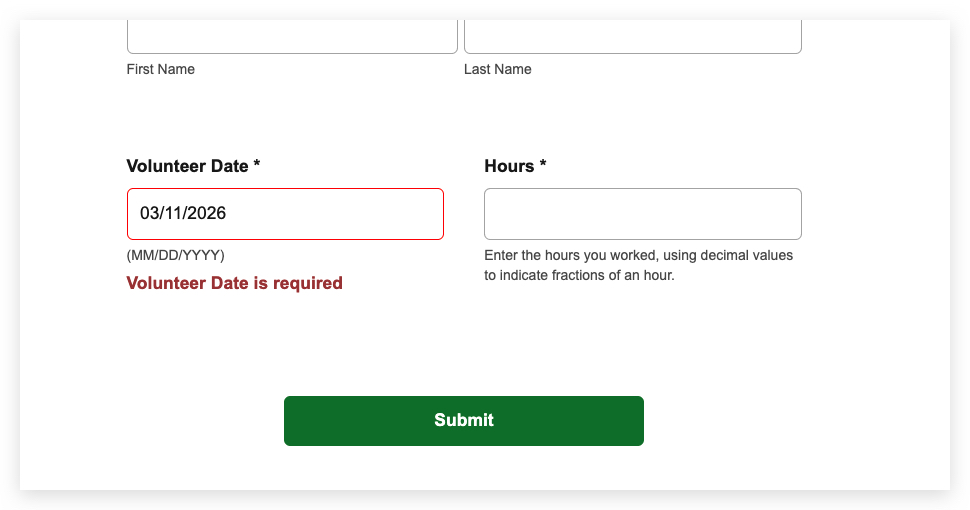
In Forms, setting the date in a required data field would occasionally trigger a validation error the first time the date was set. This has been fixed.
A small number of payments made through PayPal were appearing in some users’ PayPal reports but not showing as paid in LGL. This was due to a previously unseen status returned by PayPal. We have now made an update to handle that status.
In Forms, the theme label colors for custom only Amount field was not being applied in Legacy themes. This has now been fixed.
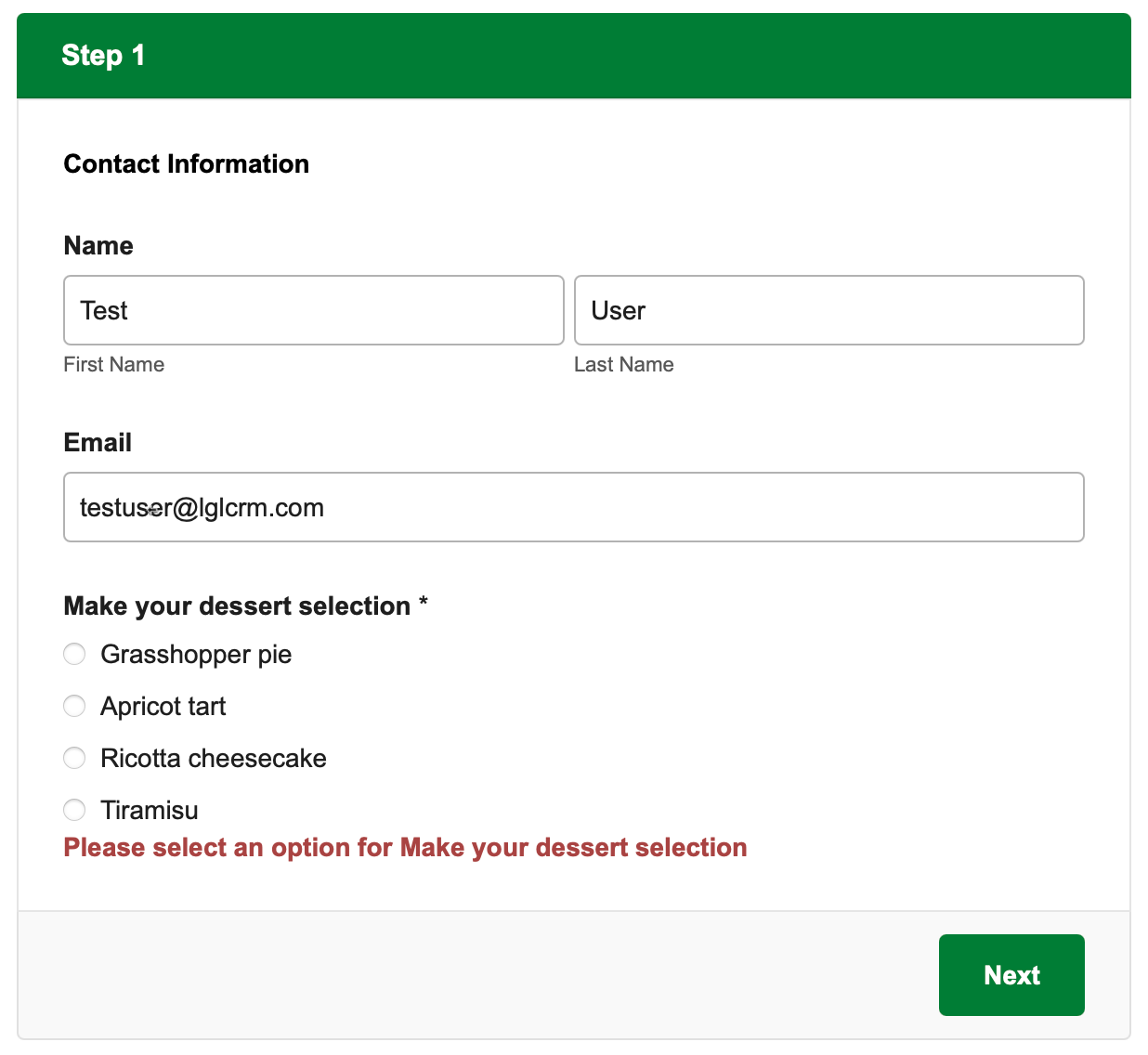
In Forms, we have added a requirement that all required fields in a multi-step form using Enhanced Themes be completed before the user is able to advance to the next step.
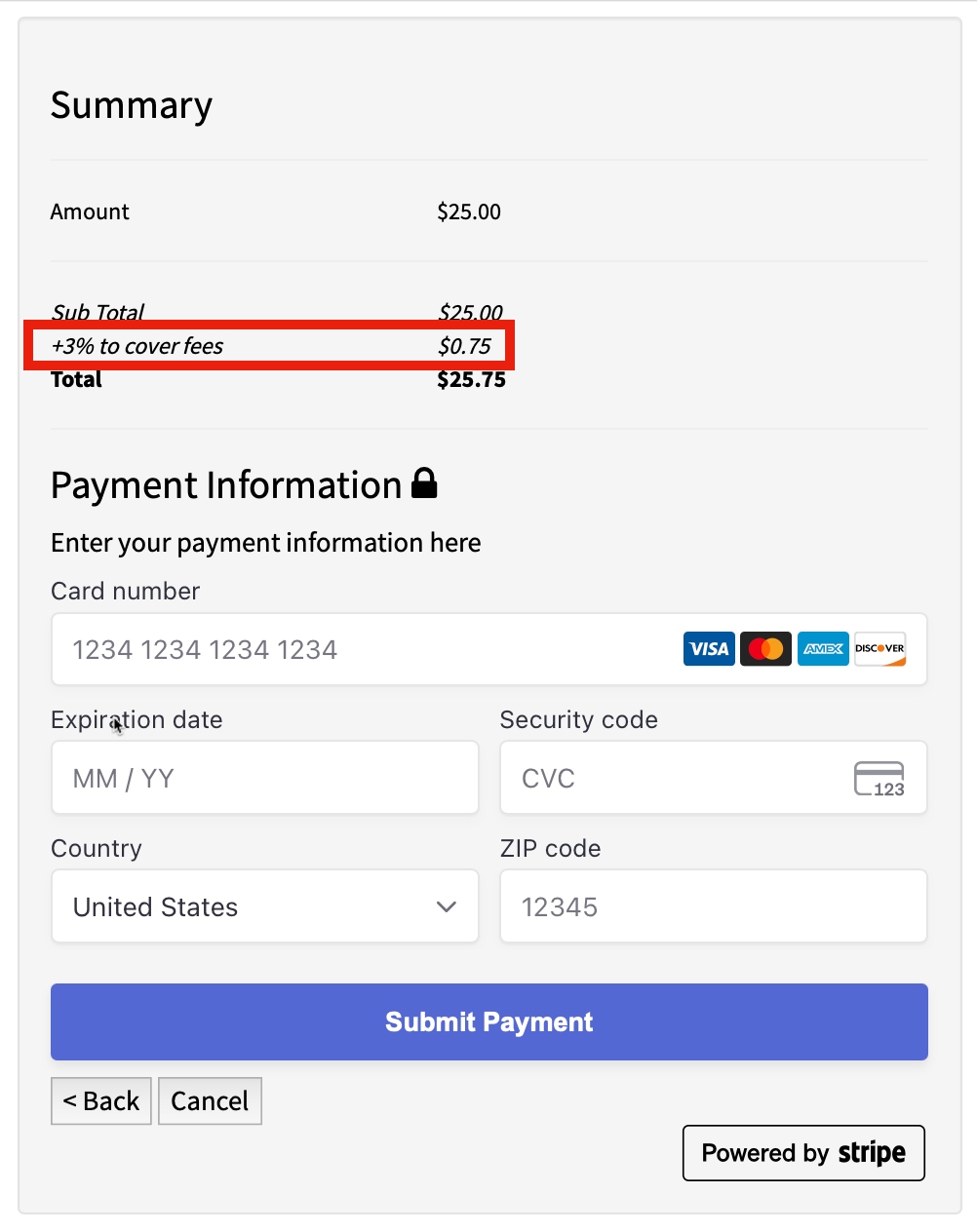
In Forms, if the “Add 3%” option was checked, it would remain in the payment summary even if the option was later unchecked. This has now been fixed.
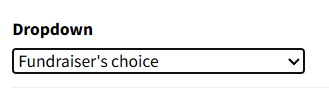
In Forms, if the text in a dropdown field’s default option contained an apostrophe, the default was not automatically selected on the form. This has now been fixed.
When using PayPal Complete Payments, donors would sometimes be prompted to enter a shipping address for Venmo, or PayPal would ask for proof of sending items. We have updated PayPal Complete Payments orders so they are all flagged as no shipping, meaning no shipping address or information will be required for the payment to complete.
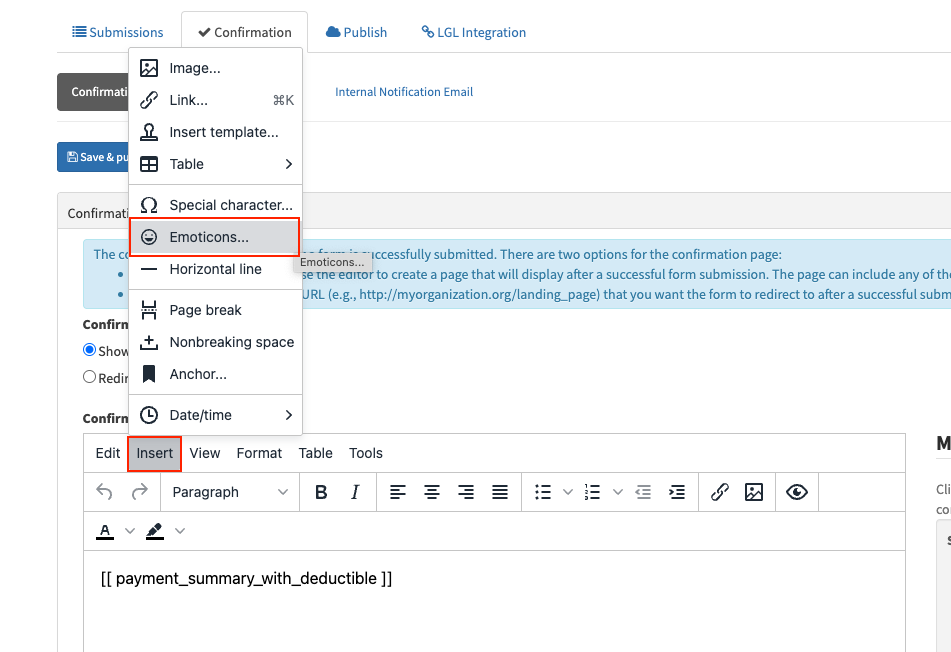
Some users were confused by the presence of the emoticon menu in Forms. Moreover, forms do not support using emojis. We have removed the emoticon menu.
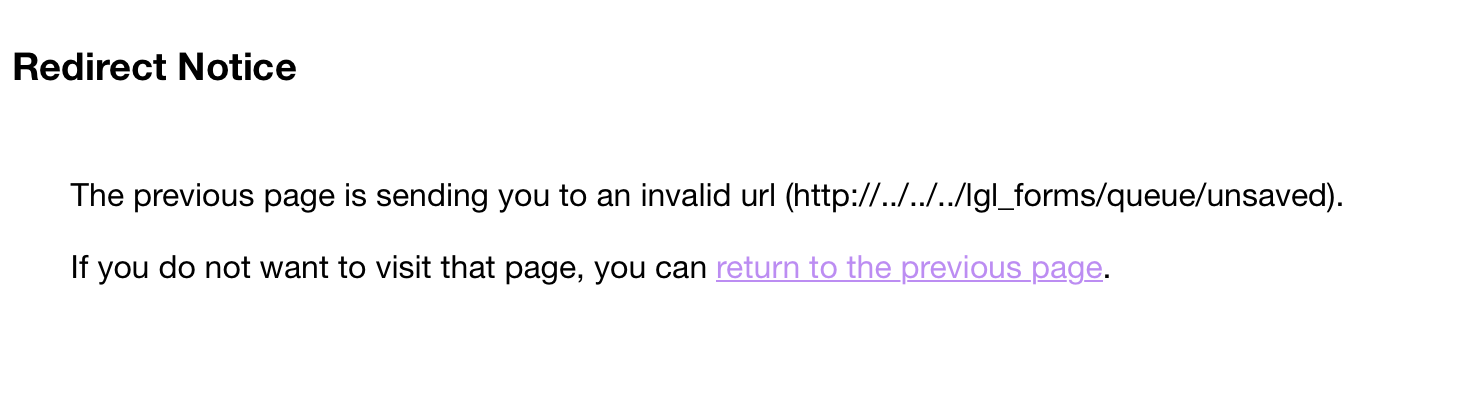
In Forms, users trying to include a link to their forms submission queue on the internal notification email were experiencing a bug in the link creation. This has now been fixed.
In Forms, sometimes when a recurring PayPal charge failed, the failed submission could not be viewed and an error page was displayed. We have fixed this issue.

Ready to try LGL? Get your first 30 days free. No credit card required.