
Little Green Light is a cloud-based donor management system for fundraisers.
Subscribe to get our latest product updates, best practices and tips to grow your nonprofit.
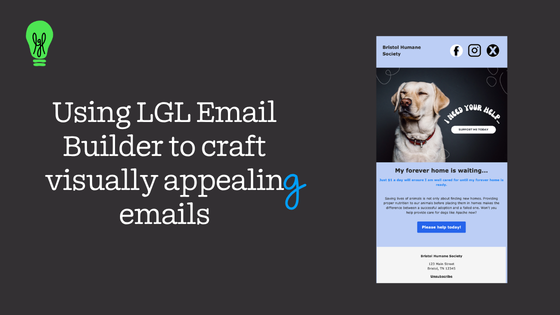
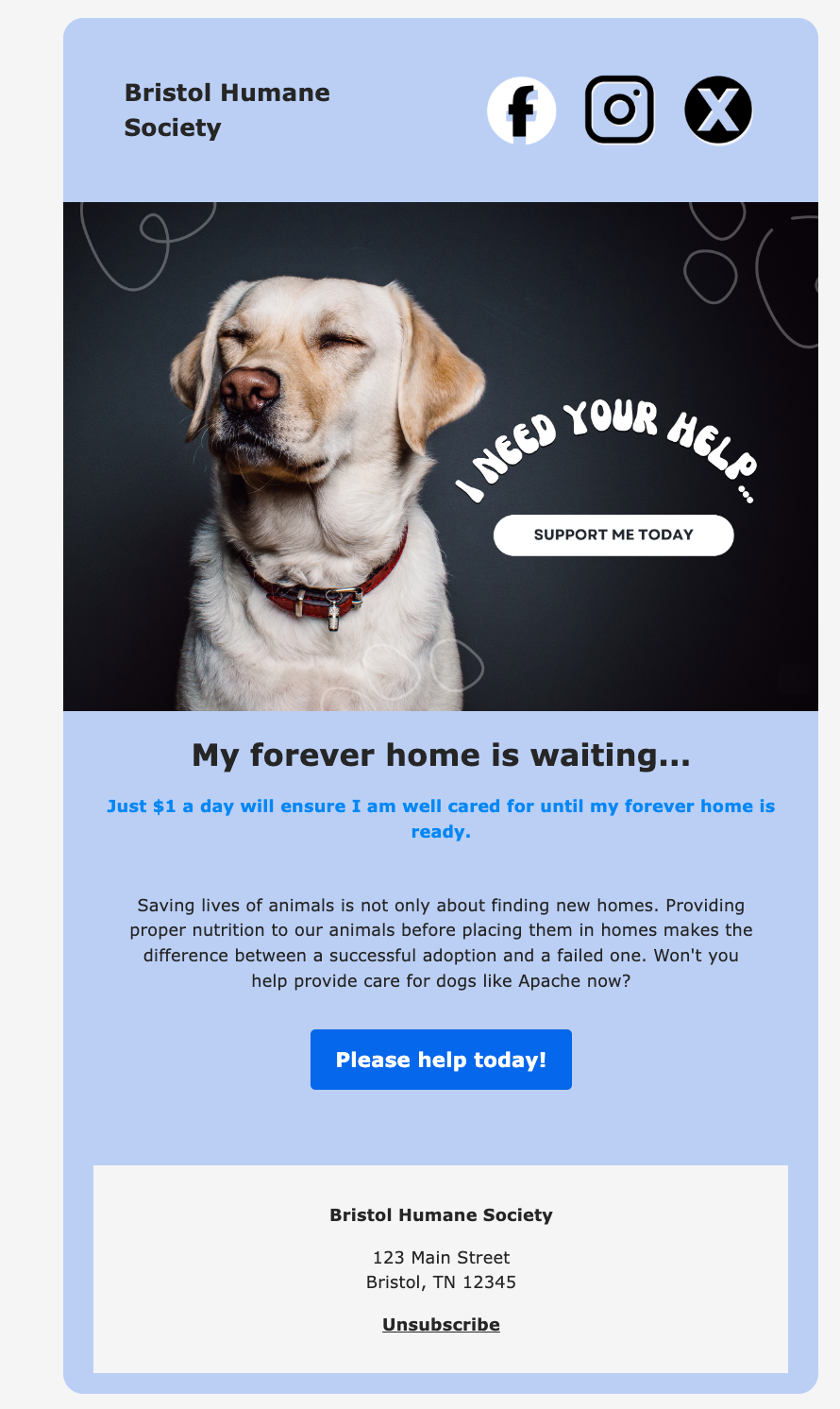
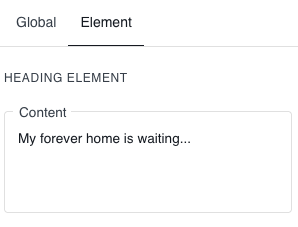
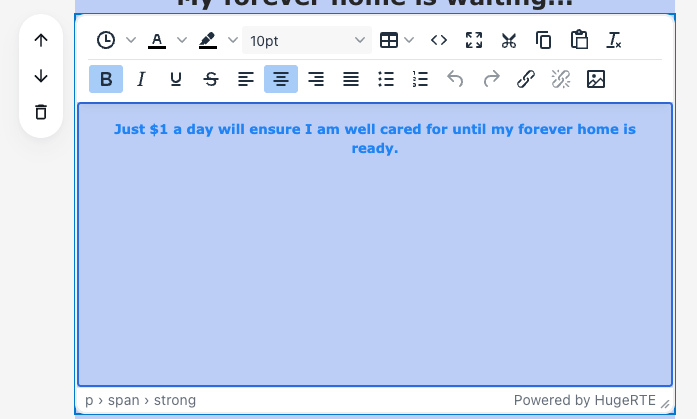
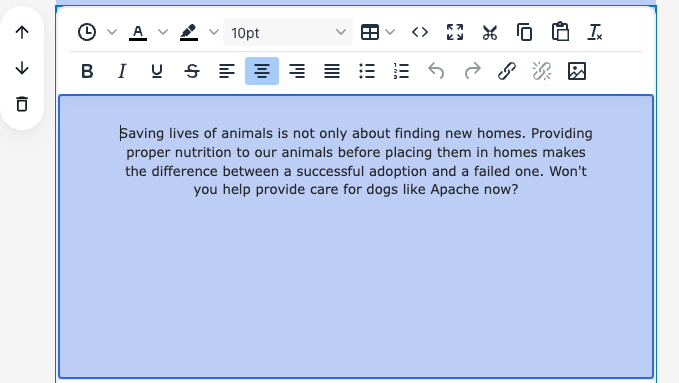
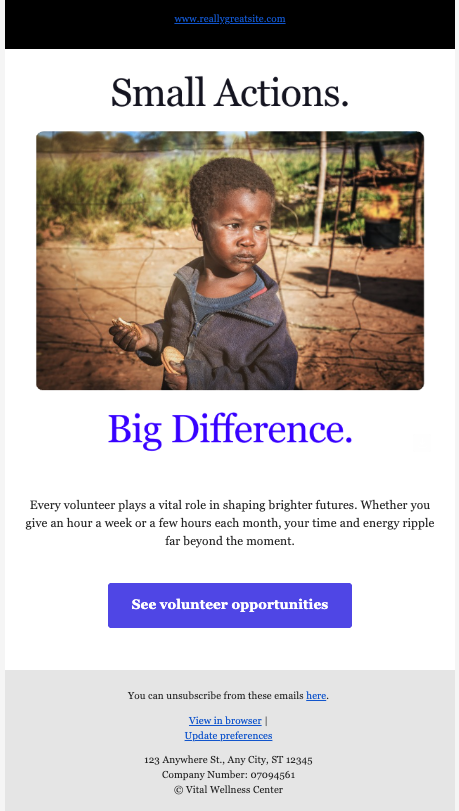
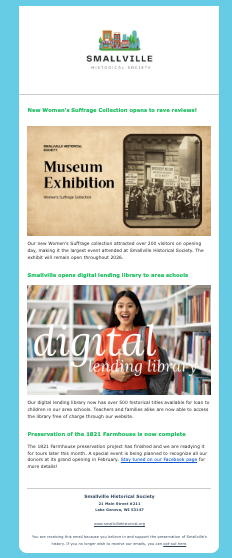
With the recent rollout of Little Green Light’s new email builder, we thought this would be a great time to share some best practices for sending email from nonprofits as well as offer some visual examples of the types of emails you can create with the LGL Advanced Email Builder.
According to a recent survey by NonProfit Tech for Good, a Digital Marketing and Fundraising Resource for Nonprofits, 53% of all emails are opened on a mobile device. It’s important to ensure that your emails are mobile-friendly, allowing recipients to easily read your emails on smartphones and tablets. Make sure you use a mobile-responsive email template that resizes your content based on the device it is being viewed on. No matter how good the content is, if it can’t be read easily, the email is likely to be deleted, or worse, lead readers to unsubscribe from your list.
A word of caution: Using multiple columns in your email can significantly reduce readability on mobile devices. The key is to ensuring readability is to test and thoroughly review your email design before sending.
The new LGL email builder allows you to preview how your email will look on a mobile device, send test emails, and make any needed adjustments for readability before sending.
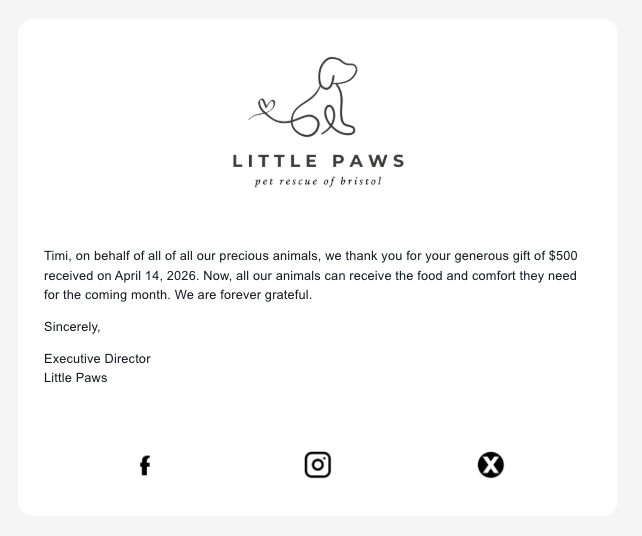
E-newsletters are a great way to keep the lines of communication open with your supporters and help them stay connected to your organization. Be sure to balance your fundraising appeal emails with non-ask emails. Sandy Rees of Get Fully Funded suggests balancing each Ask with 3 non-Ask emails.
When drafting your email appeal, NonProfit Tech for Good suggests that you “follow a simple framework: 1) communicate the problem that needs to be solved; 2) explain how your nonprofit can solve the problem; and 3) ask for financial support to help solve the problem together.”
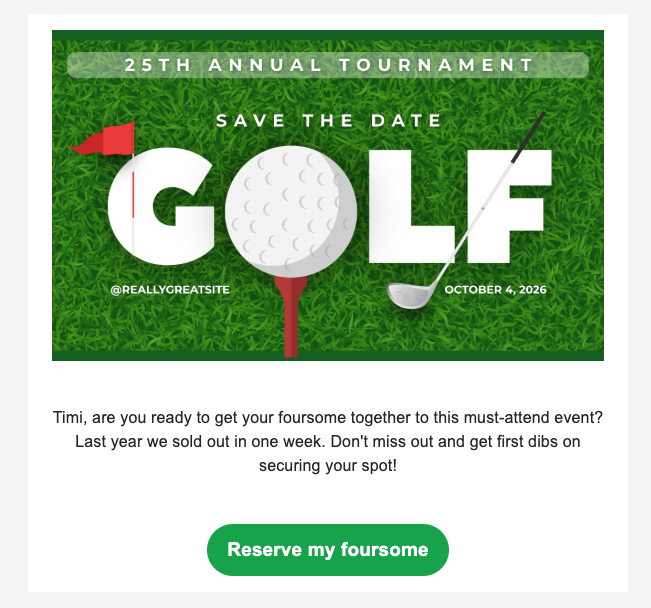
Hubspot recommends limiting the number of call-to-actions to one or two per email. Optimizing the use of your call-to-action buttons can make a significant impact on your email’s click-through rates.
Button elements are one of the new design options available in the new LGL email builder.
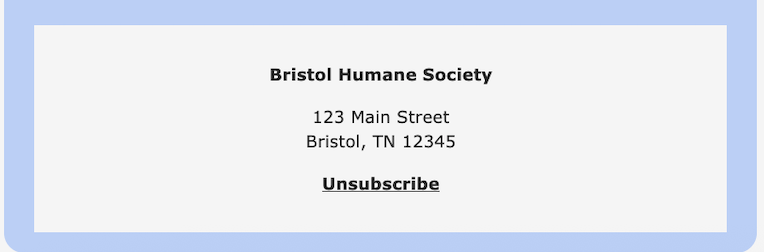
In order to maintain a healthy email list and comply with CAN-SPAM guidelines, it’s important to include an opt-out link in your emails. You should include your physical address as well.
Learn how to create an opt-out form in Little Green Light and add it to your email template by editing your email sender signature.
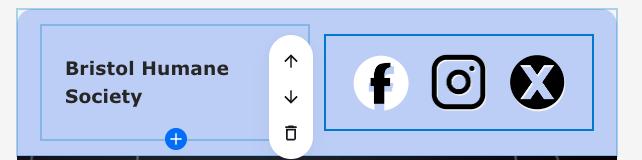
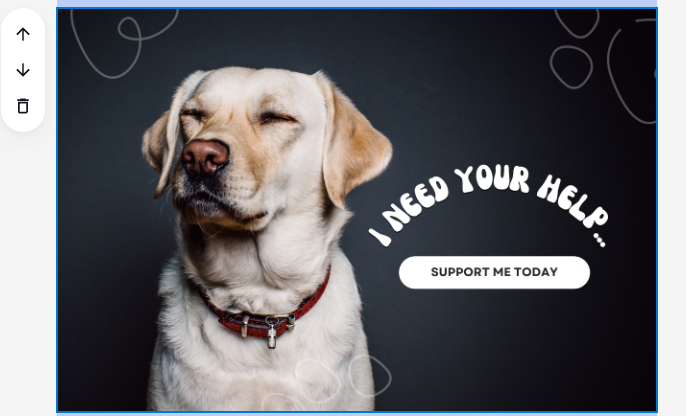

For more instructions on creating your email content using the LGL email builder, please see our Help article.

Ready to try LGL? Get your first 30 days free. No credit card required.