
Little Green Light is a cloud-based donor management system for fundraisers.
Subscribe to get our latest product updates, best practices and tips to grow your nonprofit.
This November 2026 Release Notes edition lists the feature updates and fixes LGL developers have recently made to improve and enhance functionality within Little Green Light.
Forms: Enhanced Themes now launched in all accounts
The Enhanced Forms feature update, which has been rolling out in increments over the past several months, is now fully enabled in all Little Green Light accounts.
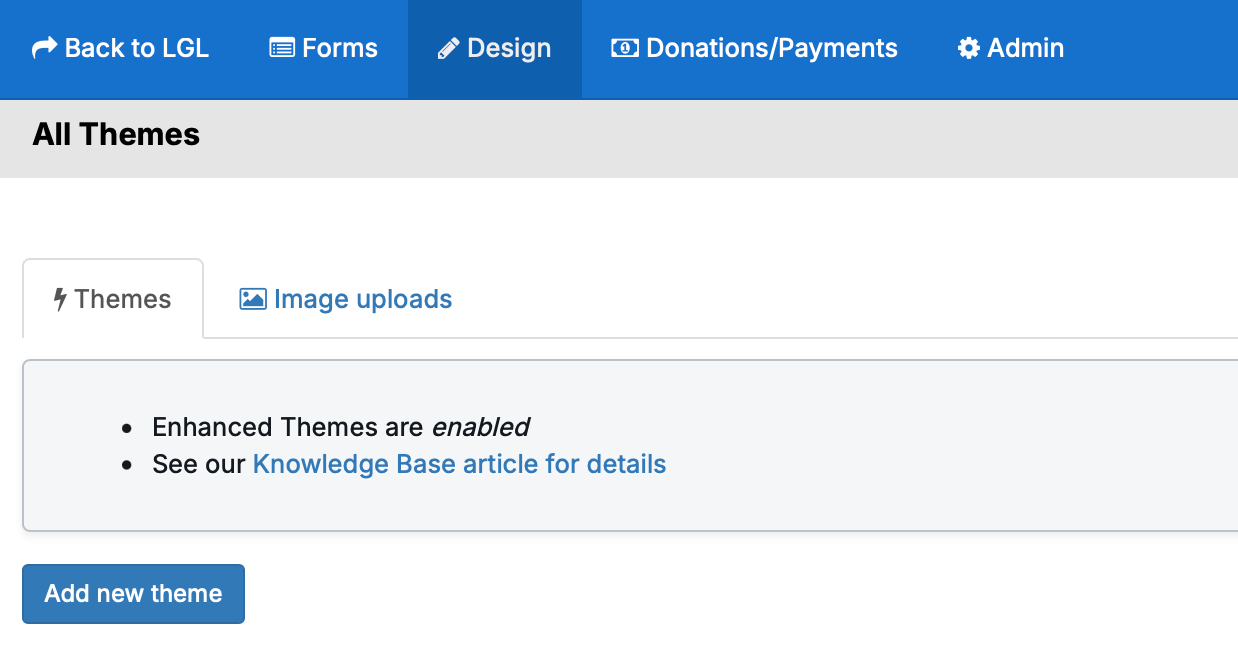
For in-depth information and instructions, please see see this help article: Customize the look and feel of your forms with Enhanced Themes
Forms: Improvements to the GivingTuesday 2026 form template
For GivingTuesday 2026, we created a new custom form template that uses an enhanced theme, offers a branded GivingTuesday image in the form description, and allows you to set the confirmation email sender and signature. The template lets you enable a confirmation email and reconfirmation email, as well as set default campaign, fund, appeal, and category values.
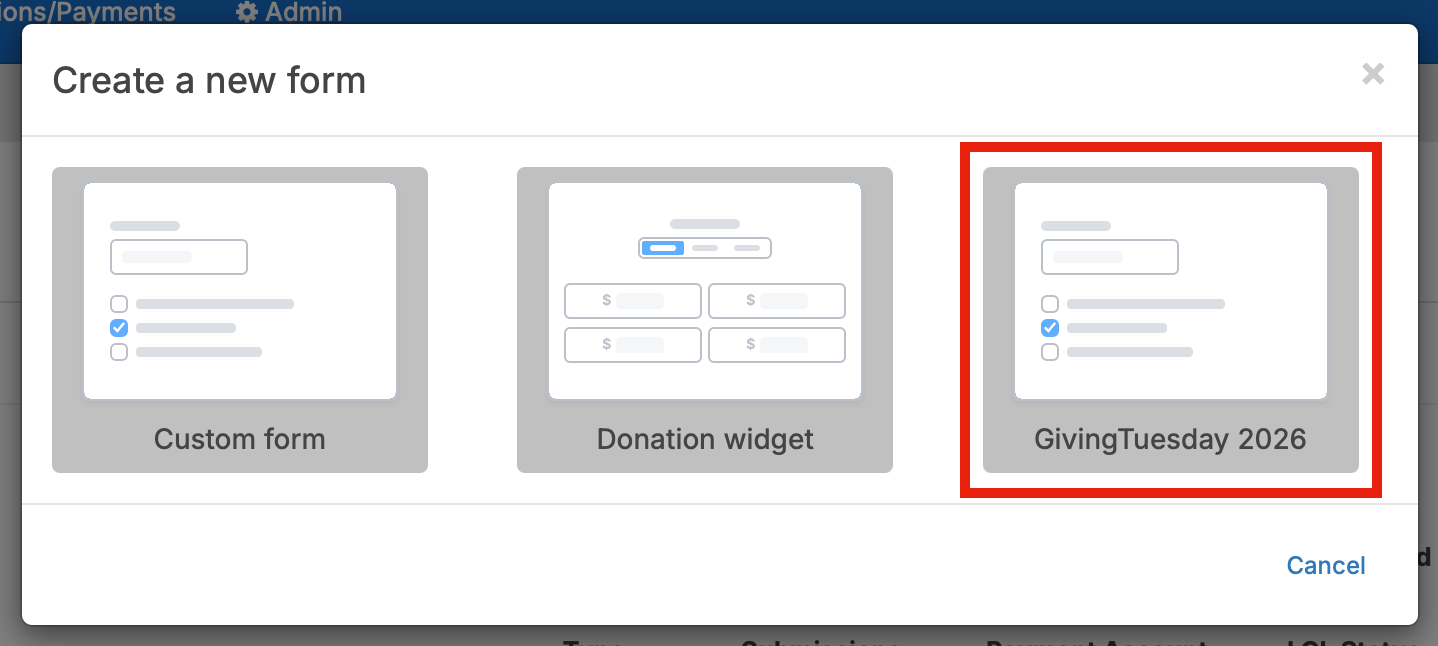
Further details and instructions are available in the GivingTuesday Form template article.
“Save” and “Discard changes” buttons now added to email templates
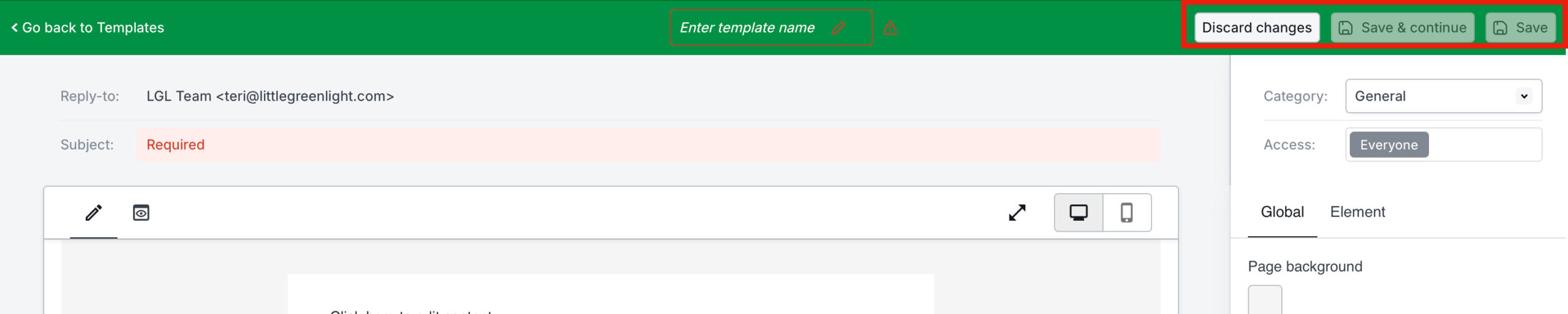
In Email Templates, we have added two buttons to enable saving and discarding changes. The “Discard changes” button returns the user to the Email Templates home page and discards any changes made since the last time the template was saved. The “Save & continue” button allows the user to save their work and continue working in the email template. The existing “Save” button saves changes and returns the user to the Templates home page.
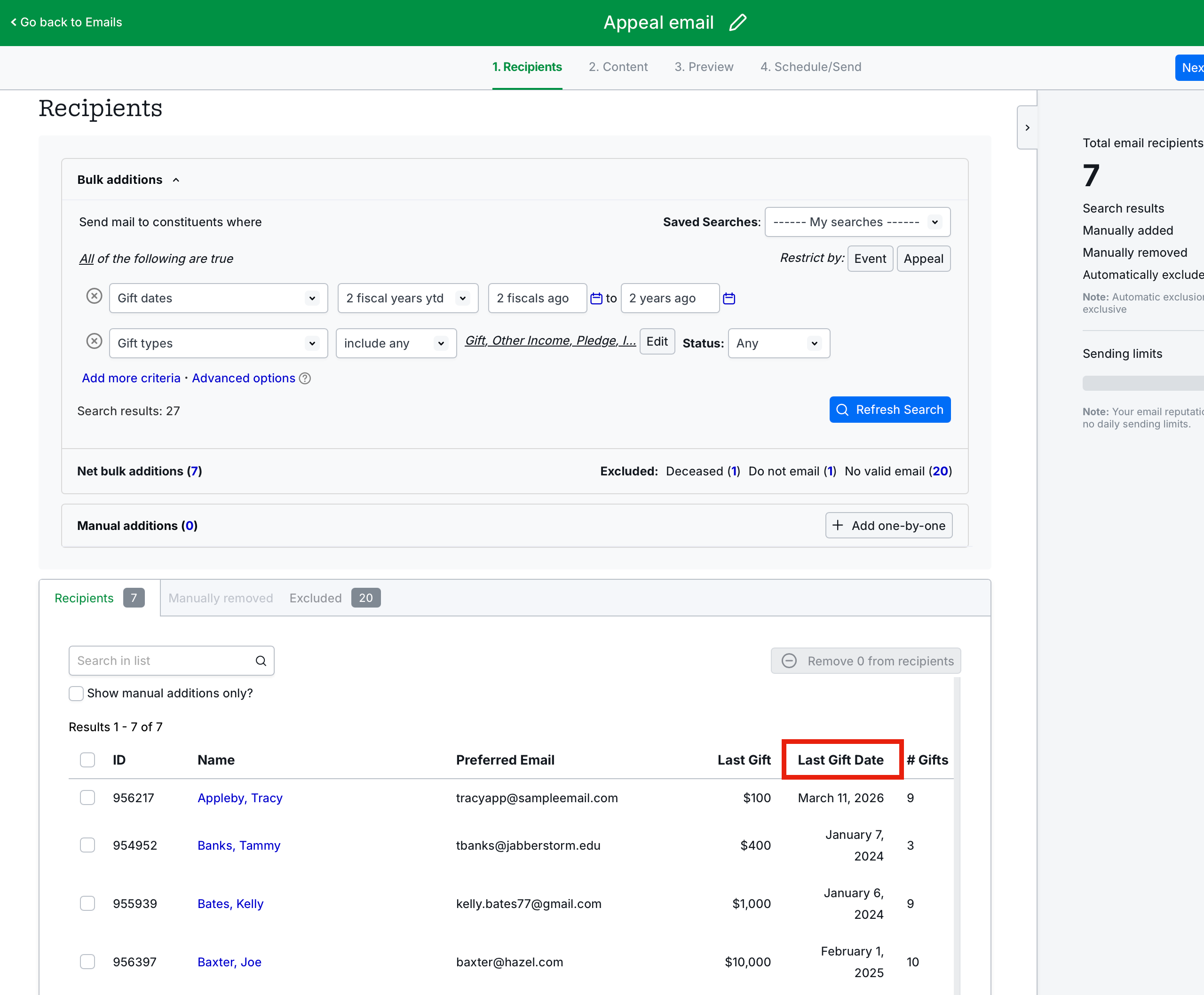
Last gift date now added to the “Recipients” section in Step 1 of the email builder
The Last Gift Date was previously missing from Step 1 of the new email builder. That field has now been added.
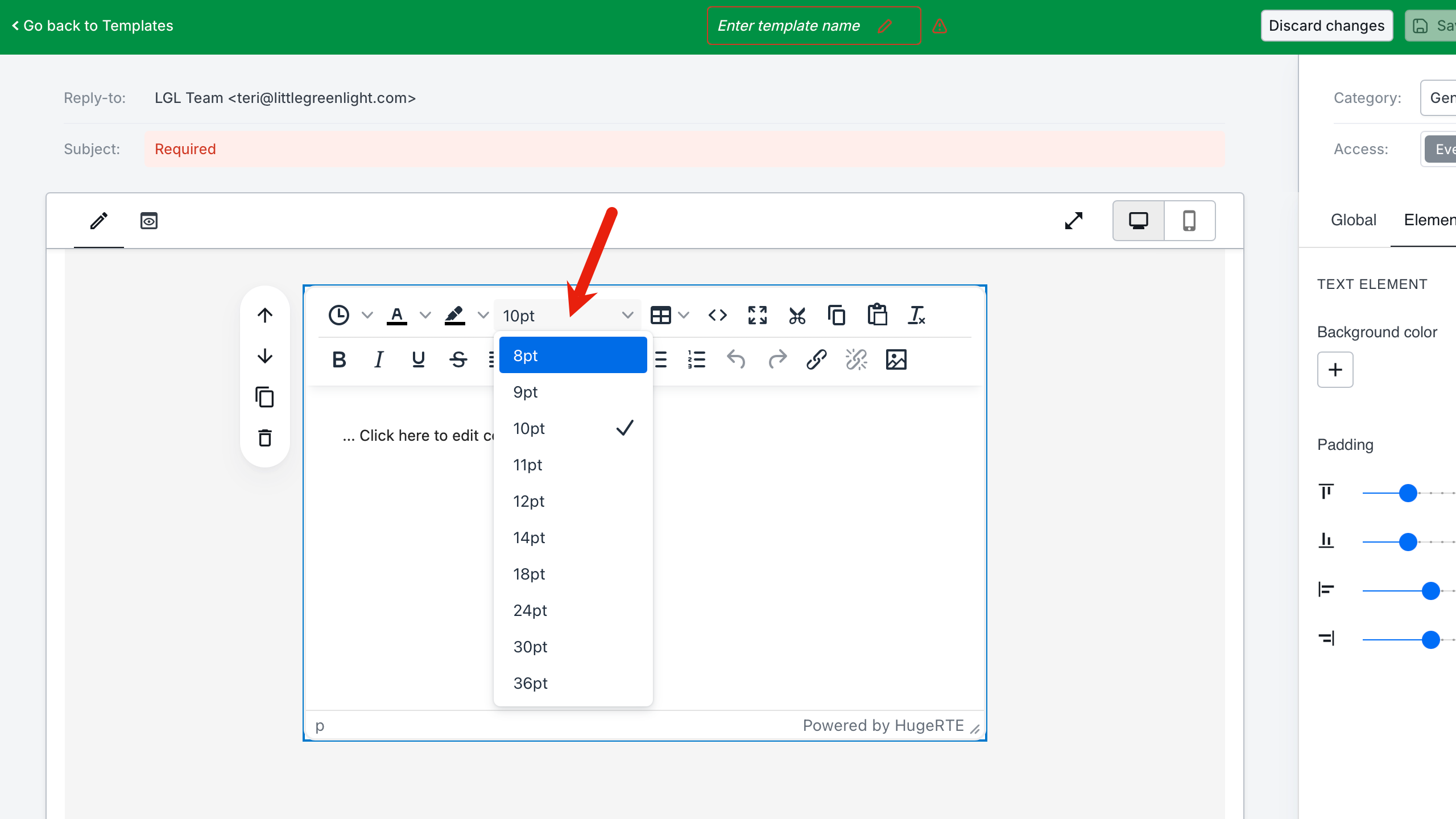
Font size availability expanded for email templates
We have updated email templates to offer the same font size options as are offered in emails.
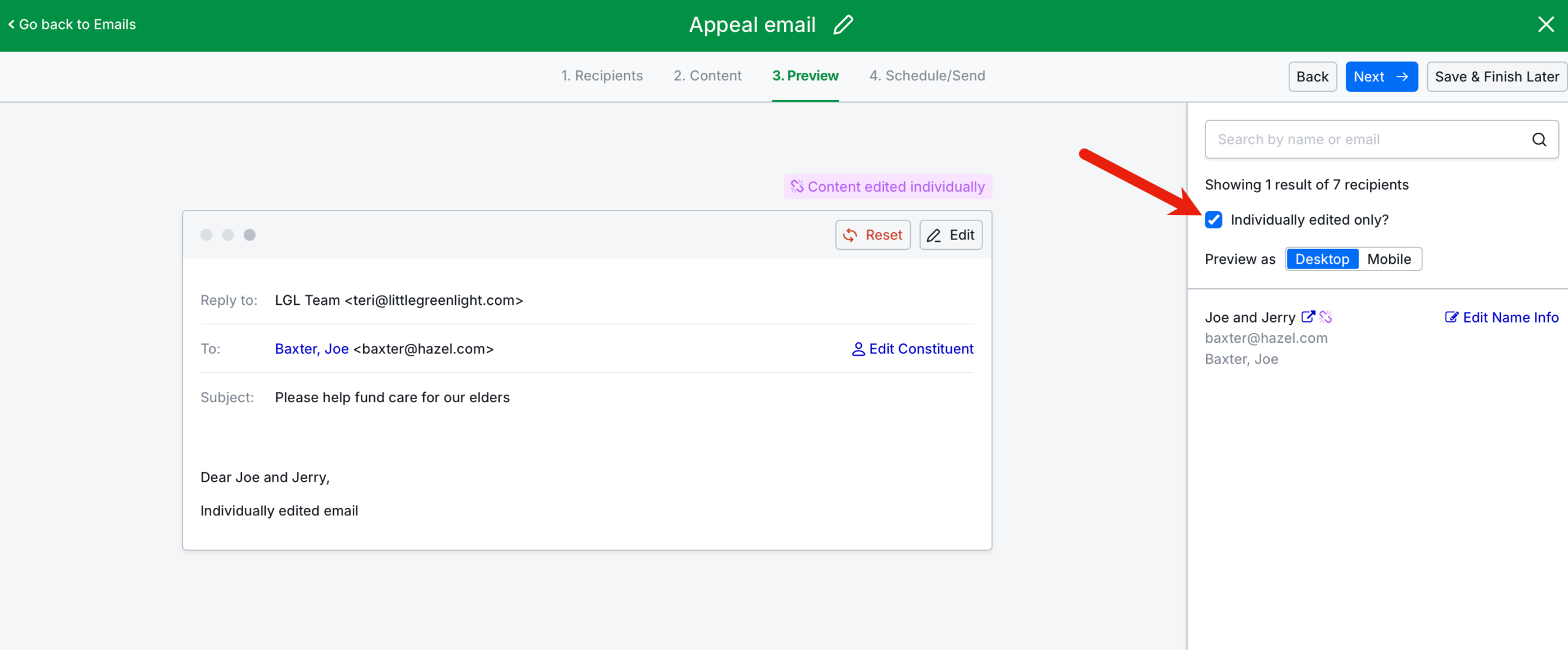
Ability to filter recipient emails by those that have been individually edited now available
We have added the ability to filter emails by those that have been individually edited in the email builder.
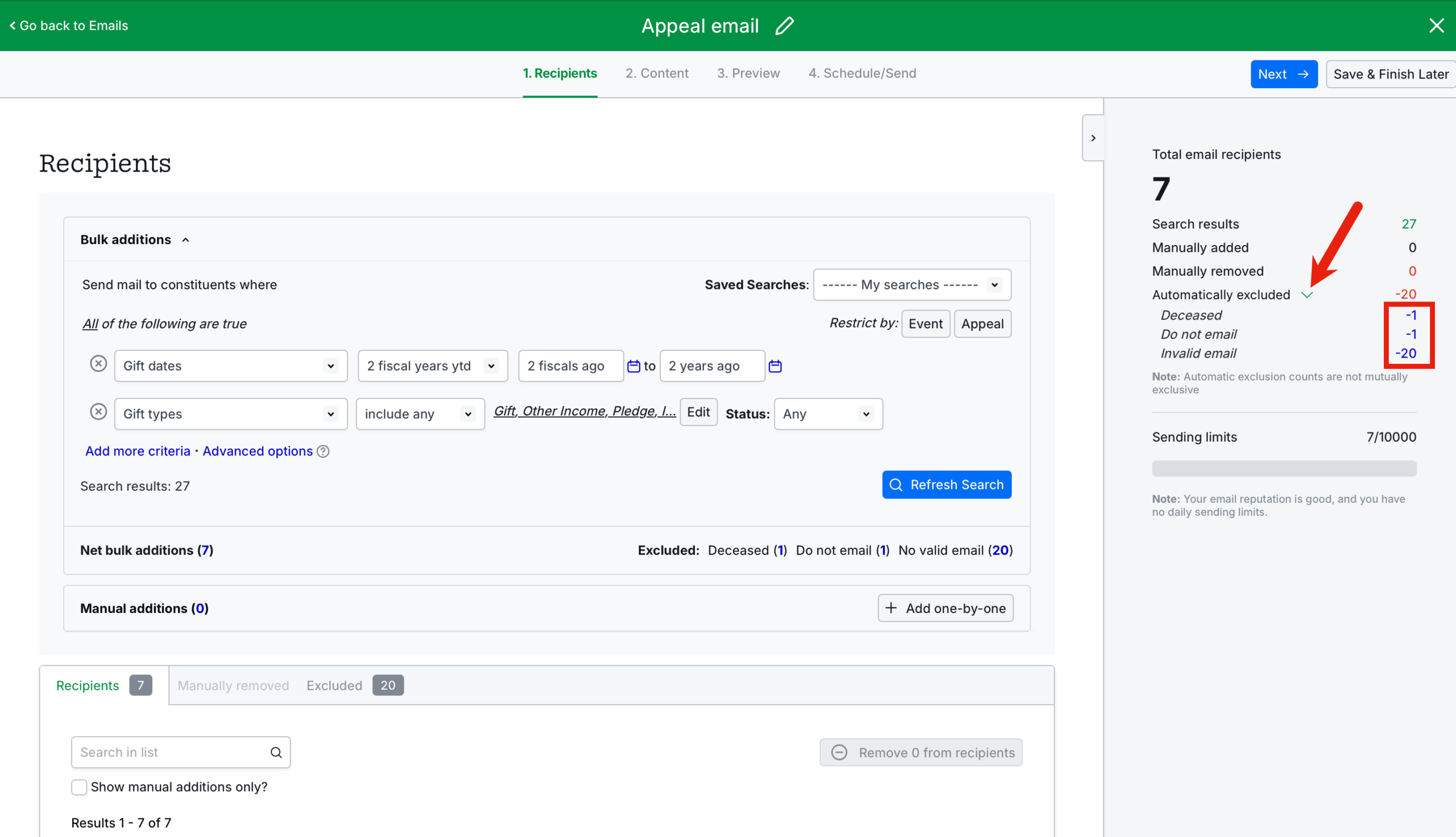
Ability to click on an excluded population for an email to create a mailing
In the email builder, we have added the ability to view the “Automatically excluded” records and click to open the targeted records as constituent search results, from which a new mailing can be created.
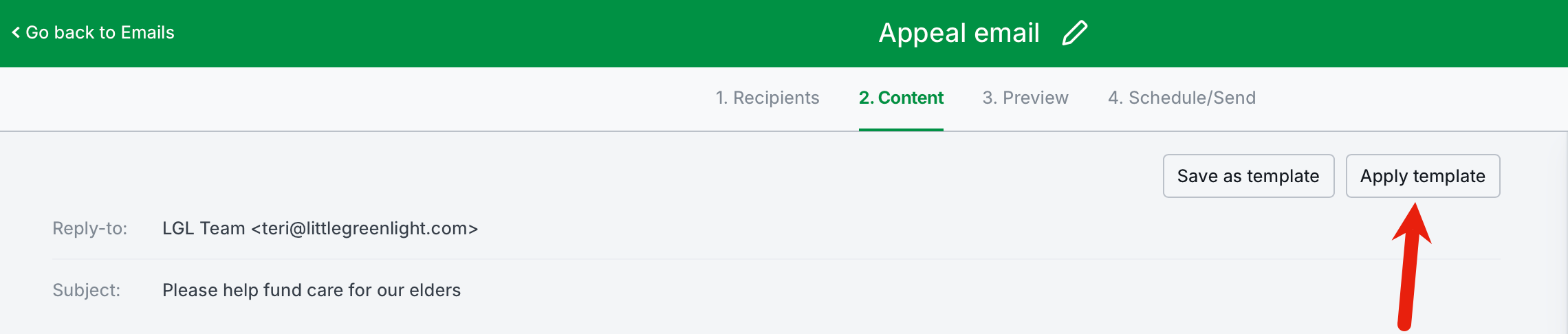
Dropdown menu items for applying mailing and email templates now alphabetized
We have alphabetized the dropdown menu items for mailing and email templates when applying the template to a mailing/email.
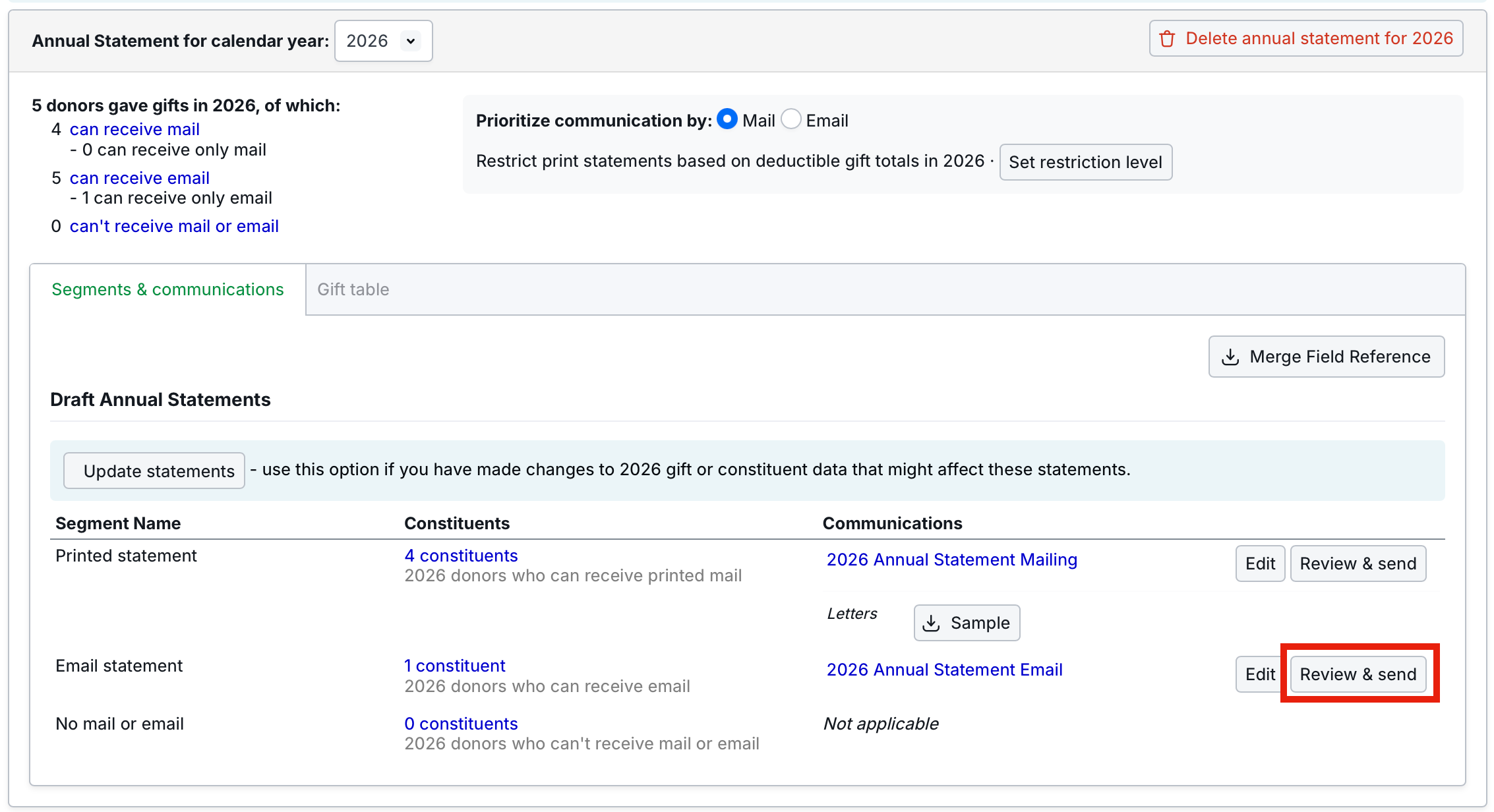
Update to landing page for email “review and send” in Annual Statements
In the Annual Statements feature, when the user clicks “Review & send” for the email segment, they now land in Step 3 of the email builder instead of in Step 4, the Send page. This prevents users from sending an email without previewing the email text first.
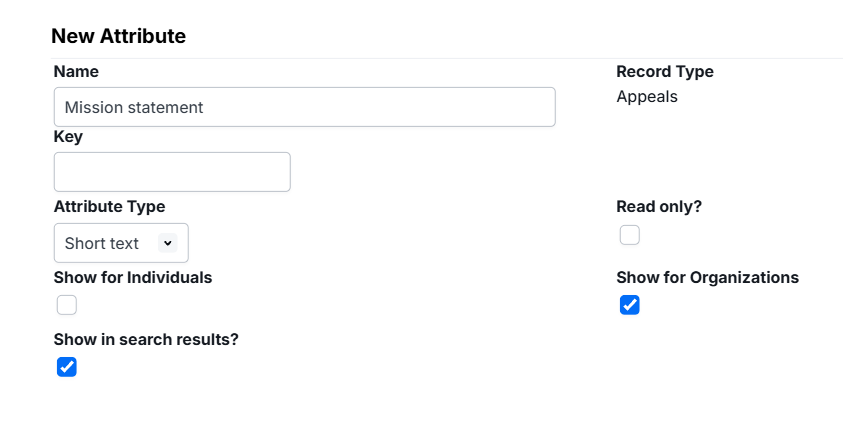
“Show in search results” option again available in custom appeal and event attributes
When creating a custom attribute for an appeal or an event, the ability to select the “Show in search” option has been re-added to the attribute creation process. The “Show in search results” option enables the display of the attribute within search results, including search results presented in the constituent’s Activity area.
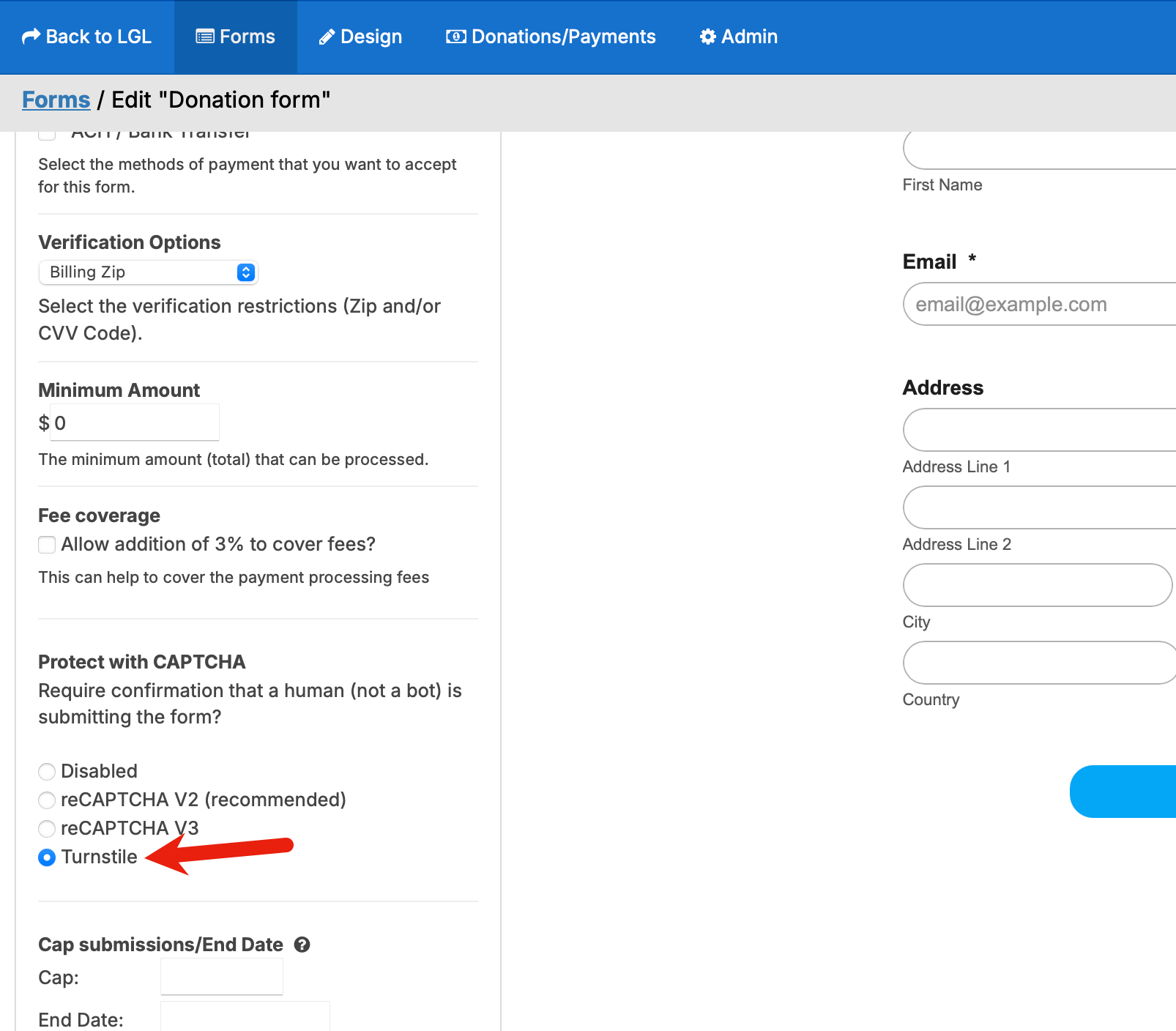
Forms: Cloudflare Turnstile now available as a captcha option
We have added Cloudflare Turnstile as a captcha option in LGL Forms. Users will now see it as an option, along with reCaptcha.
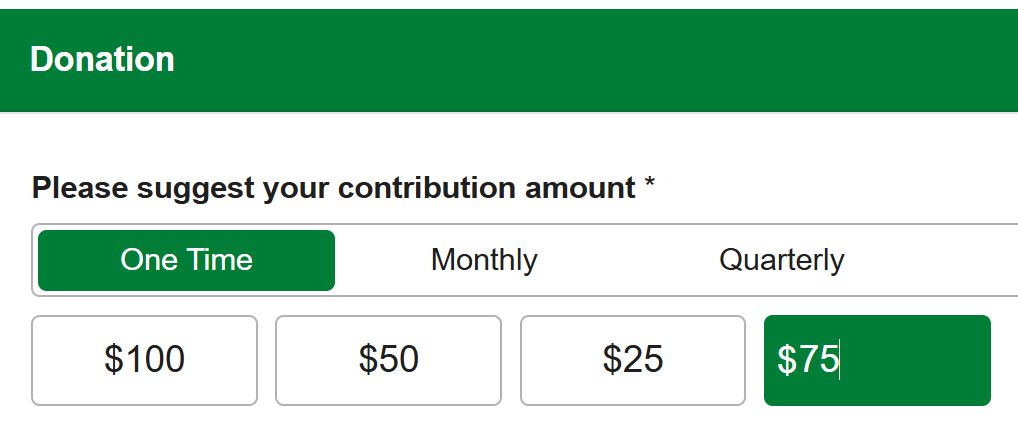
Forms: Dollar sign ($) now displaying when “Other” amount is entered in multi-step form
For multi-step forms, adding an amount to the “Other” amount field previously did not allow the dollar symbol to display. This has been fixed.
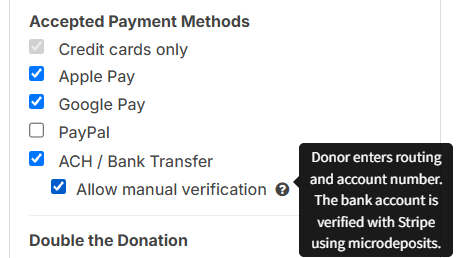
Forms: Additional ACH payment method now available
We have added an additional method for Stripe to authenticate ACH payments. Previously, donors could only use instant verification of the ACH transfer. We have added an option to enable “Manual” verification for ACH transfers for Stripe ACH to LGL Forms.
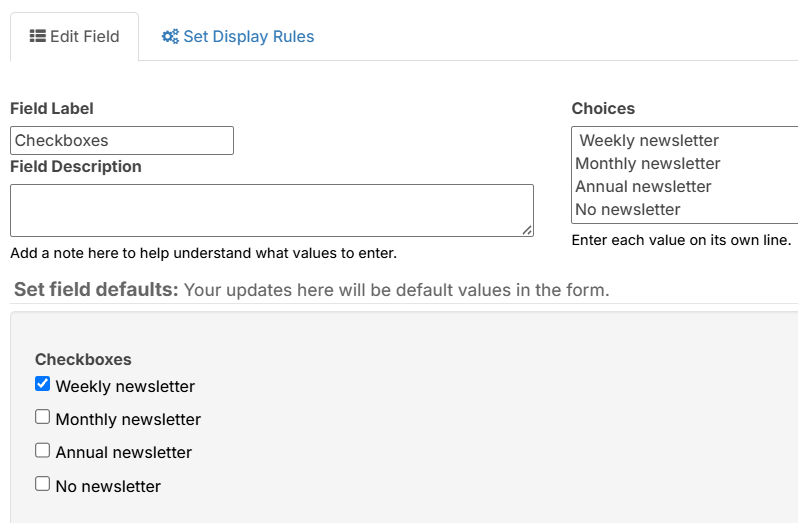
Forms: Leading/trailing spaces in checkbox option values now stripped or the first default containing leading/trailing space is auto-selected in the published form
In Forms, if the text in the first option within the checkbox values contained leading spaces, or the last option contained trailing spaces, the default for that option would not automatically be selected. This is now fixed.
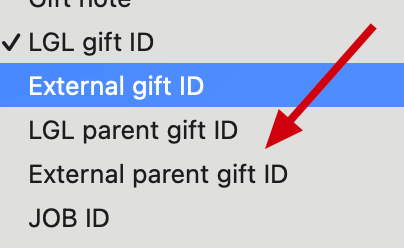
External Parent Gift ID now available in Zapier
We have added the “External parent gift ID” field for mapping in Zapier.
API: Sync’ing events now easier
We have updated our API to be able to search events and appeals via Event Management and Appeal Management. Search is now available by name, date range, event_type_id, or status (active/inactive).
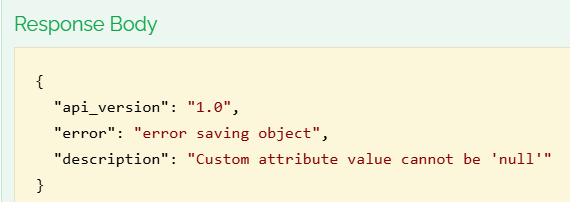
API: Error messaging improved for when “null” value is stipulated for custom_attrs
We have improved error messaging in the API in instances when a null value is present but not allowed for the attribute.
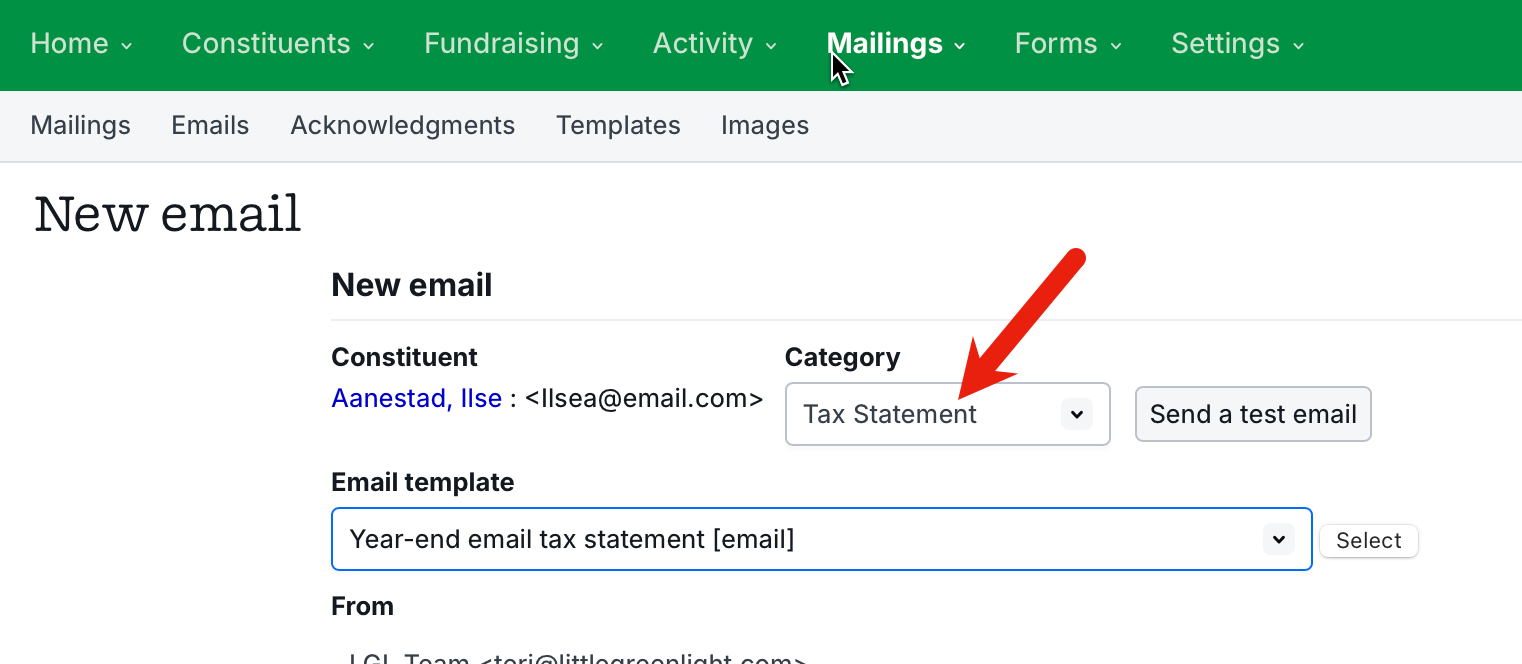
Creating/updating email template not redirecting to source/previous page
In emails, creating or updating an email template previously did not redirect the user back to the Templates page. This has now been fixed.

Email template pulling in custom email text even though template text wasn’t updated and subject line not updating upon applying template
If the first email to multiple recipients was individually edited (customized), the test email would contain the edited text rather than the text that had been added to the email template. We have updated the test email to not use any individually edited emails. There was an additional issue causing the subject line to not reflect changes when a template was applied. This issue has also been fixed.
No error message present when email template does not save due to lack of subject line
Previously, when no subject line was entered into an email template, it was not possible to save the template. We have added an error message to prompt user to enter a subject line in these cases.
Email category not updating when template applied to individual email
When sending an email from an individual constituent record and applying a template, the email category did not update to match the one defined in the email template. This has been fixed.
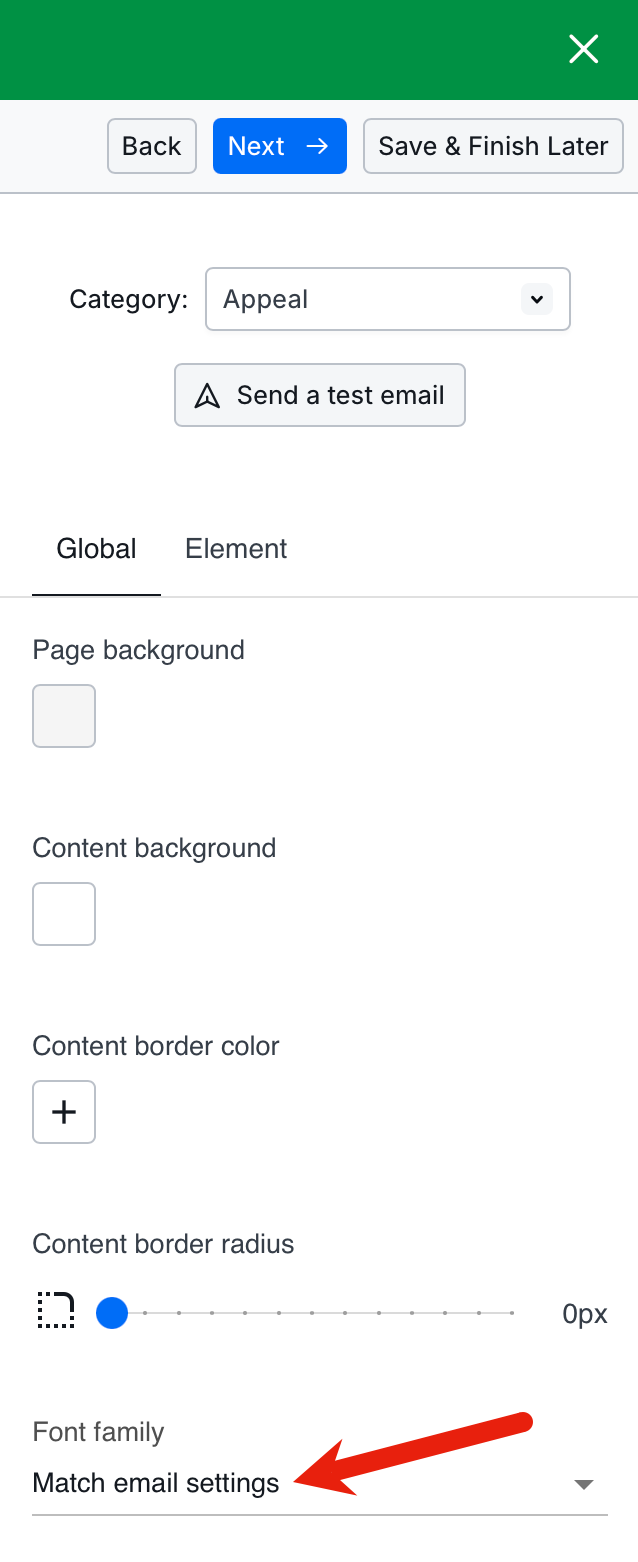
Font family in email preview does not match actual sent email
When the email font family was set to “Match email settings”, the font family used in the email did not consistently match the font in the sent email. This has been fixed.
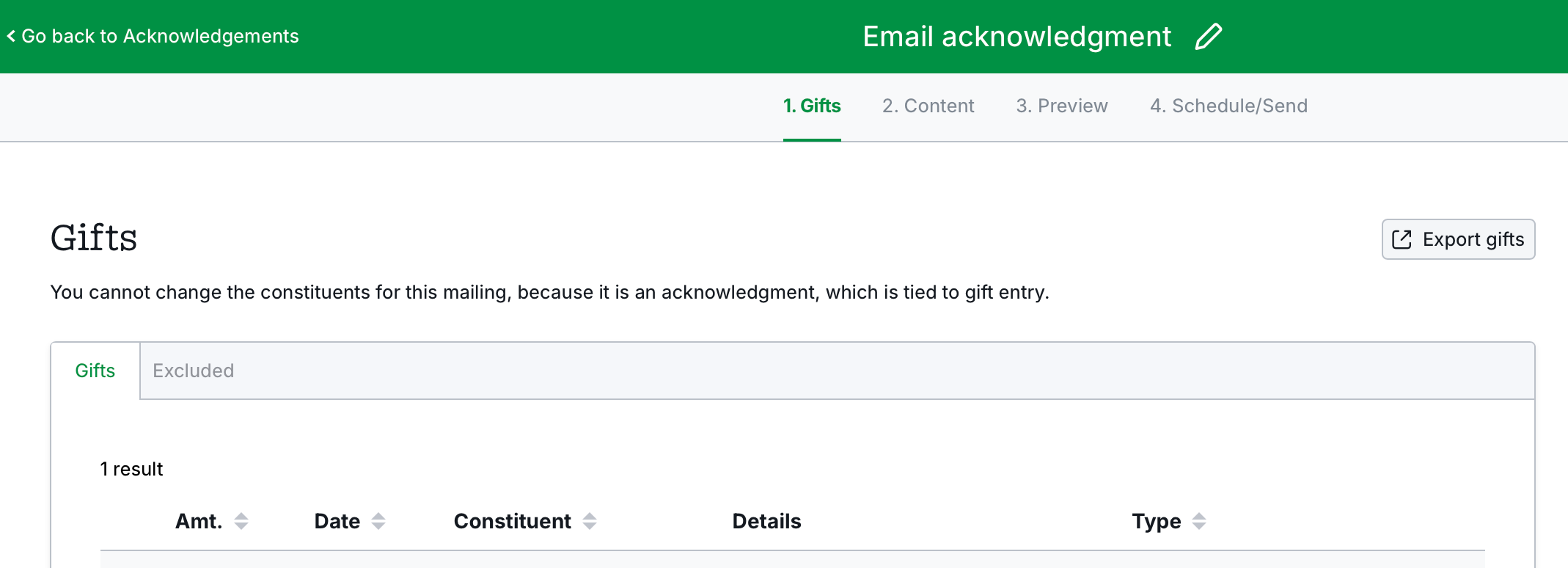
Acknowledgment email gift list doesn’t shrink columns evenly
In the acknowledgment email gift list, columns were not evenly narrower when the display required the columns to shrink. This has been fixed.
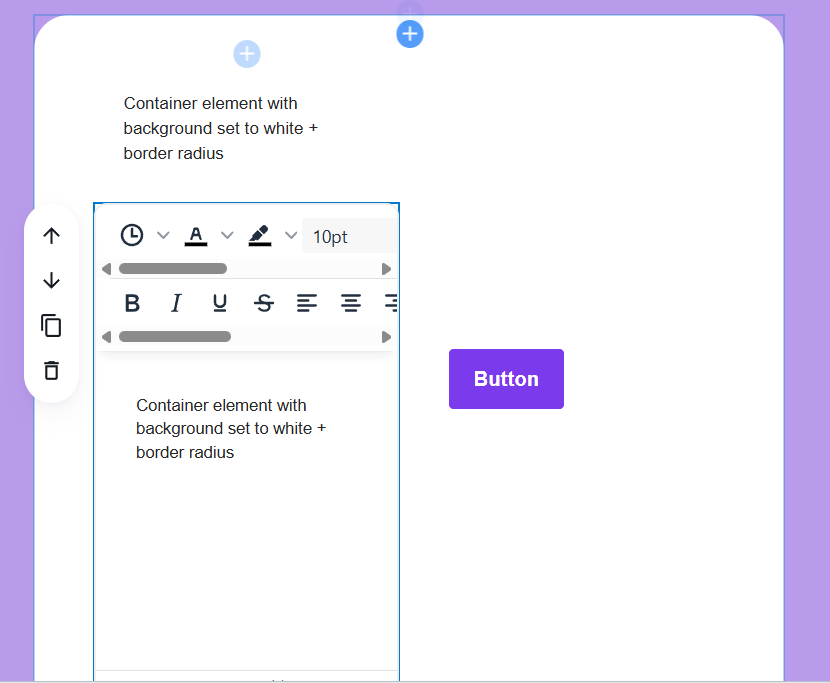
In the new email builder, when a button was cloned within a column element, the button was created at the top of the email. This has been fixed so the cloned element appears below the original.
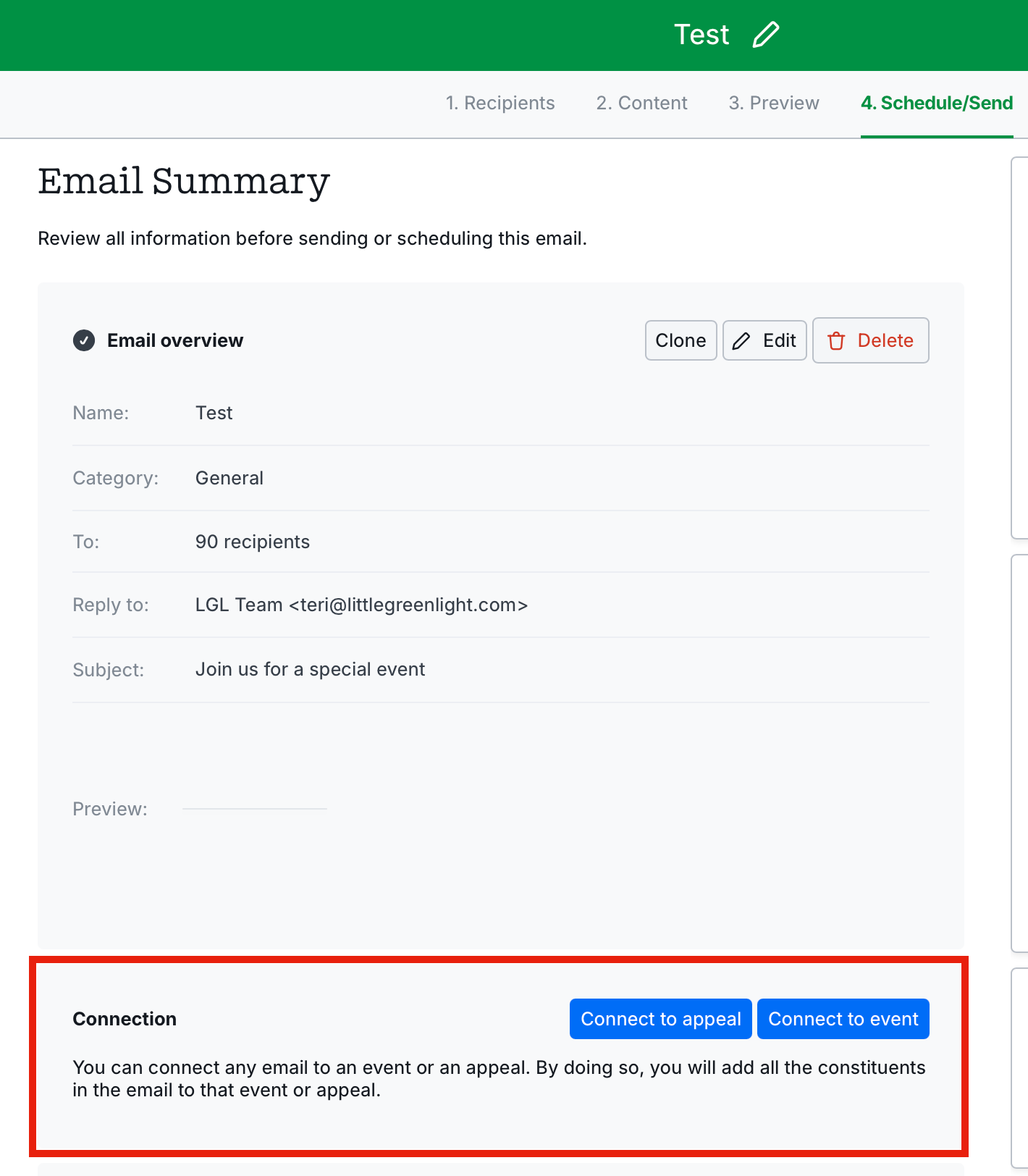
Connecting to appeal/event doesn’t add constituents to appeal/event
In the new email builder, connecting an email to an appeal/event previously didn’t add constituents to the appeal/event. This has been fixed.
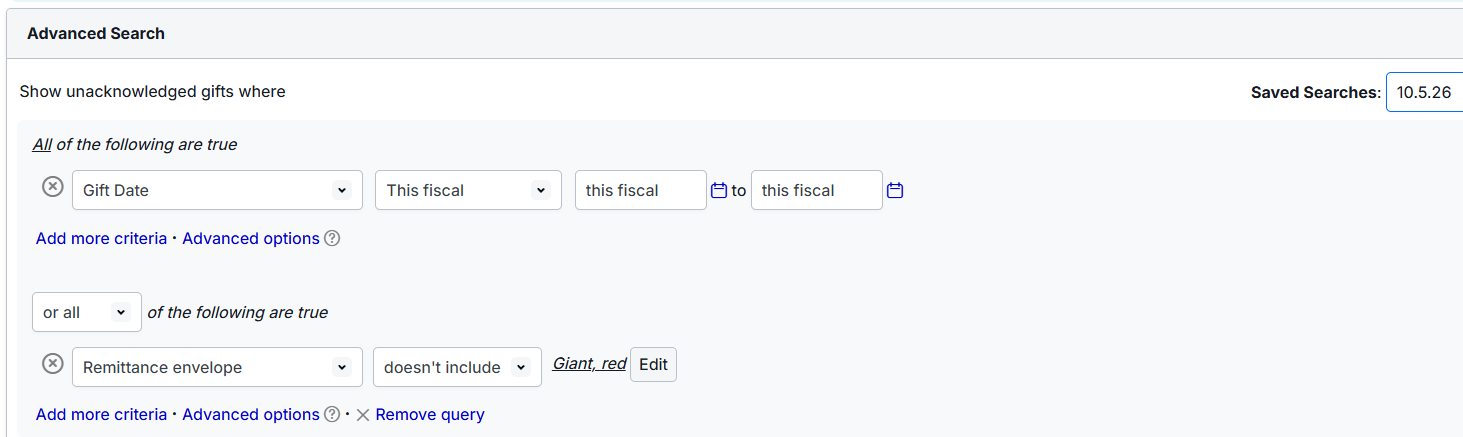
Saved search criteria incorrectly switching “does not include” to “includes”
Previously, there was an issue with some fields not displaying correctly on the Unacknowledged Gifts page when using a Saved Search. This has been fixed.
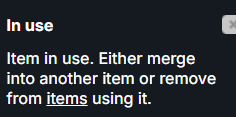
Clicking on unassigned gift category not pulling in any gifts
In Fundraising views, when a gift category that had been assigned to gifts was deleted, those gifts would then not display as unassigned in the Fundraising view (so that a different gift category could be assigned if desired). We have made an update so that any gift category that is still connected to an active gift record cannot be deleted.
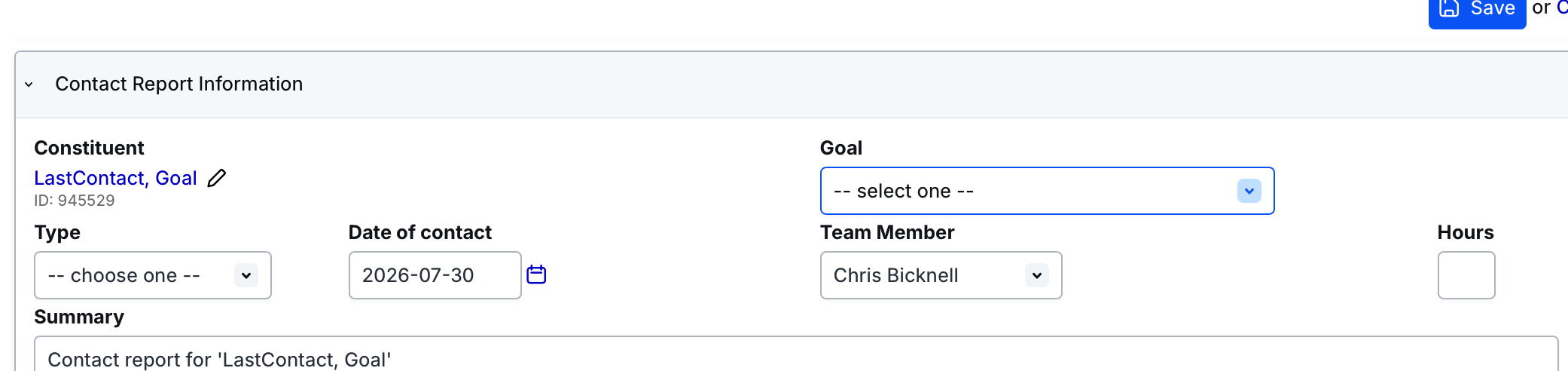
Adding a contact report to a goal not preselecting the goal
Previously, when a contact report was added to a goal, the goal was not consistently preselected in the contact report. This has now been fixed.
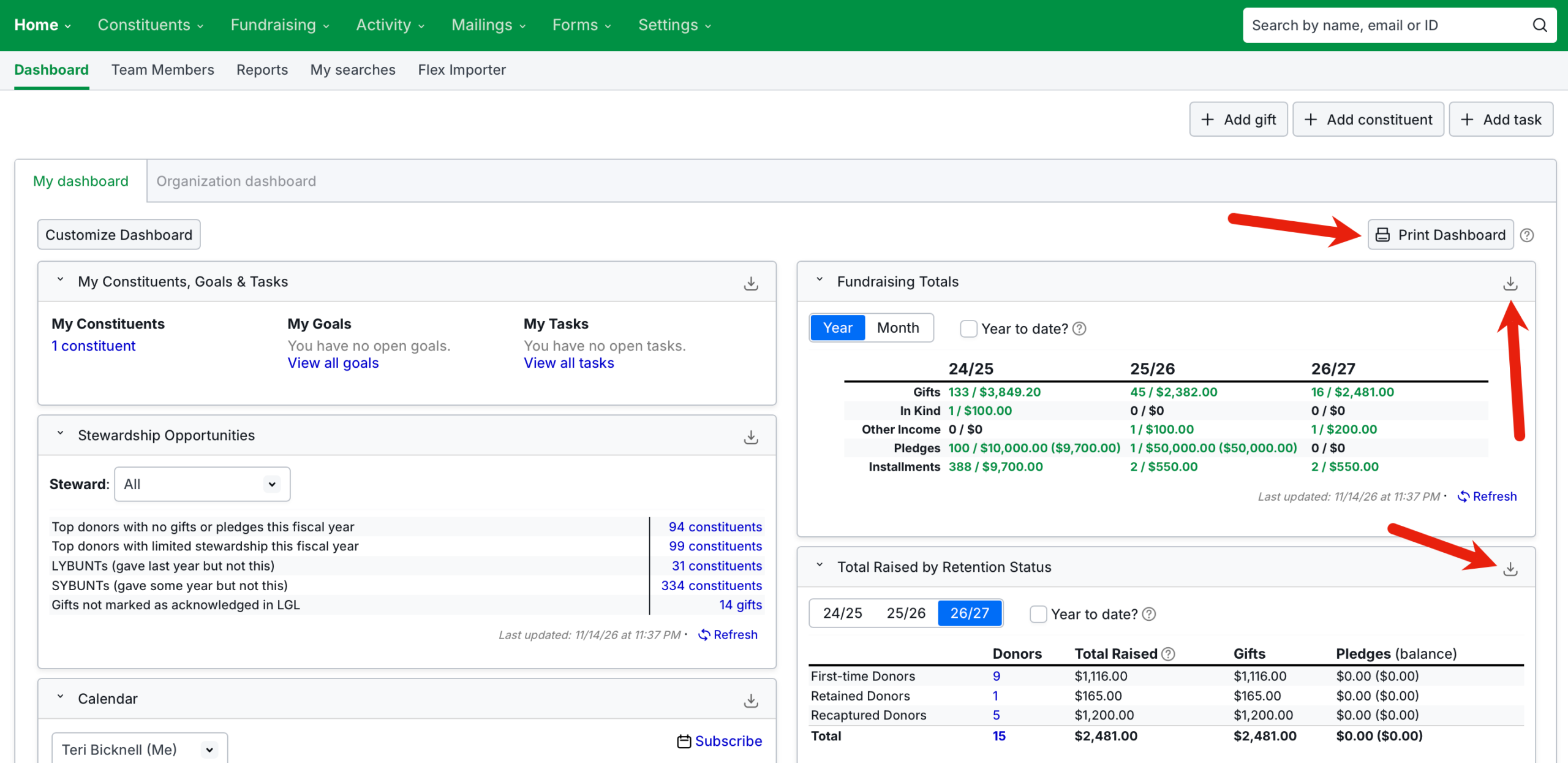
Dashboard widget image downloads throwing an error
Previously, some users were seeing an error when attempting to download dashboard widgets as JPEG/PNG files. This has now been fixed.
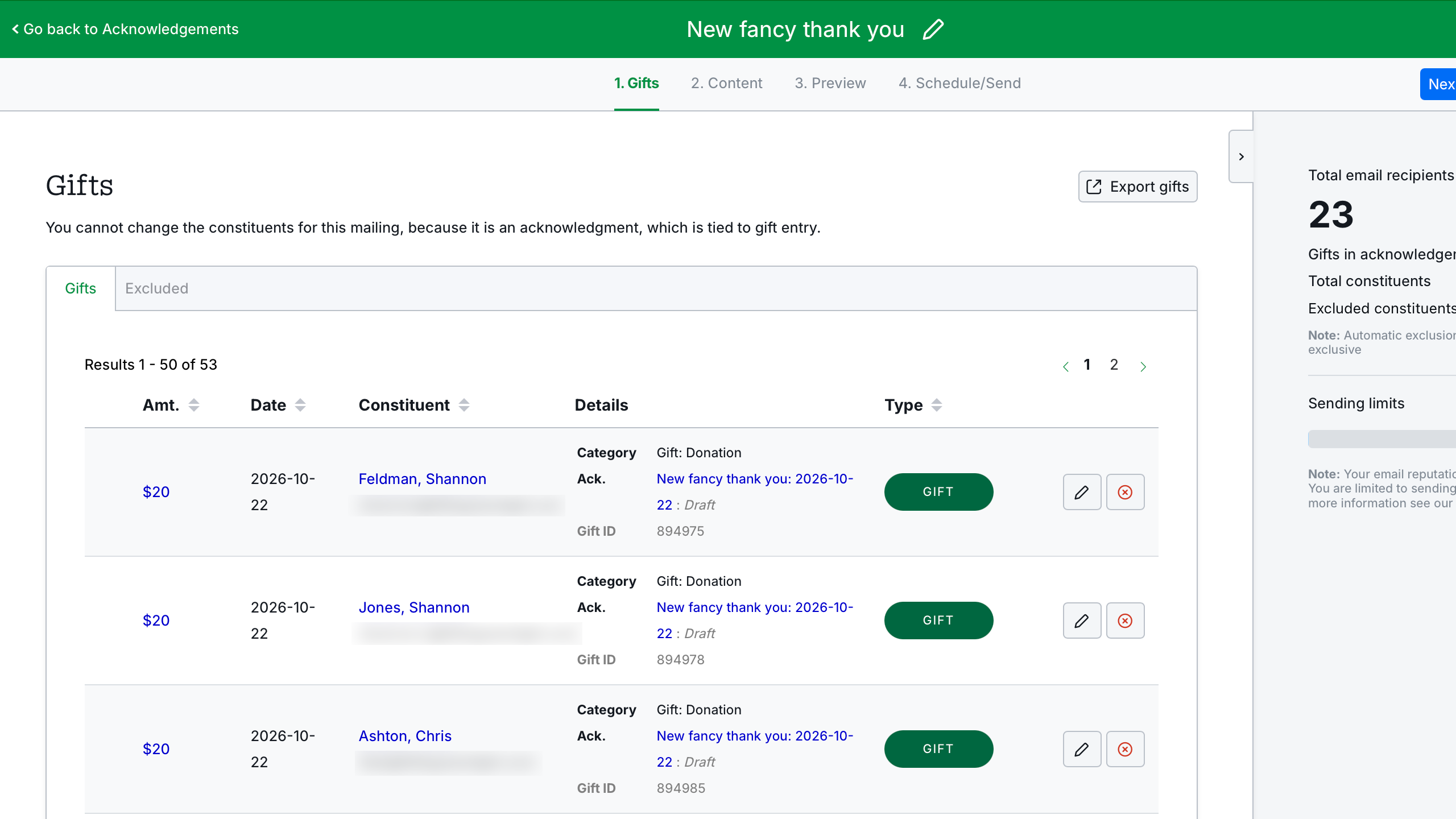
Not all gifts available to view in the Gifts tab of an acknowledgment email
Previously, when more than 50 gifts were assigned to an email acknowledgment draft, it was not possible to view them all because the pagination was missing on that page. The pagination is now available and the gifts can be scrolled through.
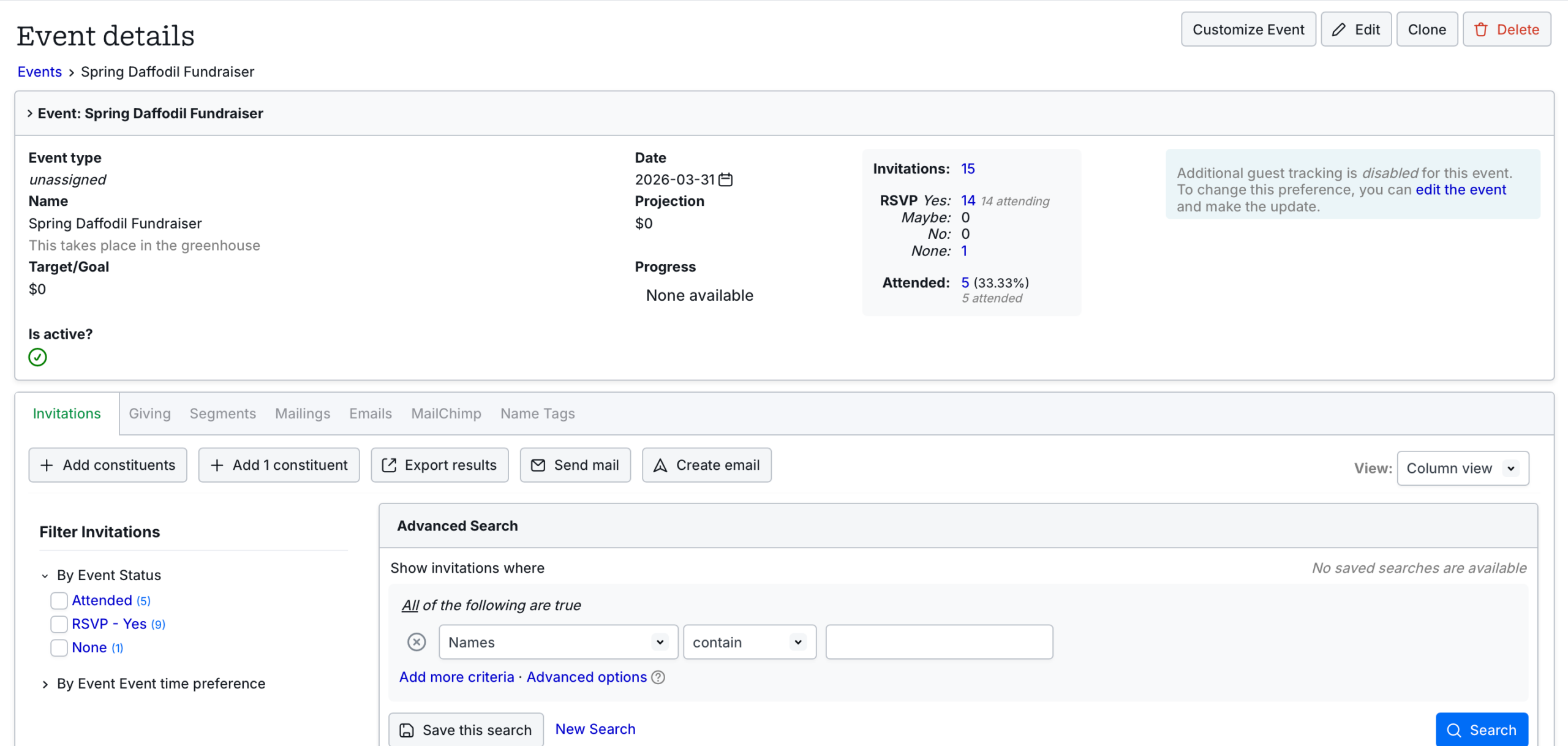
Event search returning inconsistencies when selecting constituents for a bulk update
In Column view only, when searching within an event there could be inconsistencies between the number of results returned and the number of constituents you could select for a bulk update. This has now been corrected.
Ability to enter “Other income” gift without assigning a constituent
Previously, it was possible to enter a gift with a gift type of “Other income” without being required to assign a constituent to the gift. This has now been fixed.
Removing photo from constituent details page not possible
Previously, it was not possible to remove a photo from the top section of a constituent record. We have made an update to fix this.
ID displaying in gifts/goals comprehensive export in instead of goal owner name
The owner column has been updated to use the team member name instead of the ID in the comprehensive export for the following gift-related csv files:
gift_gifts.csv
gift_goals.csv
gift_in_honor.csv
gift_in_kind.csv
gift_in_memory.csv
gift_matching.csv
gift_other_income.csv
gift_peer_credits.csv
gift_soft_credits.csv”
Summary of imported goals displaying inaccuracies
Previously, the summary for imported goals incorrectly included a preview of fields that were not related to the goal. This has been fixed.
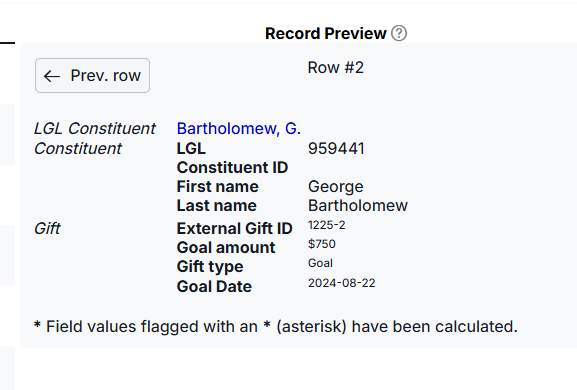
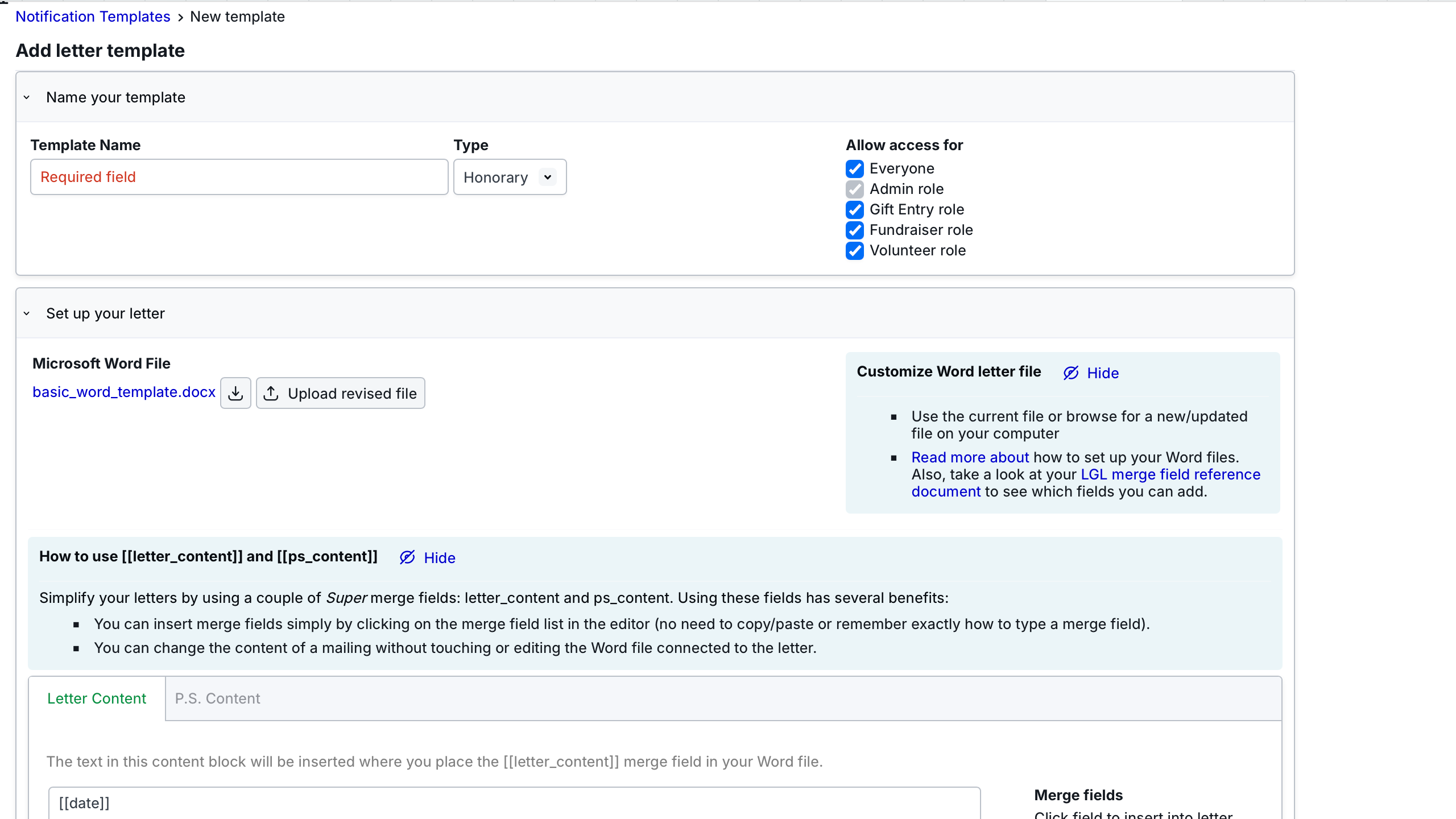
Generic instruction incorrect for tribute template notification
Previously, the generic instruction for the tribute template notification indicated that individual letters could be modified, which was not correct. We have updated the message for acknowledgment letters to clarify that while the user can customize individual letters for most acknowledgment letters after the template is merged with the population, this is not true for tribute letters.
Searching on email contact type inserts characters after search is rerun
When searching by email, phone number, or URL, if a search was rerun the criteria were automatically updated. We have added a fix so there is no update to the search criteria.
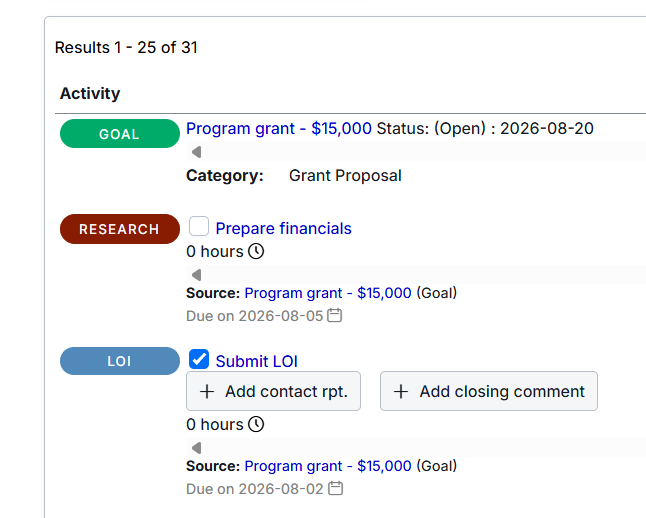
“Last contact” field in goal report incorrectly pulling in most recent task
Incomplete tasks were previously being included in the last contact search results. This was incorrect and has been updated.
Editing guest constituent within an event not occurring
Previously, If the wrong constituent was saved as an event guest and the user attempted to make an update by clicking “Actions > Edit event” in the guest record rather than editing the main invitation and deleting the original constituent, the update was not made. This has now been fixed.
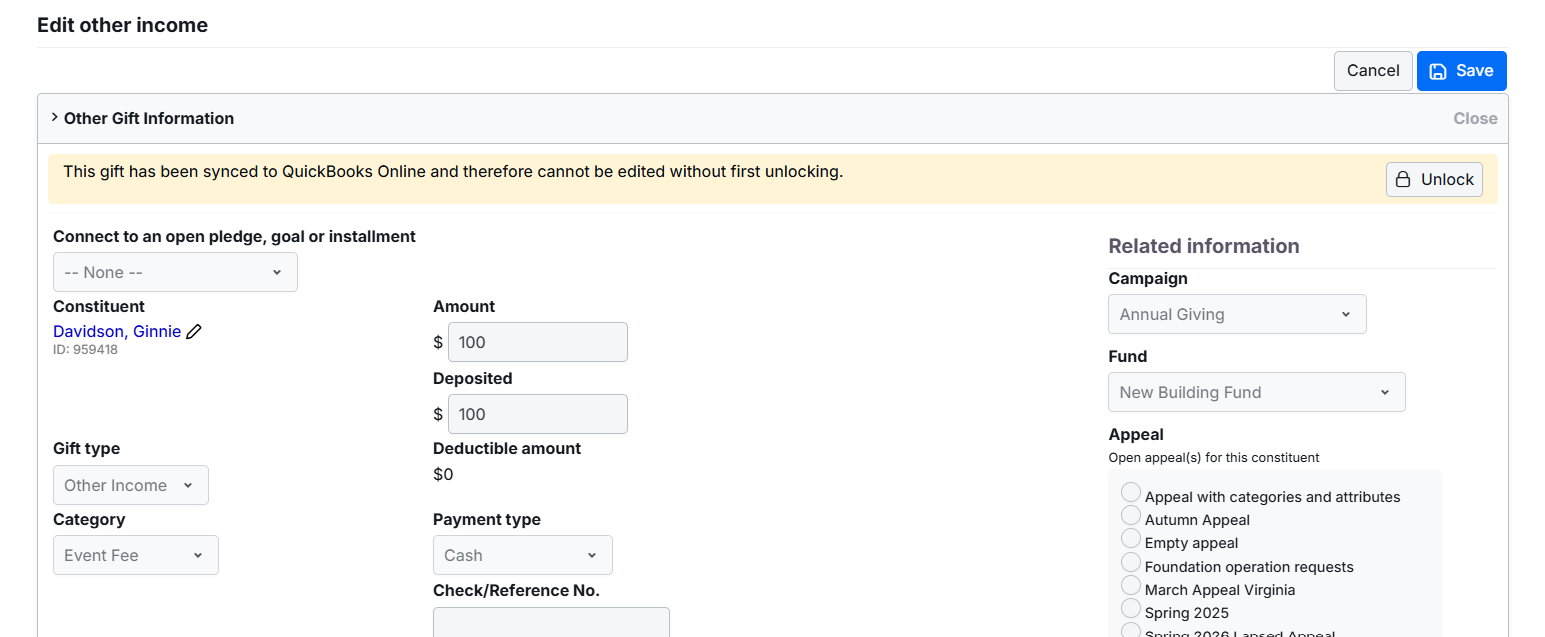
Gifts with type other than “Gift” updatable without being unlocked in QBO
Some users could update gifts synced with QuickBooks Online (QBO) without first unlocking the gift in QBO, if the gift had a type other than “Gift”. This has now been fixed.
Forms: Stripe enhanced checkout not rendering correct font
Previously, there were issues rendering specific fonts in the Stripe enhanced checkout. We have updated this so fonts should now render accurately.
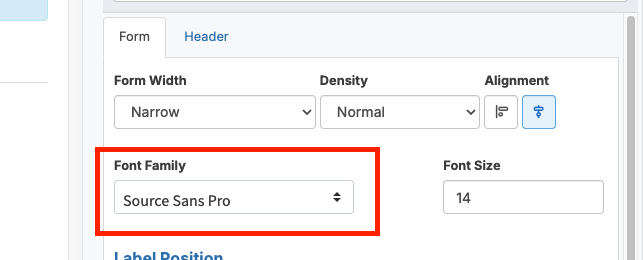
Forms: Formatting issue in multi-step forms using large font size and legacy Stripe integration
In Forms, fields for credit card data were being cut off in multi-step forms when using font size greater than 16px in combination with the legacy Stripe integration. This has been fixed.
Forms: Error in required Checkboxes field not being removed when option was unchecked then rechecked
In a multi-select Checkboxes form field, when the checkbox was checked and then unchecked an error was thrown, but checking the box again did not clear the error. This has been fixed.
Forms: Duplicated form displays header twice when converted to stepped form
In Forms, a duplicated form would display the header twice if it was turned into a stepped form. This has been corrected.
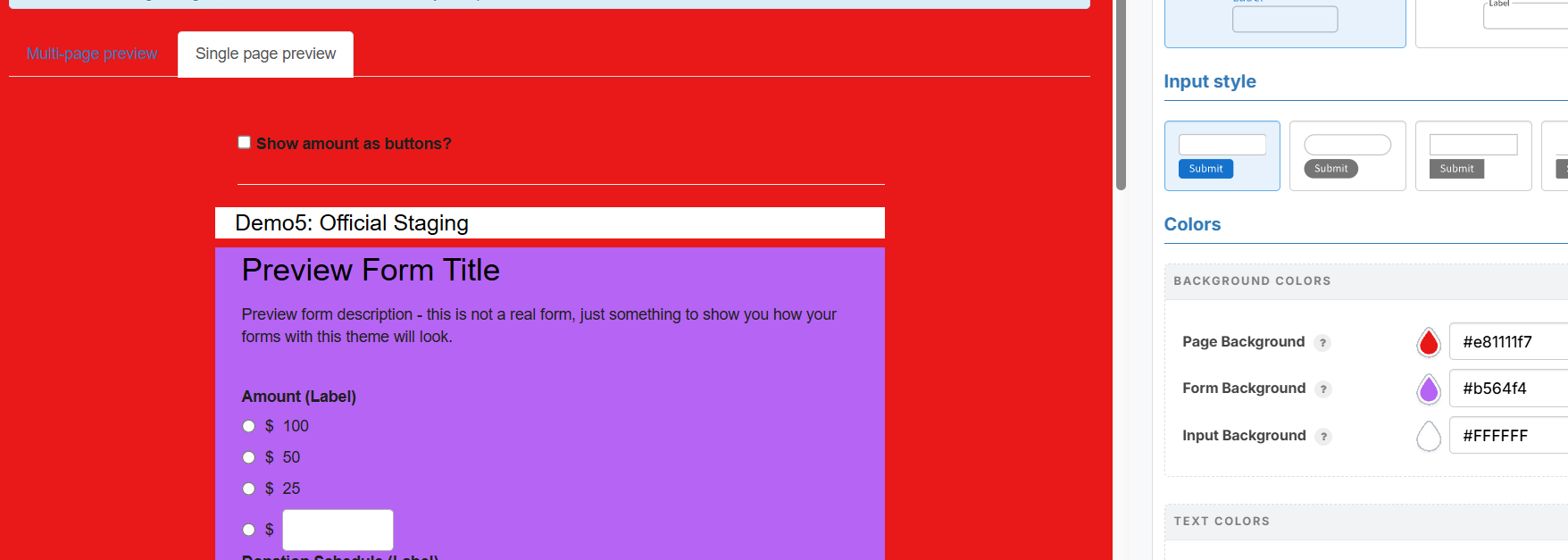
Forms: Enhanced theme not displaying form background color for single-page preview
In Forms, the single-page preview in Enhanced Themes previously did not display the form background color, only the page background color. This has been updated.
Forms: Field limit settings causing issues with display rules
In Forms, some field limits were causing issues with display rules. This has been fixed.
Forms: Amount label display text wrapping unexpectedly
In Enhanced Forms, there were issues with where the amount label text would wrap, breaking into a second line despite the formatting that had been set. This has been fixed.
In Forms, if a field label in Enhanced Themes was set to hidden, it was still displaying in the preview. This has now been fixed.
Forms: Enabling/disabling required option in a form’s first Amount field not behaving as expected
In Forms, the required option would previously revert to checked when the first Amount field was edited, regardless of what was last saved. The form label preview (with/without asterisk) was not being refreshed after the field was saved and the page had to be manually refreshed for the form label preview to update. This has been fixed.
Forms: Downloading documents from Forms submissions not occurring
In Forms, due to an error in the creation of links to documents, some users were unable to download documents from Forms submissions. This has been fixed.
Forms: Next step not loading at top of step in stepped form
In Forms, when a stepped form contained steps that were lengthy, the next step was not always loaded at the top of the step. We have updated this so that, after the user clicks “Next”, the next step loads at the top of the subsequent step.
Forms: Form display cut off on right side when reCaptcha V2 enabled
reCaptcha V2 requires a minimum 304px width. If the width of the container in an embedded form was too small, the right side of the reCaptcha would be cut off. This has now been fixed.
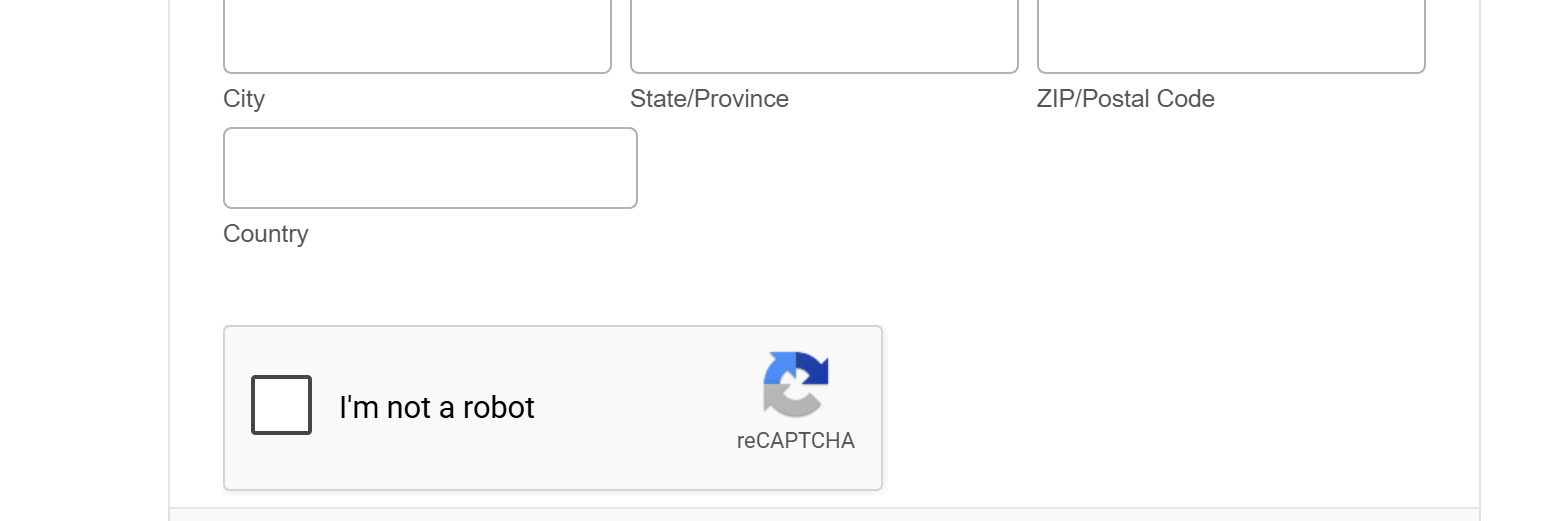
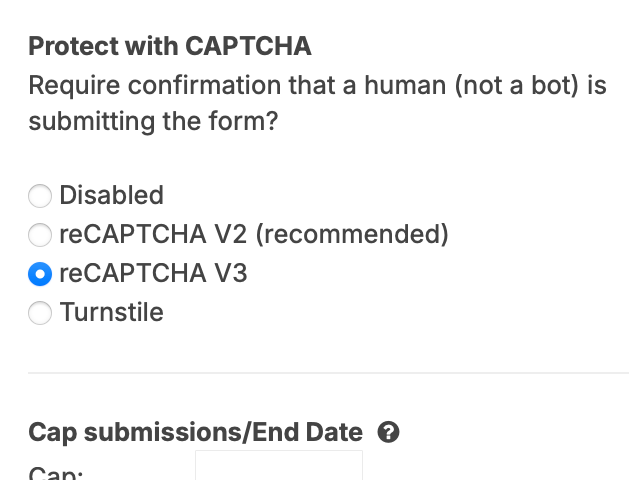
Forms: reCaptcha V3 not working for multi-step forms
In Forms, when using an enhanced theme, reCaptcha V3 was not working as expected. This has been fixed.
Forms: Hidden fields incorrectly allowed to be required
In Forms, hidden fields were previously allowed to be required, which was incorrect. We have made an update this so there is no longer a possibility.
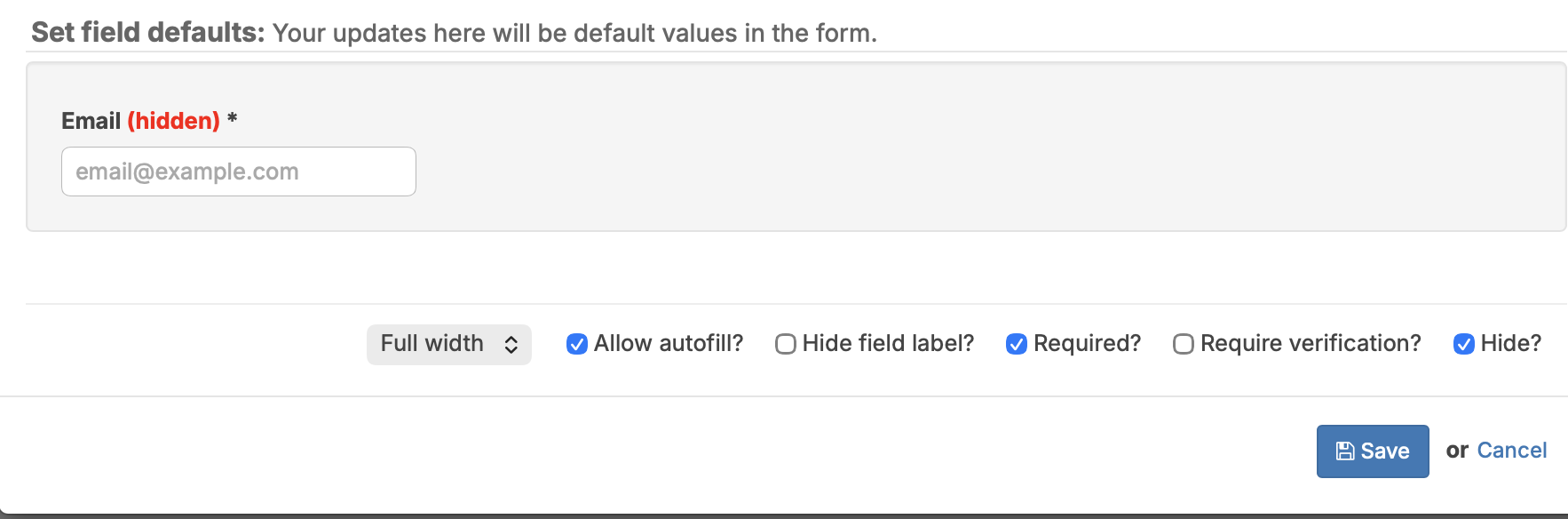
Forms: “Hidden” label not being displayed for all hidden form fields
In Forms, when using enhanced themes, labels were not consistently being hidden for all form fields when the “Hide?” option was enabled. This has now been fixed.
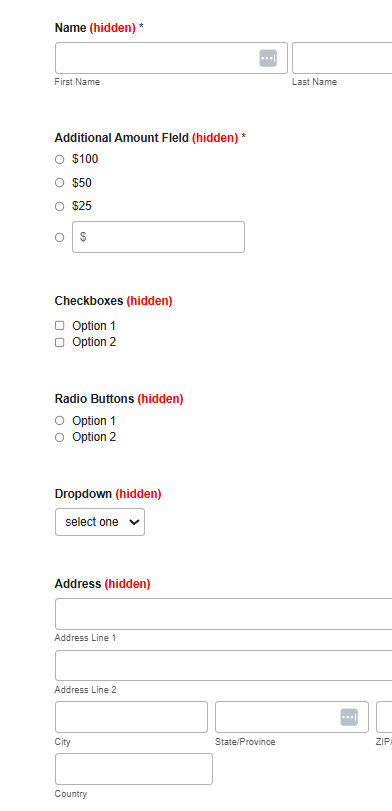
Forms: Forms using enhanced themes experiencing display issues on mobile devices
In Forms, when a form using enhanced themes was embedded in a website and the container it was embedded in was not wide enough for viewing on a mobile device, the form display was cut off on the right rather than shrinking to fit in the container. This has now been fixed.
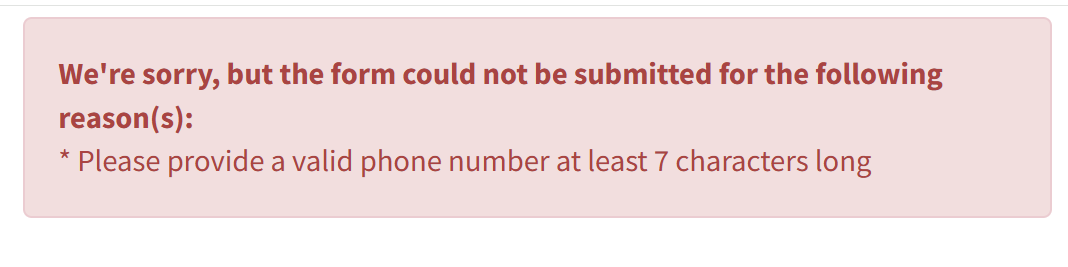
Forms: Minimum length set for the phone number field
In Forms, to prevent spam submissions using 4-digit phone numbers, the phone number field has been set to require a minimum of 7 digits. This applies to both enhanced theme and legacy forms.
Forms: Display rules not always working correctly with suggested custom amount fields
In Forms, display rules were not always working correctly when based on a suggested with custom amount field. This issue has now been fixed.
Forms: Using the conditional “any of” rule in “Amount – Quantity” field causing error
In Forms, performing searches in which using the conditional rule “any of” was combined with an “Amount – Quantity” field caused an error. This has now been fixed.
Forms: Characters in image file name causing issues
In Forms, when an image file name being uploaded into LGL Forms contained special characters such as a plus sign (+), the file would upload but not be accessible for use in confirmation emails or confirmation pages. This has now been fixed.
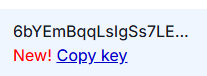
API: Issue when copying a new key
Some users were finding that, after generating a new API key, the “Copy key” link in the new row (marked New!) copied the previous API key instead of the most recently created one. This has now been fixed.

Ready to try LGL? Get your first 30 days free. No credit card required.