LGL Email
Design, Send, and Manage Emails in LGL
Donor Management and Email Capabilities - built to work hand-in-hand
Create segmented lists in LGL
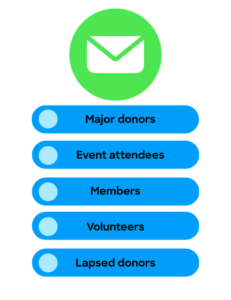
Ensure you send the right email - to the right person - every time, using targeted lists generated right from within Little Green Light using our powerful List Manager.
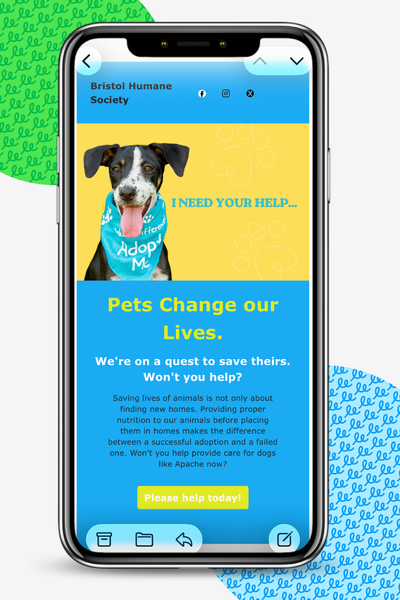
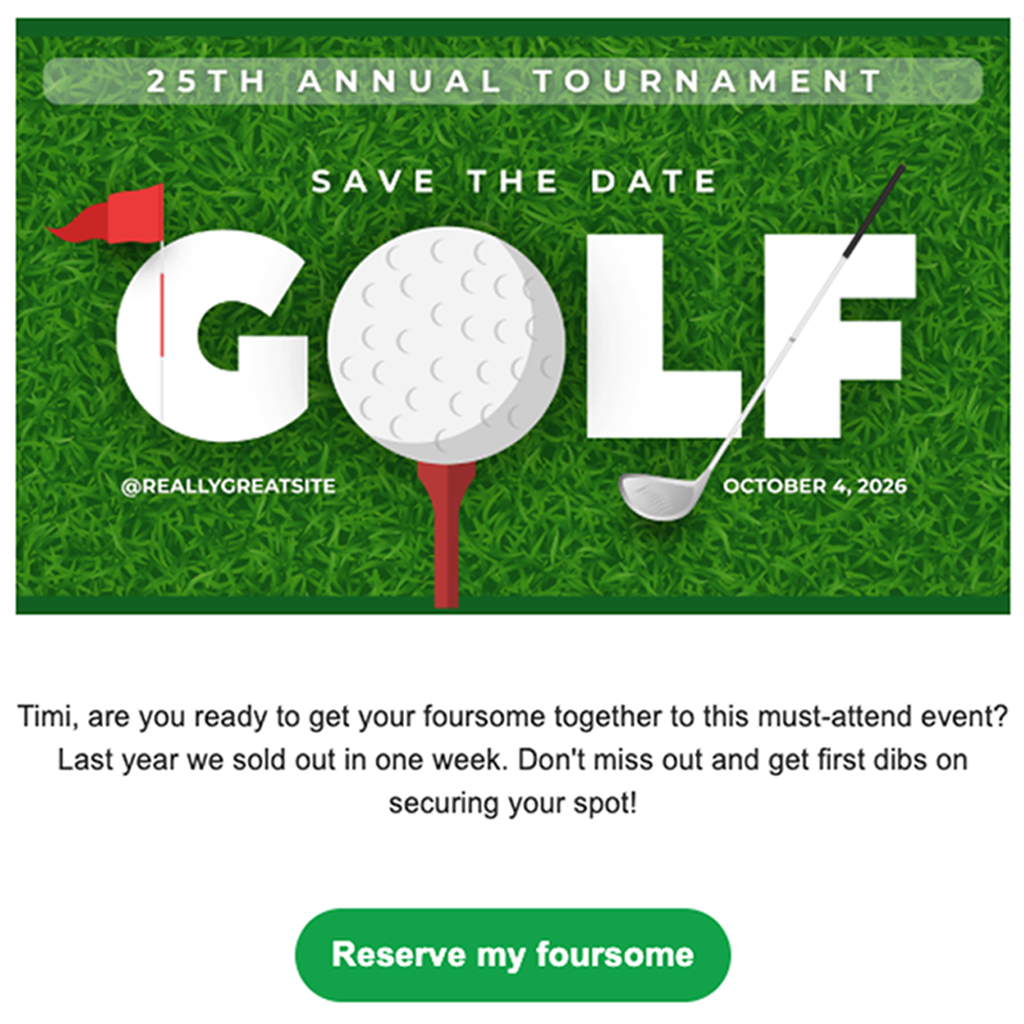
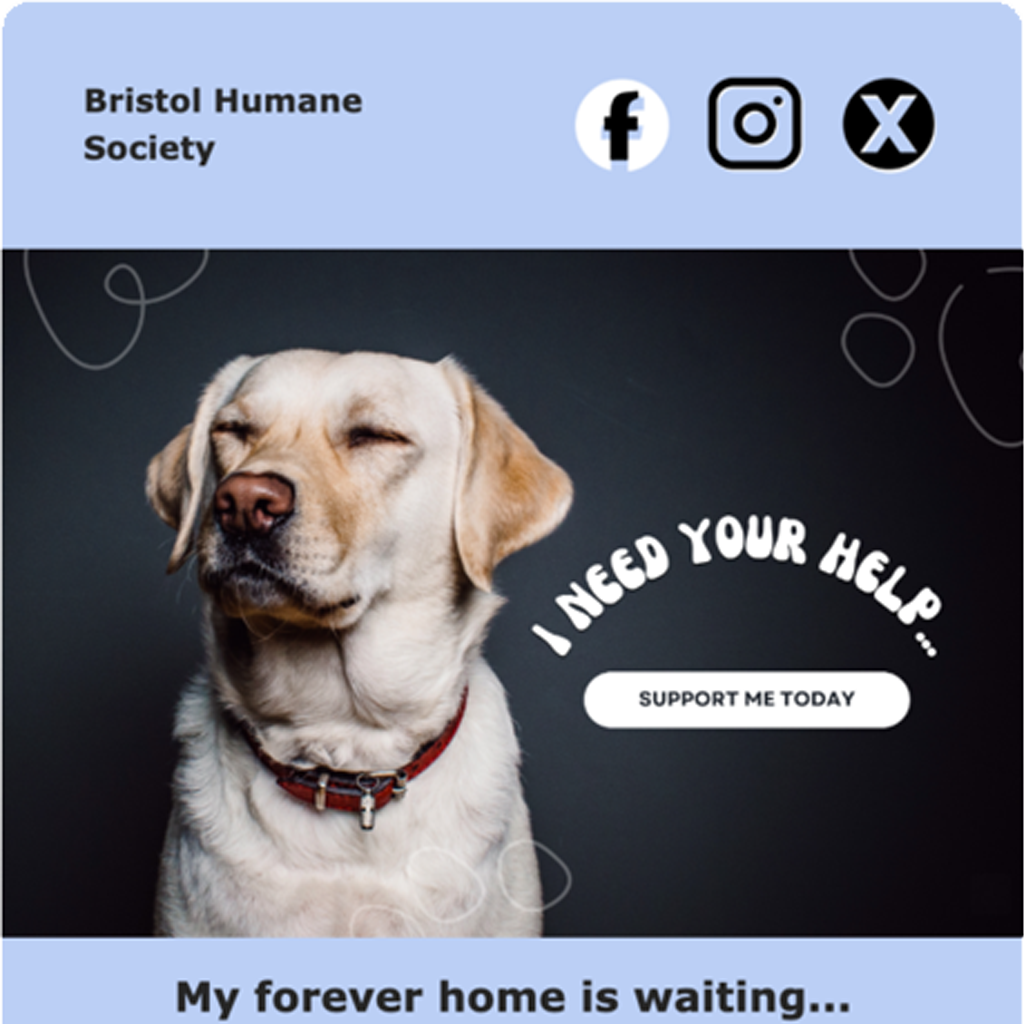
Design & send branded emails
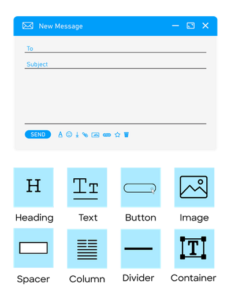
Use LGL Email Builder to add and arrange text, images, buttons, and other content blocks. Create engaging emails that reflect your organization's brand and inspire action.
Create segmented lists in LGL
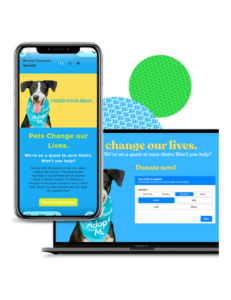
Drive engagement in your emails by linking directly to an LGL Form, making it easy to donate, register for events, submit volunteer hours and more.
With the LGL Email Builder you can create and send targeted, visually appealing emails.
Built-in tools include:
- Design settings: Tailor and arrange content blocks. Choose colors and fonts, add images and buttons and customize text.
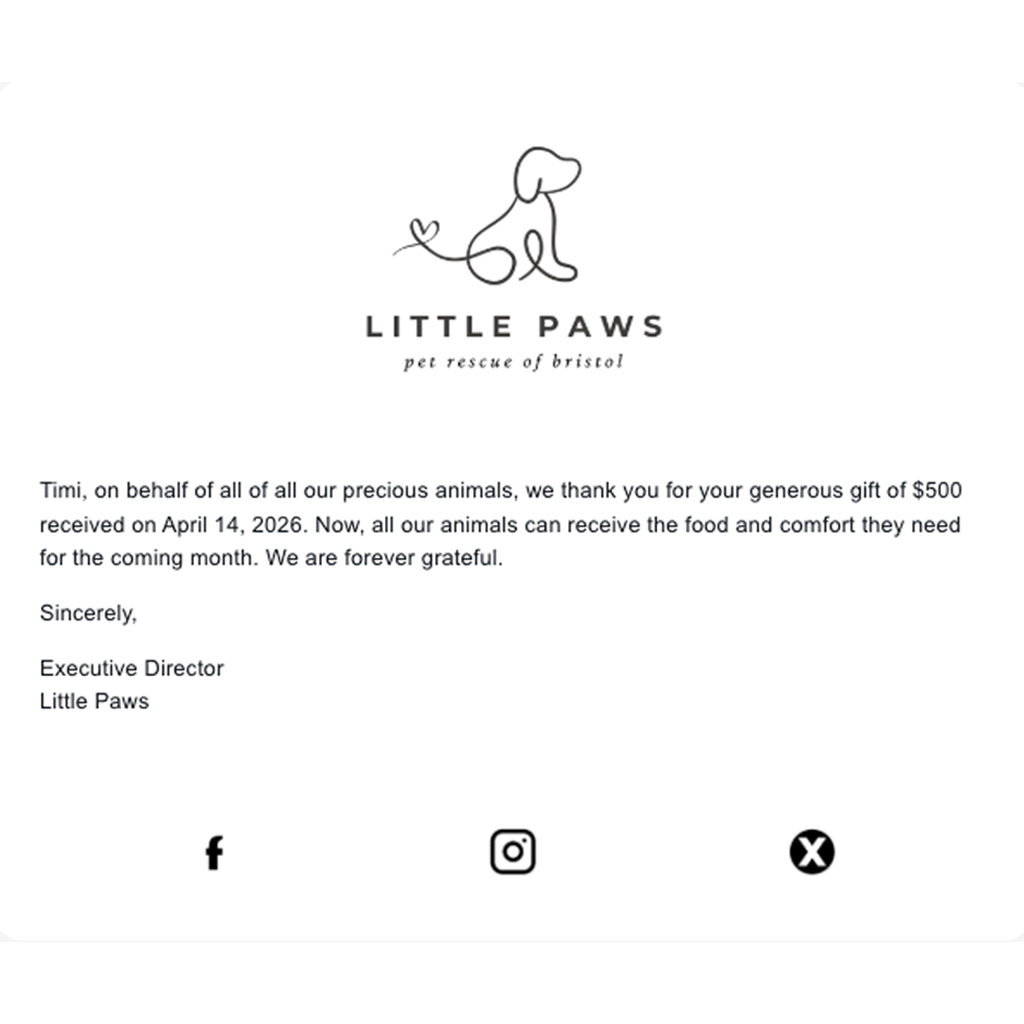
- Merge fields: Pull in data from LGL to personalize your email with salutations, gift amounts, and more.
- Template designs: Save design layouts as templates and re-use them to maintain brand consistency.
- Scheduling tools: Control when to send emails, based on your organization's timeline.
Can I see the open and click-through rates on emails sent with LGL Email?
Yes. After an email is sent, you can track key engagement metrics, including delivery rates, open rates, click rates for linked content, and failed delivery attempts. These insights help you understand how supporters are interacting with your emails and identify opportunities to improve future communications.
Are LGL Emails mobile-responsive?
Yes. The LGL Email Builder allows you to preview how your email will look on a mobile device, send test emails, and make any needed adjustments for readability before sending.
How many emails can I send per month?
Once you have activated LGL Email in your account(opens in new tab), you will be able to start sending emails(opens in new tab) immediately. Your reputation will need to be established before your email limit is raised.
Is LGL Email CAN-SPAM compliant?
Yes. You can create an opt-out form in LGL and include unsubscribe links in your emails, enabling compliance with CAN-SPAM requirements and honoring recipients' communication preferences.
How far in advance can I schedule emails?
LGL Email allows you to schedule messages up to 30 days in advance, provided the send time is at least one hour in the future.
Can I create and save reusable email templates?
Yes. You can create as many different email templates as you like. Save them with your preferred layouts, branding, and content structure, then re-use them whenever you create a new email.
Can I set up emails to be sent from my own domain?
If your organization owns a custom email domain, you can set that up to be used with LGL Email. Contact LGL Support for assistance.